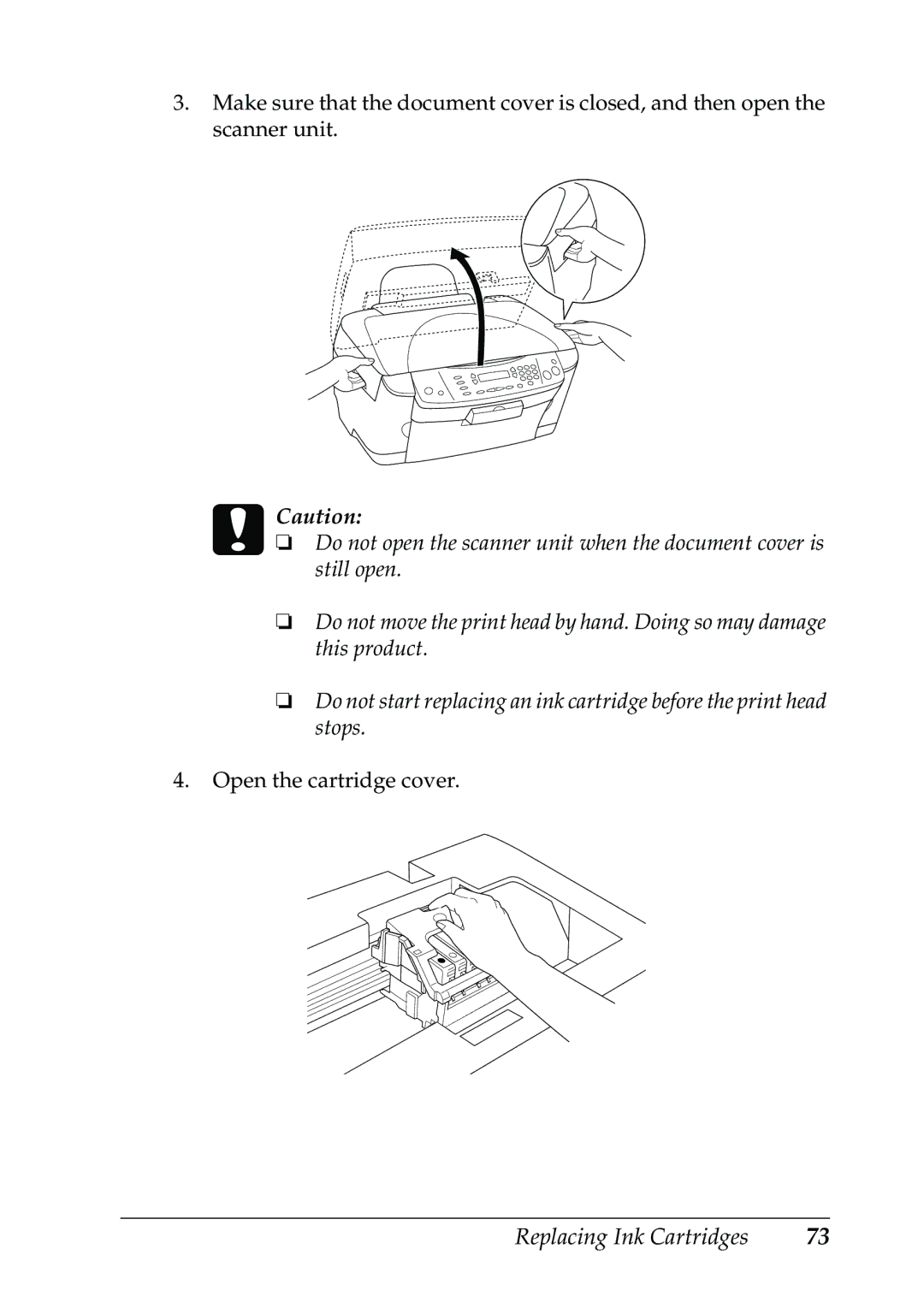
3.Make sure that the document cover is closed, and then open the scanner unit.
cCaution:
❏Do not open the scanner unit when the document cover is still open.
❏Do not move the print head by hand. Doing so may damage this product.
❏Do not start replacing an ink cartridge before the print head stops.
4.Open the cartridge cover.
Replacing Ink Cartridges | 73 |