Chapter 53
HowPresenceto Use the | Block list |
Telephone |
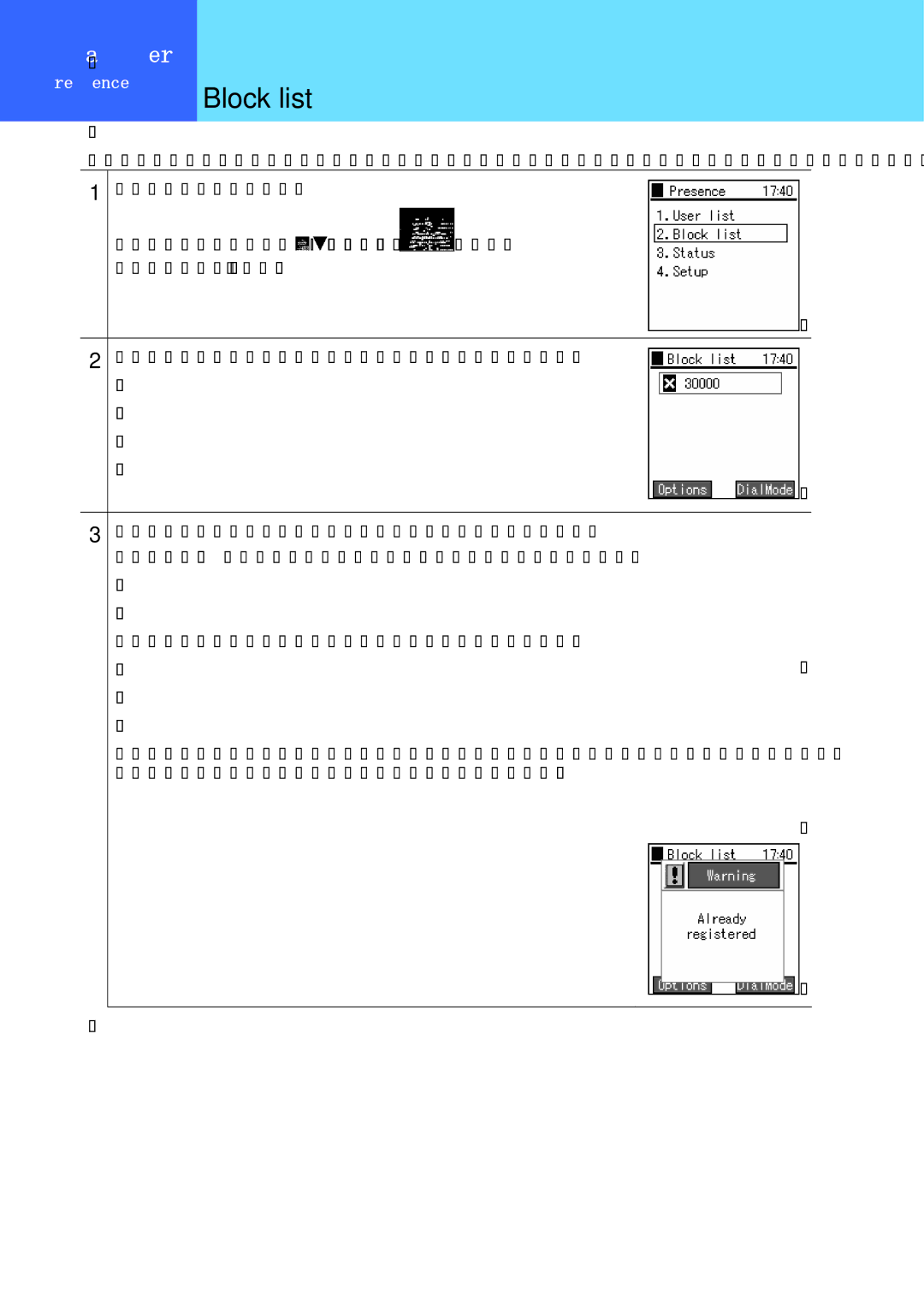
Displaying a list of users registered in the block list. Your status is not disclosed to users registered in the block list.
1
From the presence menu,
Select "2. Block list" using the 
 keys of the
 key,
key,
then press the  key.
key.
2
Displaying a list of users registered in the block list.
3
To add a user to the block list, from the user list screen,
press the  key to select the
Use the number pad to enter the user's telephone number.
If you try to input a user who is already registered, the "Already registered" message is displayed and the display returns to the input field.
-