Chapter 6
Other settings | Information display |
|
Information on the network can be checked.
1
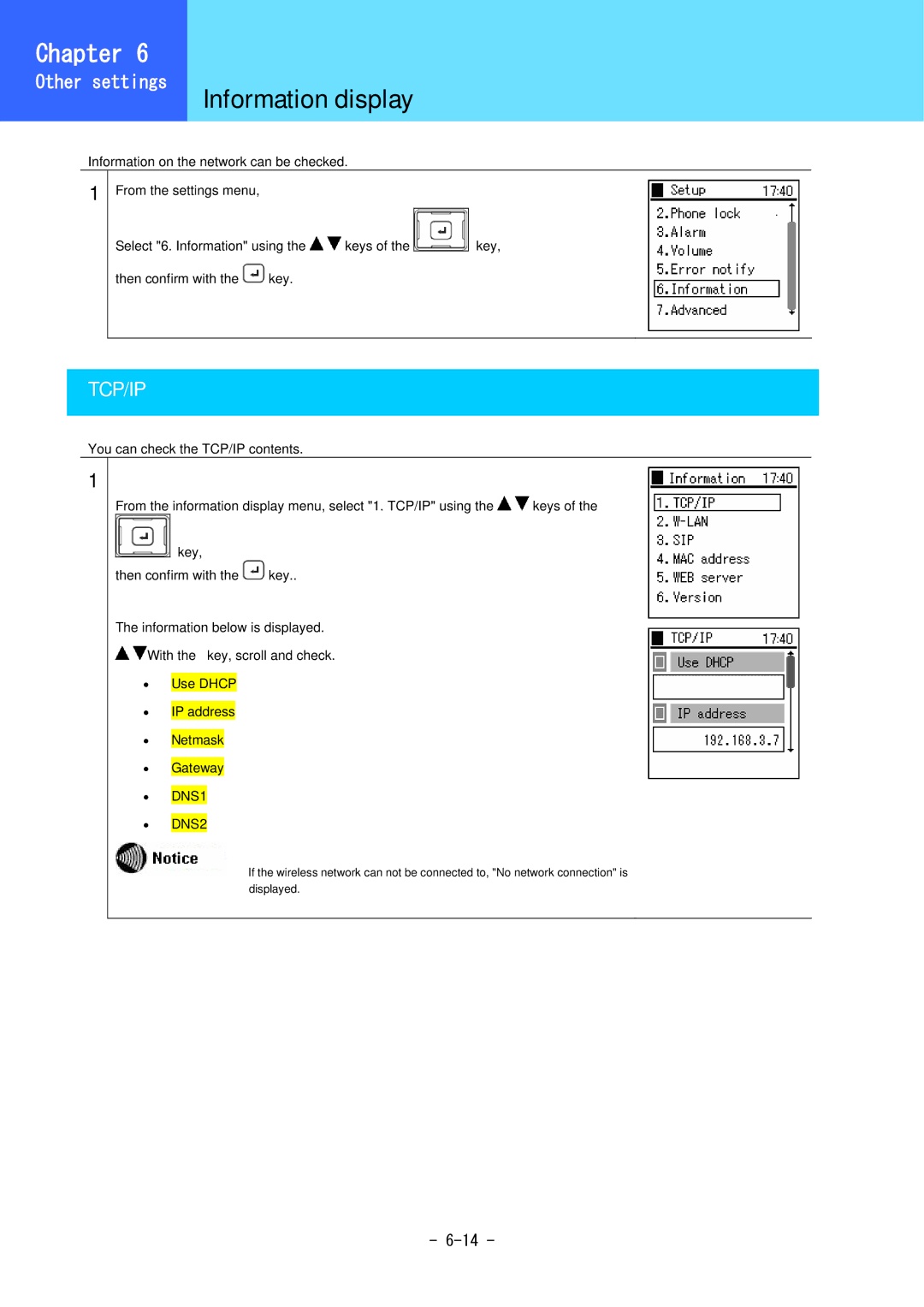
From the settings menu,
Select "6. Information" using the 
 keys of the

 key,
then confirm with the  key.
TCP/IP
You can check the TCP/IP contents.
1
From the information display menu, select "1. TCP/IP" using the 
 keys of the
key,
then confirm with the  key..
The information below is displayed.

 With the key, scroll and check.
•Use DHCP
•IP address
•Netmask
•Gateway
•DNS1
•DNS2
If the wireless network can not be connected to, "No network connection" is displayed.
-