HP ProtectTools features
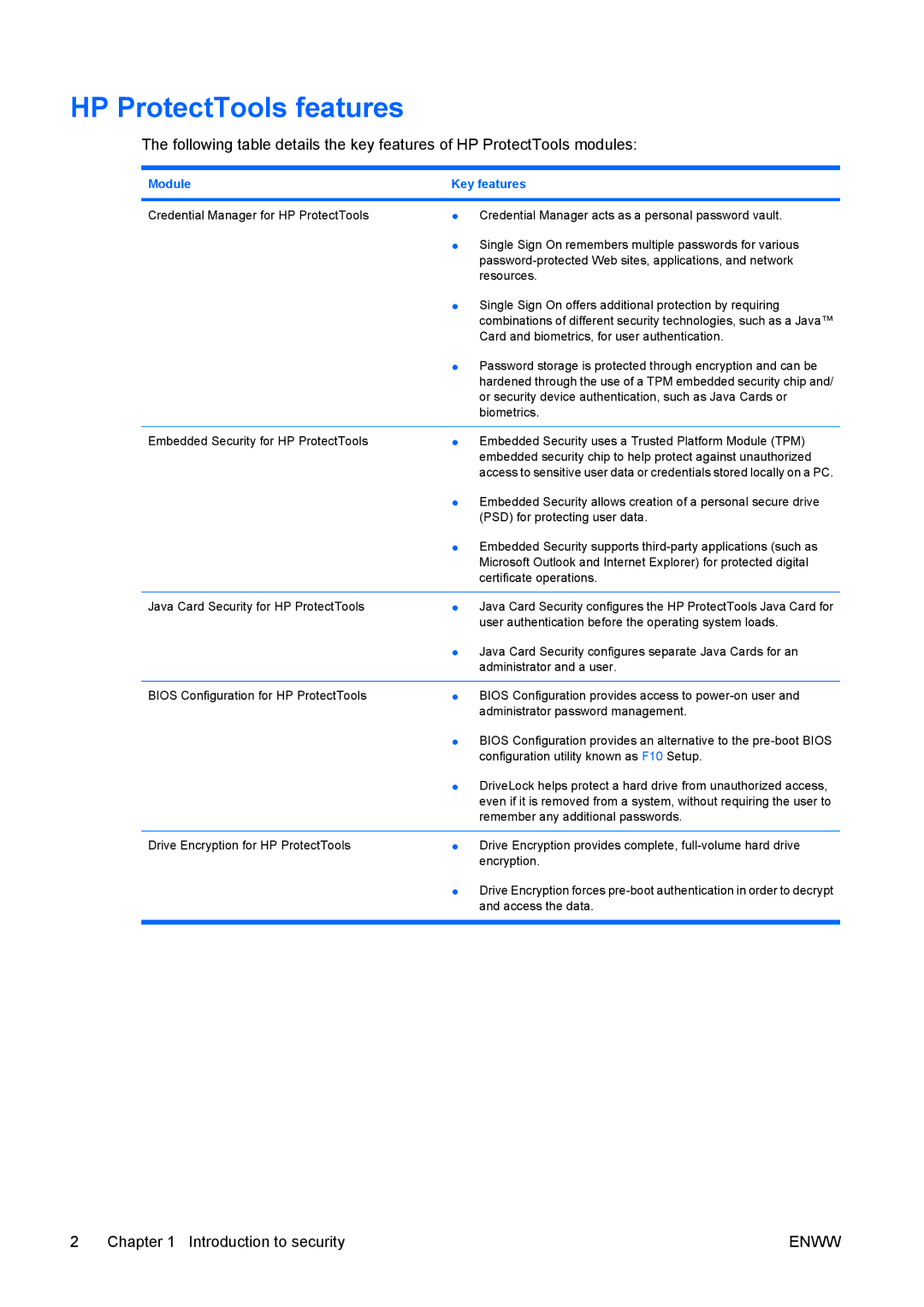
The following table details the key features of HP ProtectTools modules:
Module | Key features |
|
|
Credential Manager for HP ProtectTools | ● Credential Manager acts as a personal password vault. |
| ● Single Sign On remembers multiple passwords for various |
| |
| resources. |
| ● Single Sign On offers additional protection by requiring |
| combinations of different security technologies, such as a Java™ |
| Card and biometrics, for user authentication. |
| ● Password storage is protected through encryption and can be |
| hardened through the use of a TPM embedded security chip and/ |
| or security device authentication, such as Java Cards or |
| biometrics. |
|
|
Embedded Security for HP ProtectTools | ● Embedded Security uses a Trusted Platform Module (TPM) |
| embedded security chip to help protect against unauthorized |
| access to sensitive user data or credentials stored locally on a PC. |
| ● Embedded Security allows creation of a personal secure drive |
| (PSD) for protecting user data. |
| ● Embedded Security supports |
| Microsoft Outlook and Internet Explorer) for protected digital |
| certificate operations. |
|
|
Java Card Security for HP ProtectTools | ● Java Card Security configures the HP ProtectTools Java Card for |
| user authentication before the operating system loads. |
| ● Java Card Security configures separate Java Cards for an |
| administrator and a user. |
|
|
BIOS Configuration for HP ProtectTools | ● BIOS Configuration provides access to |
| administrator password management. |
| ● BIOS Configuration provides an alternative to the |
| configuration utility known as F10 Setup. |
| ● DriveLock helps protect a hard drive from unauthorized access, |
| even if it is removed from a system, without requiring the user to |
| remember any additional passwords. |
|
|
Drive Encryption for HP ProtectTools | ● Drive Encryption provides complete, |
| encryption. |
| ● Drive Encryption forces |
| and access the data. |
|
|
2 Chapter 1 Introduction to security | ENWW |