User Tools (Copier Features)
Settings You Can Change with the User Tools

 Reference
4
For details about how to access the user tools, see p.53 “Accessing the User Tools (Copier Features)”.
Copier Features
Menu | Description |
| |
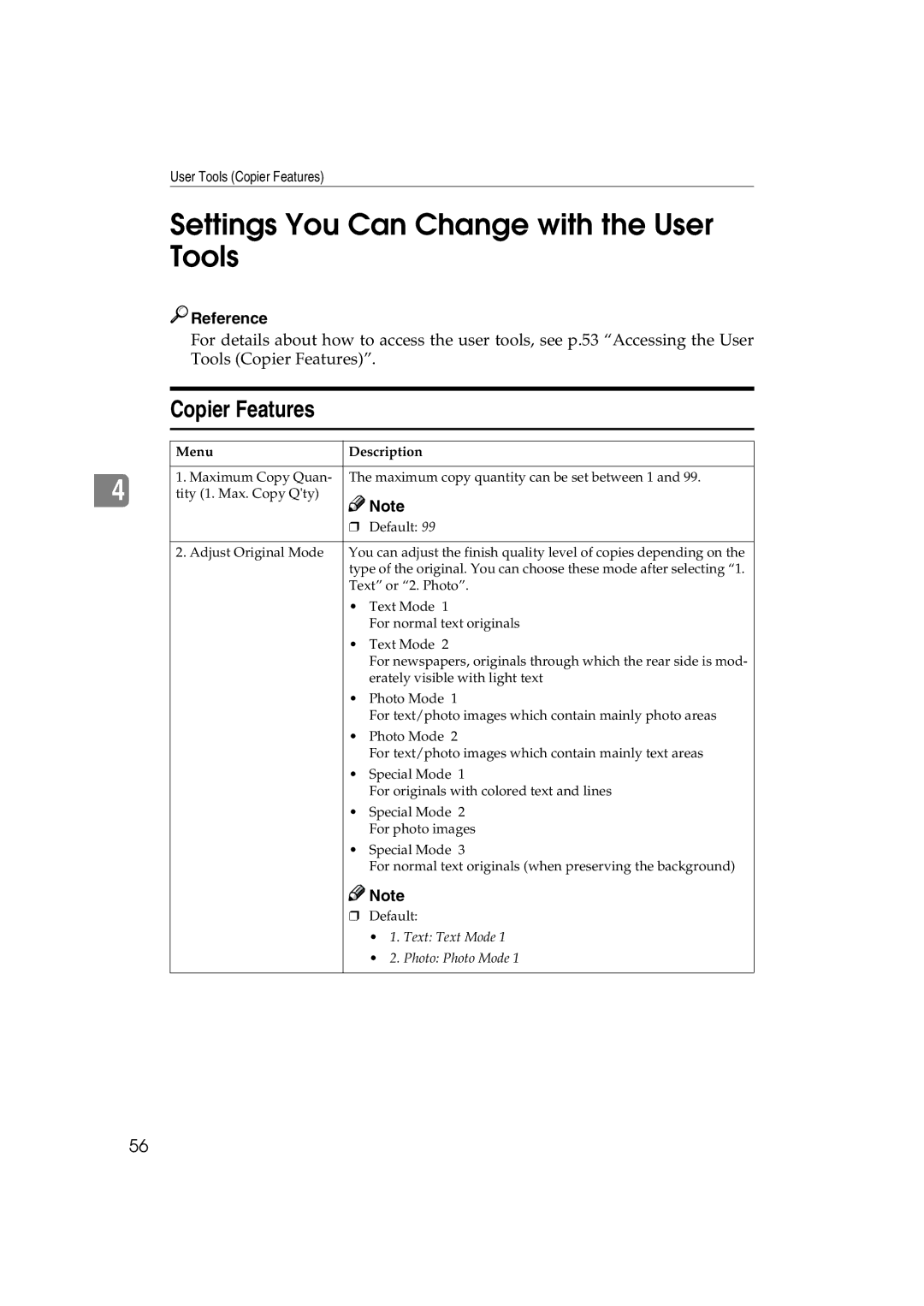
1. Maximum Copy Quan- The maximum copy quantity can be set between 1 and 99. | |
tity (1. Max. Copy Q'ty) | Note |
| |
❒Default: 99
2. Adjust Original Mode | You can adjust the finish quality level of copies depending on the | |
| type of the original. You can choose these mode after selecting “1. | |
| Text” or “2. Photo”. | |
| • | Text Mode 1 |
|
| For normal text originals |
| • | Text Mode 2 |
|
| For newspapers, originals through which the rear side is mod- |
|
| erately visible with light text |
| • | Photo Mode 1 |
|
| For text/photo images which contain mainly photo areas |
| • | Photo Mode 2 |
|
| For text/photo images which contain mainly text areas |
| • | Special Mode 1 |
|
| For originals with colored text and lines |
| • | Special Mode 2 |
|
| For photo images |
| • | Special Mode 3 |
|
| For normal text originals (when preserving the background) |

 Note
Note
❒Default:
•1. Text: Text Mode 1
•2. Photo: Photo Mode 1
56