Troubleshooting
How can I match a particular color (such as a color in a corporate logo)?
Occasionally, users have a need for the printed color of a particular object to closely match a specific color. A typical example of this is when a user is trying to match the color of a corporate logo. While instances can occur in which the printer cannot exactly reproduce the desired color, users should be able to identify adequate color matches for the majority of cases. The Color Samples menu item can provide useful information in helping to solve this particular type of color- matching problem.
The nine Color Samples values correspond to color conversion tables in the printer. Selecting any of the Color Samples values generates a
The user can examine the color samples pages and identify the box whose color is the closest to the desired color. If the user finds a box whose color is close to the desired color match, but the user would like to scan the colors in that area in more detail, then the user can access the Detailed Color Samples by using the printer Embedded Web Server interface, which is only available on network models.
The color combination labeled on the box can then be used for modifying the color of the object in a software application. The software application Help section provides instructions for modifying the color of an object. Manual Color Correction may be necessary to utilize the selected color conversion table for the particular object.
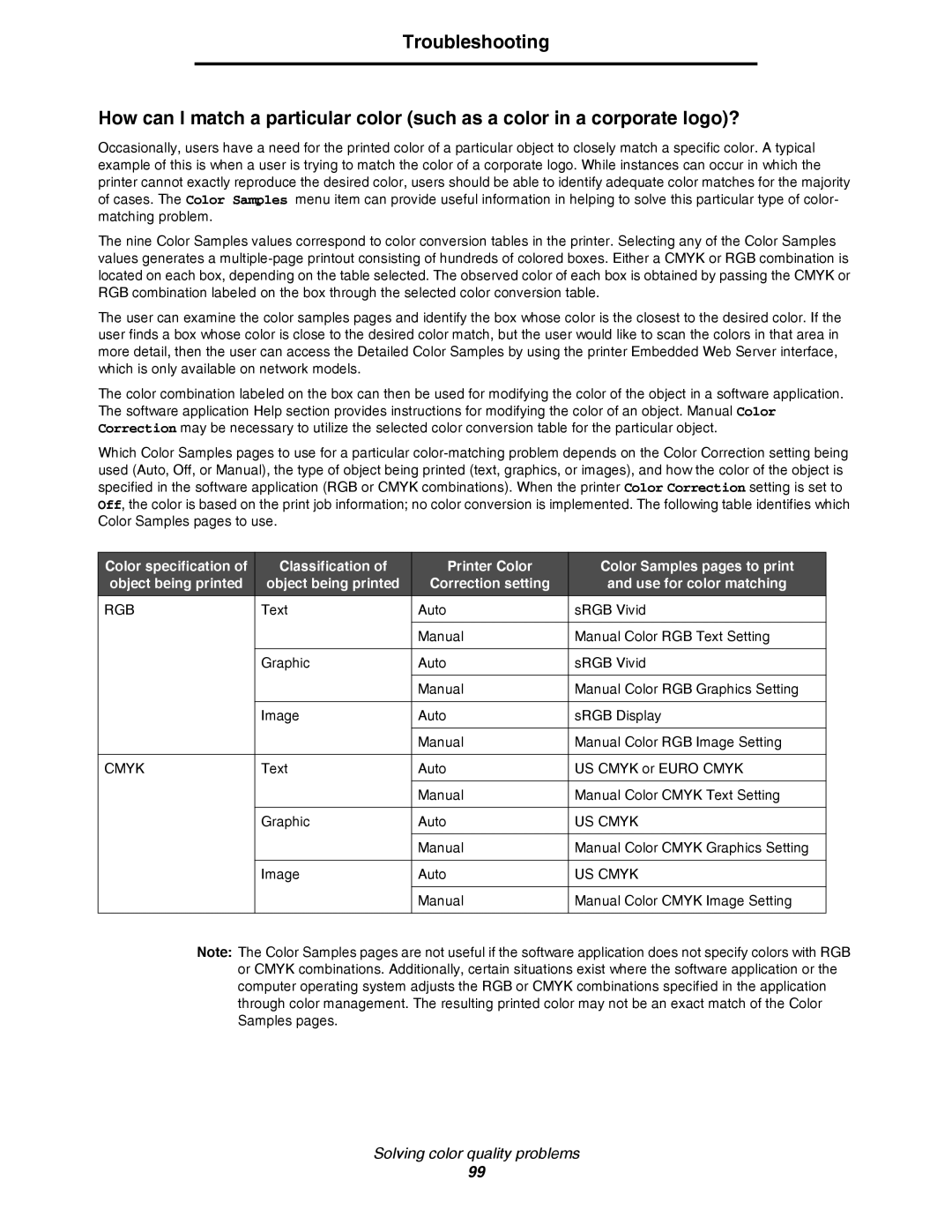
Which Color Samples pages to use for a particular
Color specification of | Classification of | Printer Color | Color Samples pages to print |
object being printed | object being printed | Correction setting | and use for color matching |
RGB | Text | Auto | sRGB Vivid |
|
|
|
|
|
| Manual | Manual Color RGB Text Setting |
|
|
|
|
| Graphic | Auto | sRGB Vivid |
|
|
|
|
|
| Manual | Manual Color RGB Graphics Setting |
|
|
|
|
| Image | Auto | sRGB Display |
|
|
|
|
|
| Manual | Manual Color RGB Image Setting |
|
|
|
|
CMYK | Text | Auto | US CMYK or EURO CMYK |
|
|
|
|
|
| Manual | Manual Color CMYK Text Setting |
|
|
|
|
| Graphic | Auto | US CMYK |
|
|
|
|
|
| Manual | Manual Color CMYK Graphics Setting |
|
|
|
|
| Image | Auto | US CMYK |
|
|
|
|
|
| Manual | Manual Color CMYK Image Setting |
|
|
|
|
Note: The Color Samples pages are not useful if the software application does not specify colors with RGB or CMYK combinations. Additionally, certain situations exist where the software application or the computer operating system adjusts the RGB or CMYK combinations specified in the application through color management. The resulting printed color may not be an exact match of the Color Samples pages.
Solving color quality problems
99