CHAPTER 7. Ошибка! Стиль не определен.
7.2 Connecting Additional Equipment
This section describes how to connect optional equipment, such as Music on Hold(MOH)/Background Music(BGM) sources, external page devices and common bells, to the OfficeServ 7100 system.
7.2.1 Connecting MOH/BGM Equipment
The OfficeServ 7100 system offers music when while on hold.
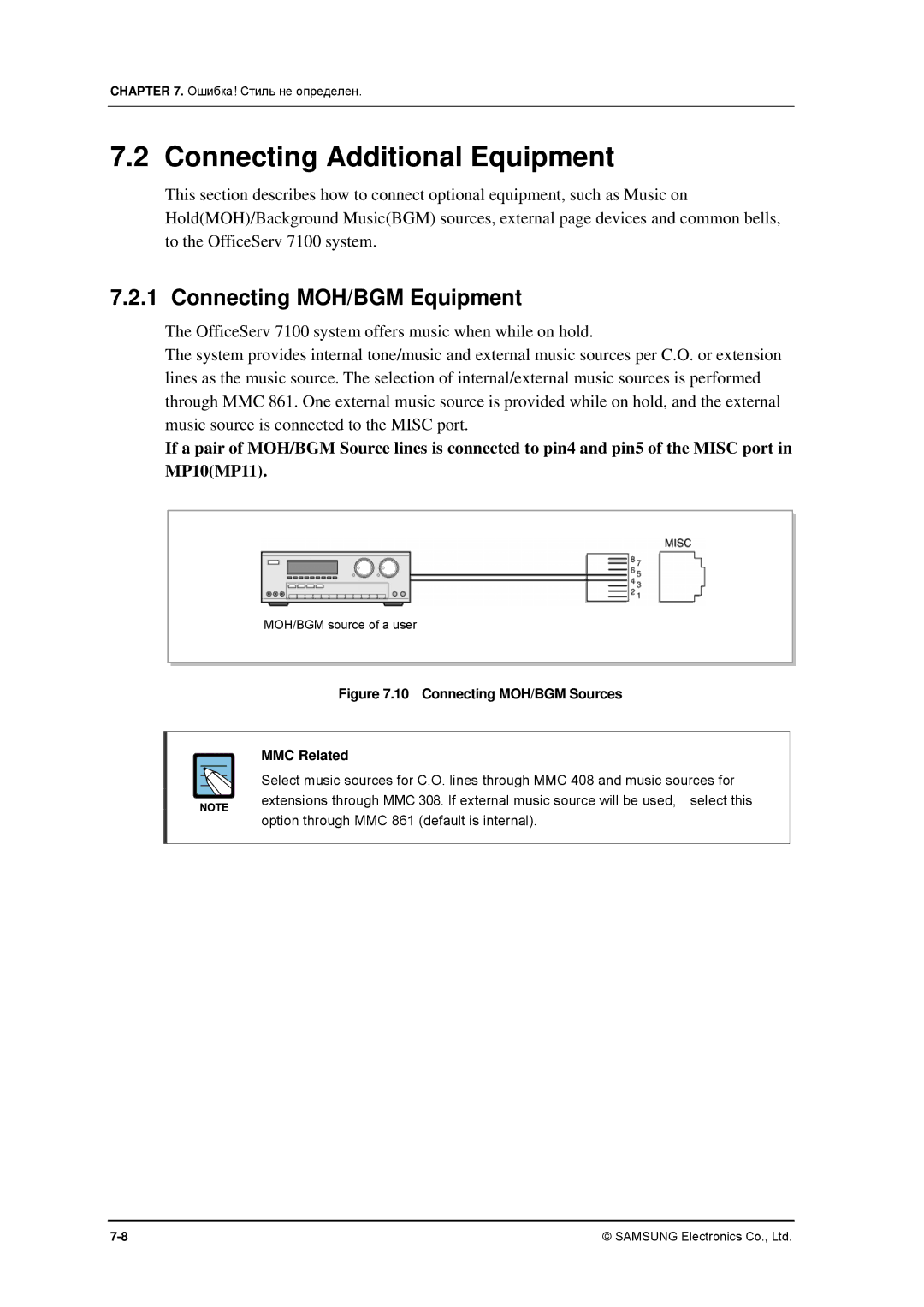
The system provides internal tone/music and external music sources per C.O. or extension lines as the music source. The selection of internal/external music sources is performed through MMC 861. One external music source is provided while on hold, and the external music source is connected to the MISC port.
If a pair of MOH/BGM Source lines is connected to pin4 and pin5 of the MISC port in MP10(MP11).
MOH/BGM source of a user
Figure 7.10 Connecting MOH/BGM Sources
MMC Related
Select music sources for C.O. lines through MMC 408 and music sources for extensions through MMC 308. If external music source will be used, select this option through MMC 861 (default is internal).
© SAMSUNG Electronics Co., Ltd. |