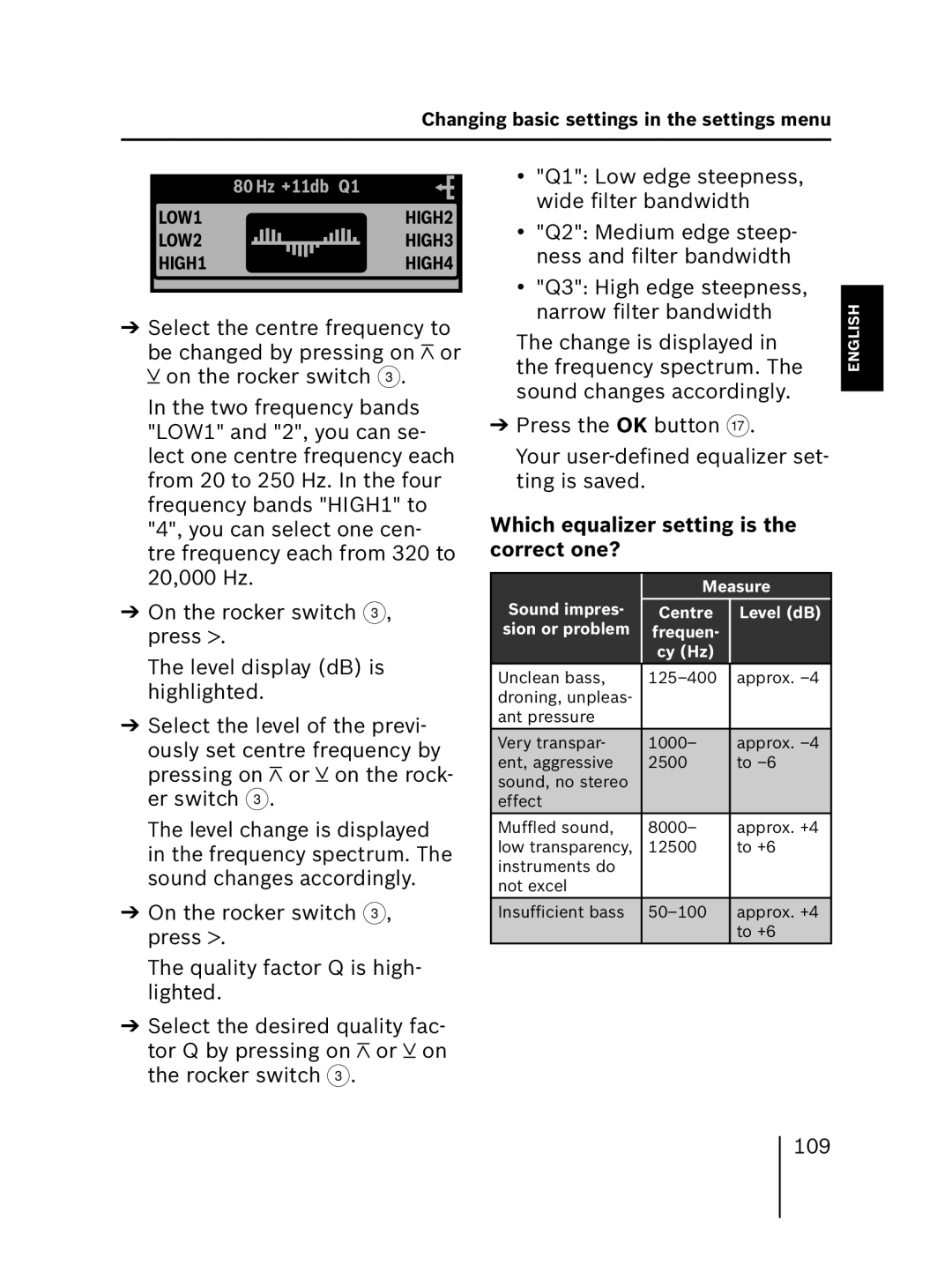
Changing basic settings in the settings menu
80 Hz +11db Q1
LOW1HIGH2
LOW2  HIGH3
HIGH3
HIGH1HIGH4
➔Select the centre frequency to
be changed by pressing on  or
or  on the rocker switch 3.
In the two frequency bands "LOW1" and "2", you can se- lect one centre frequency each from 20 to 250 Hz. In the four frequency bands "HIGH1" to "4", you can select one cen- tre frequency each from 320 to 20,000 Hz.
➔On the rocker switch 3, press  .
.
The level display (dB) is highlighted.
➔Select the level of the previ- ously set centre frequency by
pressing on  or
or  on the rock- er switch 3.
The level change is displayed in the frequency spectrum. The sound changes accordingly.
➔On the rocker switch 3, press  .
.
The quality factor Q is high- lighted.
➔Select the desired quality fac-
tor Q by pressing on  or
or  on the rocker switch 3.
•"Q1": Low edge steepness, wide filter bandwidth
•"Q2": Medium edge steep- ness and filter bandwidth
•"Q3": High edge steepness, narrow filter bandwidth
The change is displayed in the frequency spectrum. The sound changes accordingly.
➔Press the OK button A.
Your
Which equalizer setting is the correct one?
| Measure | |
Sound impres- | Centre | Level (dB) |
sion or problem | frequen- |
|
| cy (Hz) |
|
Unclean bass, | approx. | |
droning, unpleas- |
|
|
ant pressure |
|
|
Very transpar- | 1000– | approx. |
ent, aggressive | 2500 | to |
sound, no stereo |
|
|
effect |
|
|
Muffled sound, | 8000– | approx. +4 |
low transparency, | 12500 | to +6 |
instruments do |
|
|
not excel |
|
|
Insufficient bass | approx. +4 | |
|
| to +6 |
NEDERLANDS ITALIANO FRANÇAIS ENGLISH DEUTSCH
109