Using power saving modes
To activate Standby mode
To activate Hibernate mode
Click Stand By
Using power schemes
To set your battery alarm
Locating power status information
To view the Power Meter window
Power Meter
Internet and Network Connections
Internet Connections
Internet and Network Connections
Setting up a dial-up Internet connection
Connecting a Telephone Cable
To set up a dial-up connection to the Internet
To connect a telephone cable
Page
Setting up an Ethernet Internet connection
Connecting an Ethernet Cable
To set up an Ethernet connection to the Internet
To connect an Ethernet cable
Page
Customizing your Internet connection
To open the Internet Properties dialog box
Network Connections
Types of Networks
Using Ethernet and dial-up connections
Network Setup Wizard
Page
Using wireless network connections selected models only
To connect to a wireless network Option
Wireless Device Switch
Vaio Wireless Utility
Wireless Network Connection
Wireless Network Connection Properties
Wireless Network Properties
To set up a computer-to-computer ad-hoc network
Click OK
To disconnect from a wireless network
Wireless Network Connection Status
Checking your network connection status
Bluetooth Connections
Using Bluetooth technology
Establishing wireless connections
To establish a Bluetooth connection
Wireless Device Switch window appears
Bluetooth Devices
Add Bluetooth Device Wizard
Add Bluetooth Device Wizard
Renaming the Bluetooth USB Device
To rename the Bluetooth USB device
USB Bluetooth Device Properties
Setting Bluetooth preferences
Disconnecting a Bluetooth device
To disconnect or remove a device
Additional information
CDs and DVDs
Creating CDs / DVDs with Sony Software
CDs and DVDs
Picture & Video DVDs
Click to DVD
Music CDs
SonicStage
SonicStage Mastering Studio
Sonic RecordNow
Data Backup
Inserting and Ejecting CDs or DVDs
To insert a disc
Opening the Drive Tray
Inserting a Disc
Page
Copying and Playing CDs and DVDs
Optical Drive Media disc Support
To enable the audio feature
To adjust the volume for playing CDs and DVDs
Playing CDs
To play an audio CD
Page
Copying files to CDs
CD Drive
CD Writing Wizard
Page
Playing DVDs
Connecting your computer to a TV
Connecting a TV to the Computer
To connect a TV to your computer
To connect a TV to the port replicator
Page
Playing DVDs on a TV
To play a DVD
Disconnecting your computer from a TV
Playing DVDs on your computer
Copying files to DVDs available on selected models only
To copy files to a DVD-R or DVD-RW
Printer Connections

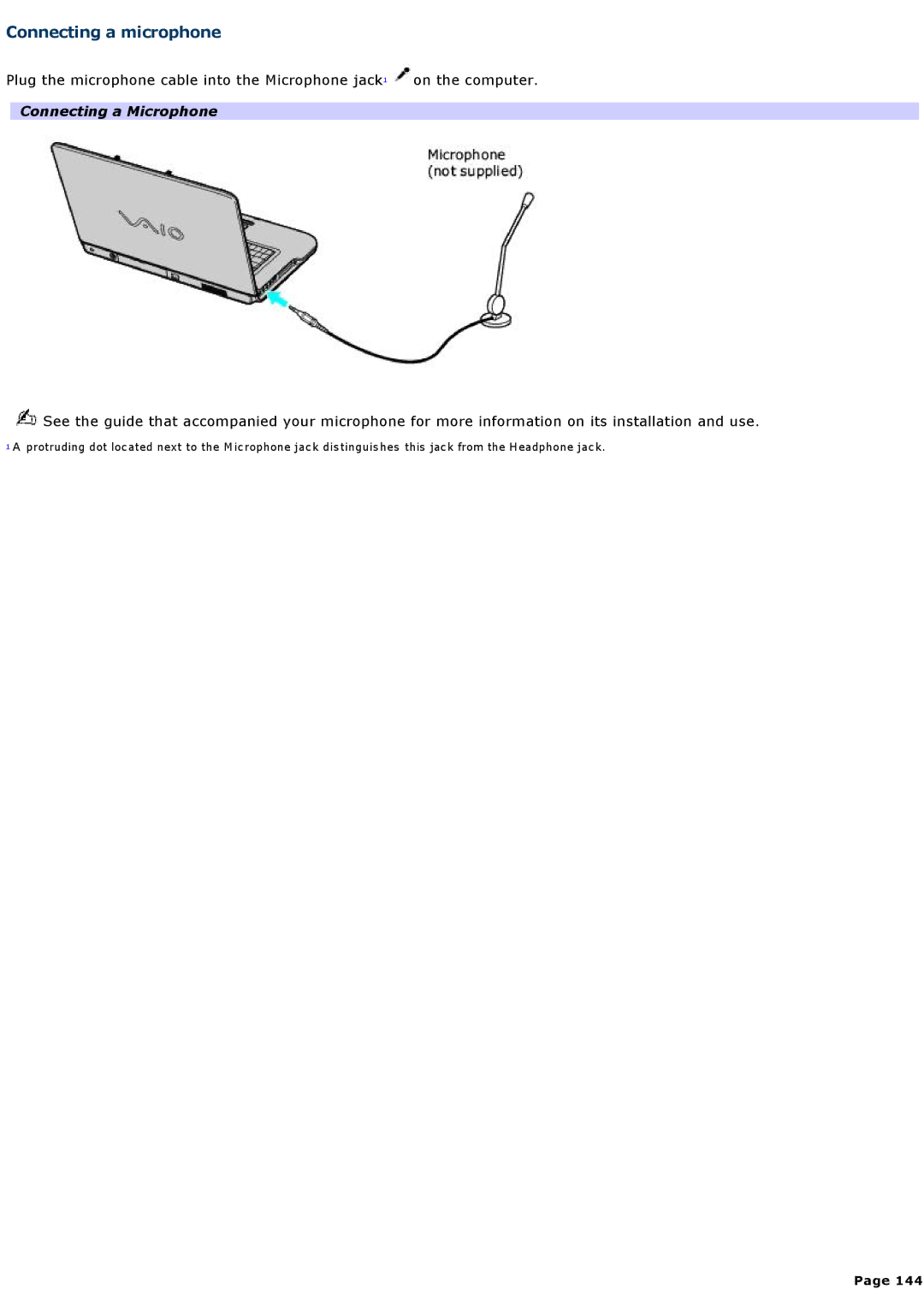
 on the computer.
 See the guide that accompanied your microphone for more information on its installation and use.