6THE INTERFACE
6.1TOOL BAR
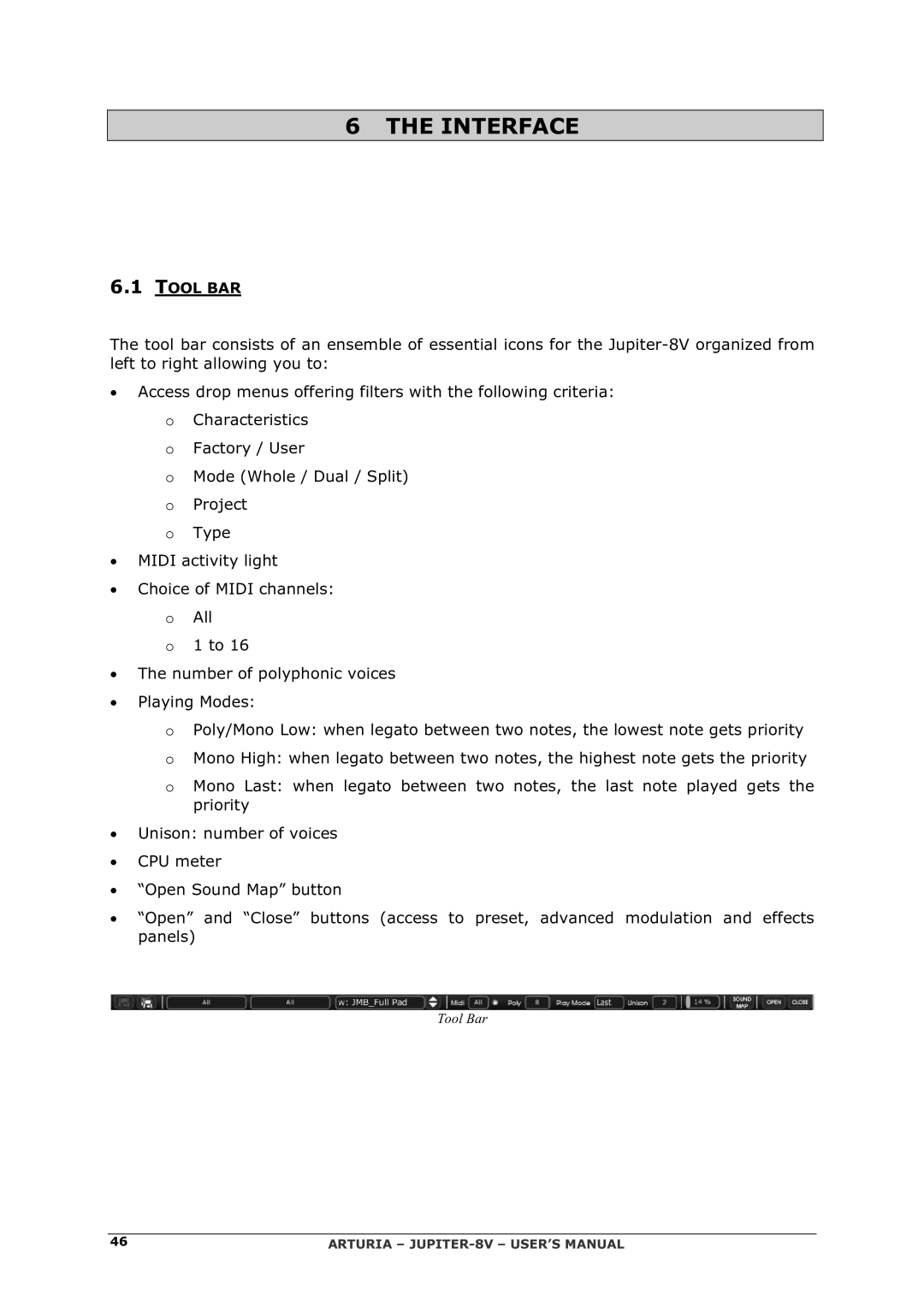
The tool bar consists of an ensemble of essential icons for the
•Access drop menus offering filters with the following criteria:
O Characteristics
O Factory / User
O Mode (Whole / Dual / Split)
O Project
O Type
•MIDI activity light
•Choice of MIDI channels:
OAll
O1 to 16
•The number of polyphonic voices
•Playing Modes:
OPoly/Mono Low: when legato between two notes, the lowest note gets priority
OMono High: when legato between two notes, the highest note gets the priority
OMono Last: when legato between two notes, the last note played gets the priority
•Unison: number of voices
•CPU meter
•“Open Sound Map” button
•“Open” and “Close” buttons (access to preset, advanced modulation and effects panels)
Tool Bar
46 | ARTURIA – |