Management
Resetting the Device
You can reset the SuperStack II Switch 1000 via one of two methods:
❏By physically powering off the SuperStack II Switch 1000, then powering it on.
❏Via the Slots menu in IntraSpection.
To reset the SuperStack II Switch 1000 via the Slots menu in IntraSpec- tion:
1 Do not select any item on the Device Page’s front panel image. (This selects the entire device.)
2 Click Slots.
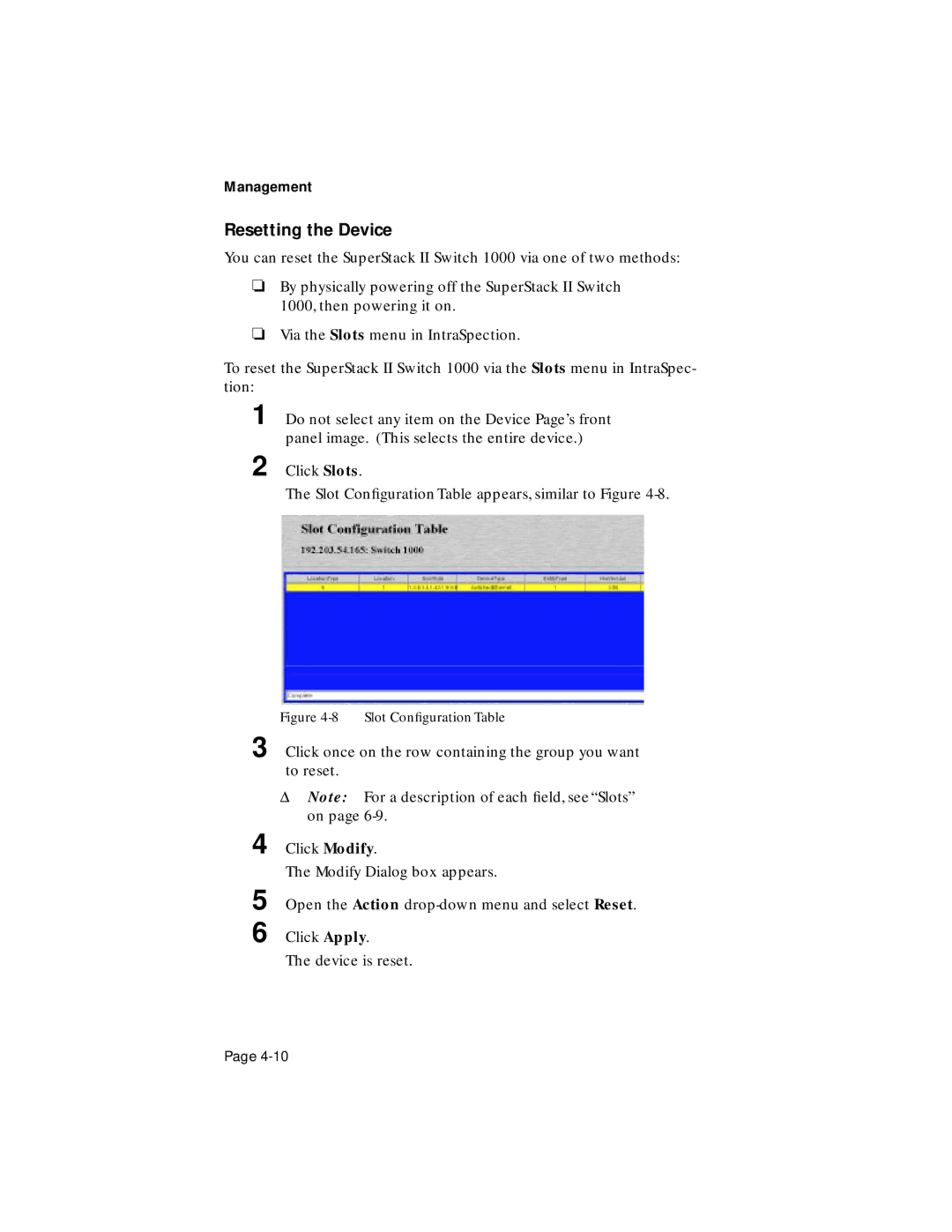
The Slot Configuration Table appears, similar to Figure
Figure 4-8 Slot Configuration Table
3 Click once on the row containing the group you want to reset.
ΔNote: For a description of each field, see “Slots” on page
4 Click Modify.
The Modify Dialog box appears.
5
6
Open the Action
Click Apply.
The device is reset.
Page