Scaling
No Scaling
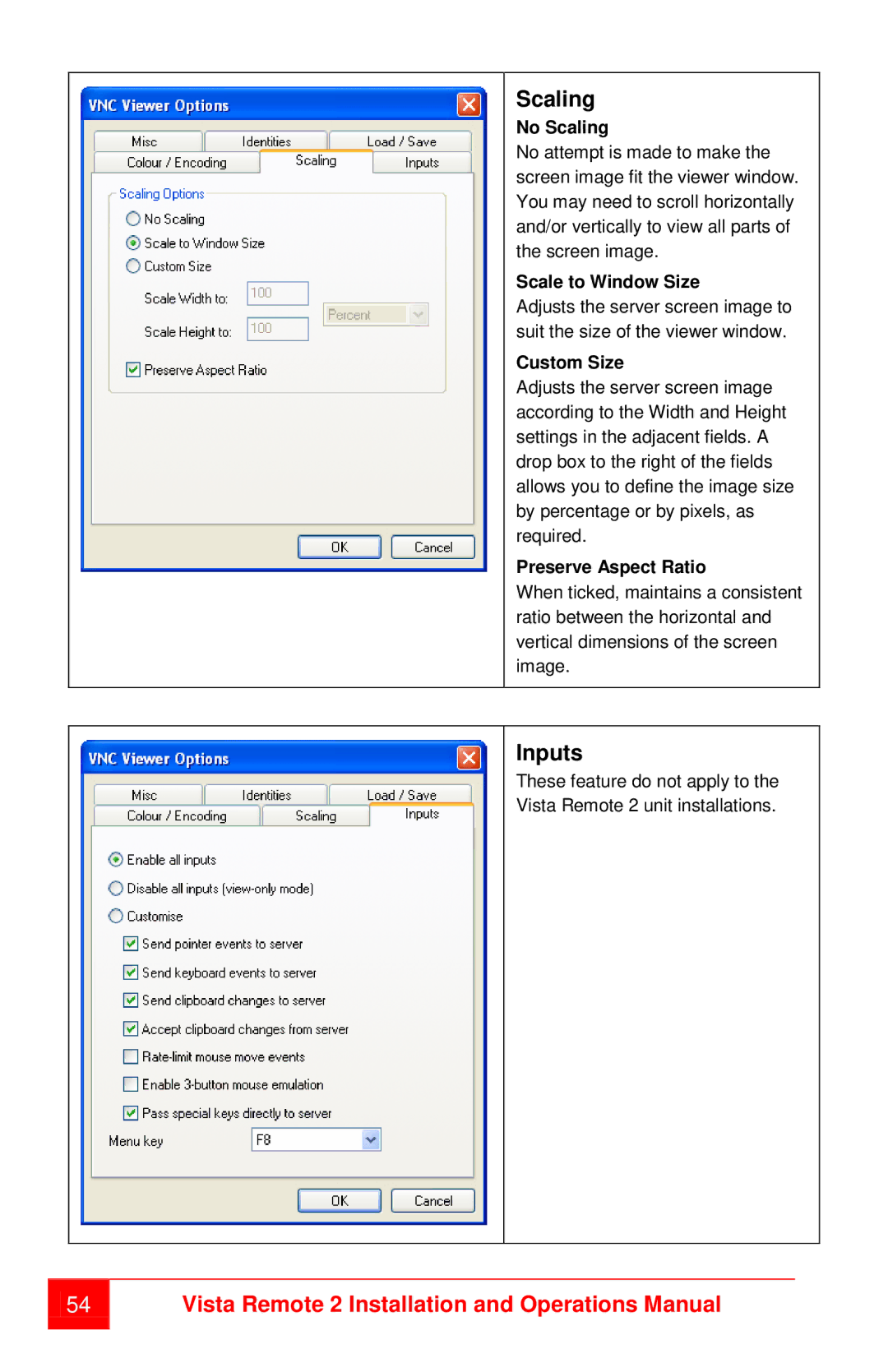
No attempt is made to make the screen image fit the viewer window. You may need to scroll horizontally and/or vertically to view all parts of the screen image.
Scale to Window Size
Adjusts the server screen image to suit the size of the viewer window.
Custom Size
Adjusts the server screen image according to the Width and Height settings in the adjacent fields. A drop box to the right of the fields allows you to define the image size by percentage or by pixels, as required.
Preserve Aspect Ratio
When ticked, maintains a consistent ratio between the horizontal and vertical dimensions of the screen image.
Inputs
These feature do not apply to the Vista Remote 2 unit installations.
54