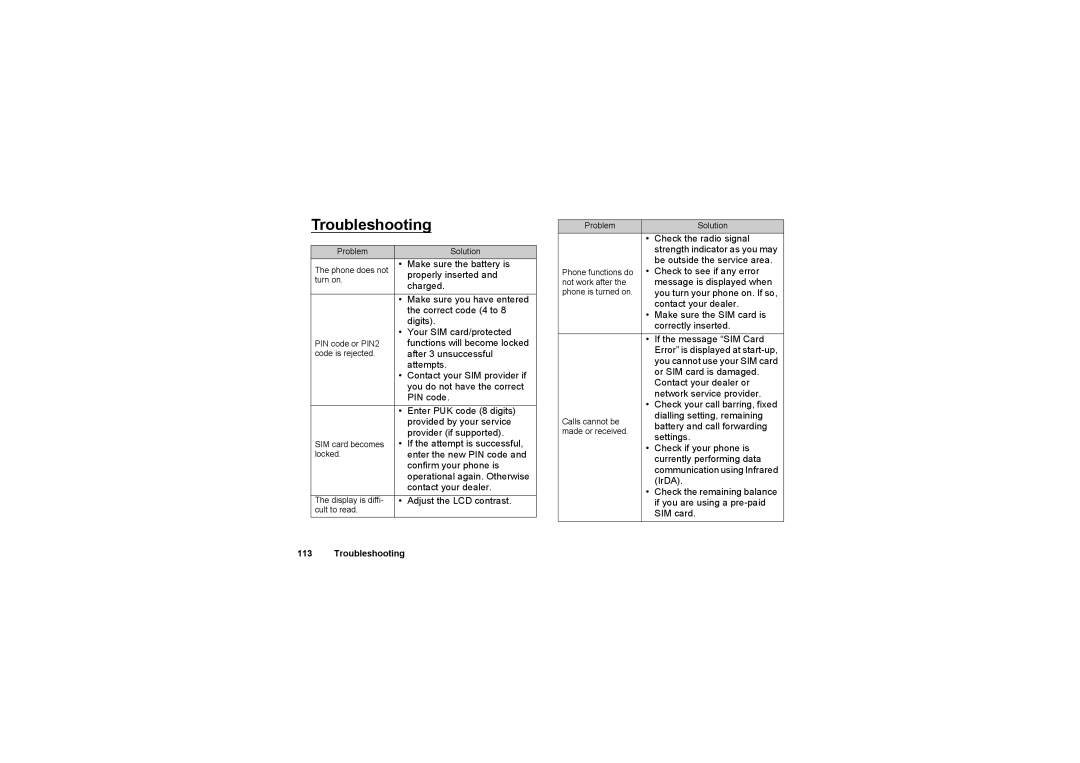
Troubleshooting
Problem |
| Solution |
The phone does not | • | Make sure the battery is |
turn on. |
| properly inserted and |
| charged. | |
|
| |
| • | Make sure you have entered |
|
| the correct code (4 to 8 |
|
| digits). |
| • | Your SIM card/protected |
PIN code or PIN2 |
| functions will become locked |
code is rejected. |
| after 3 unsuccessful |
|
| attempts. |
| • | Contact your SIM provider if |
|
| you do not have the correct |
|
| PIN code. |
| • | Enter PUK code (8 digits) |
|
| provided by your service |
|
| provider (if supported). |
SIM card becomes | • | If the attempt is successful, |
locked. |
| enter the new PIN code and |
|
| confirm your phone is |
|
| operational again. Otherwise |
|
| contact your dealer. |
The display is diffi- | • | Adjust the LCD contrast. |
cult to read. |
|
|
Problem |
| Solution |
| • | Check the radio signal |
|
| strength indicator as you may |
|
| be outside the service area. |
Phone functions do | • | Check to see if any error |
not work after the |
| message is displayed when |
phone is turned on. |
| you turn your phone on. If so, |
|
| contact your dealer. |
| • | Make sure the SIM card is |
|
| correctly inserted. |
| • | If the message “SIM Card |
|
| Error” is displayed at |
|
| you cannot use your SIM card |
|
| or SIM card is damaged. |
|
| Contact your dealer or |
|
| network service provider. |
| • | Check your call barring, fixed |
Calls cannot be |
| dialling setting, remaining |
| battery and call forwarding | |
made or received. |
| |
| settings. | |
|
| |
| • | Check if your phone is |
|
| currently performing data |
|
| communication using Infrared |
|
| (IrDA). |
| • Check the remaining balance | |
|
| if you are using a |
|
| SIM card. |