WELCOME 1
WELCOME
Congratulations on purchasing your Visioneer OneTouch 6600 USB scanner. With your scanner, you can quickly scan paper documents and color photos to place their electronic images on your computer.
WHAT’S IN THE BOX
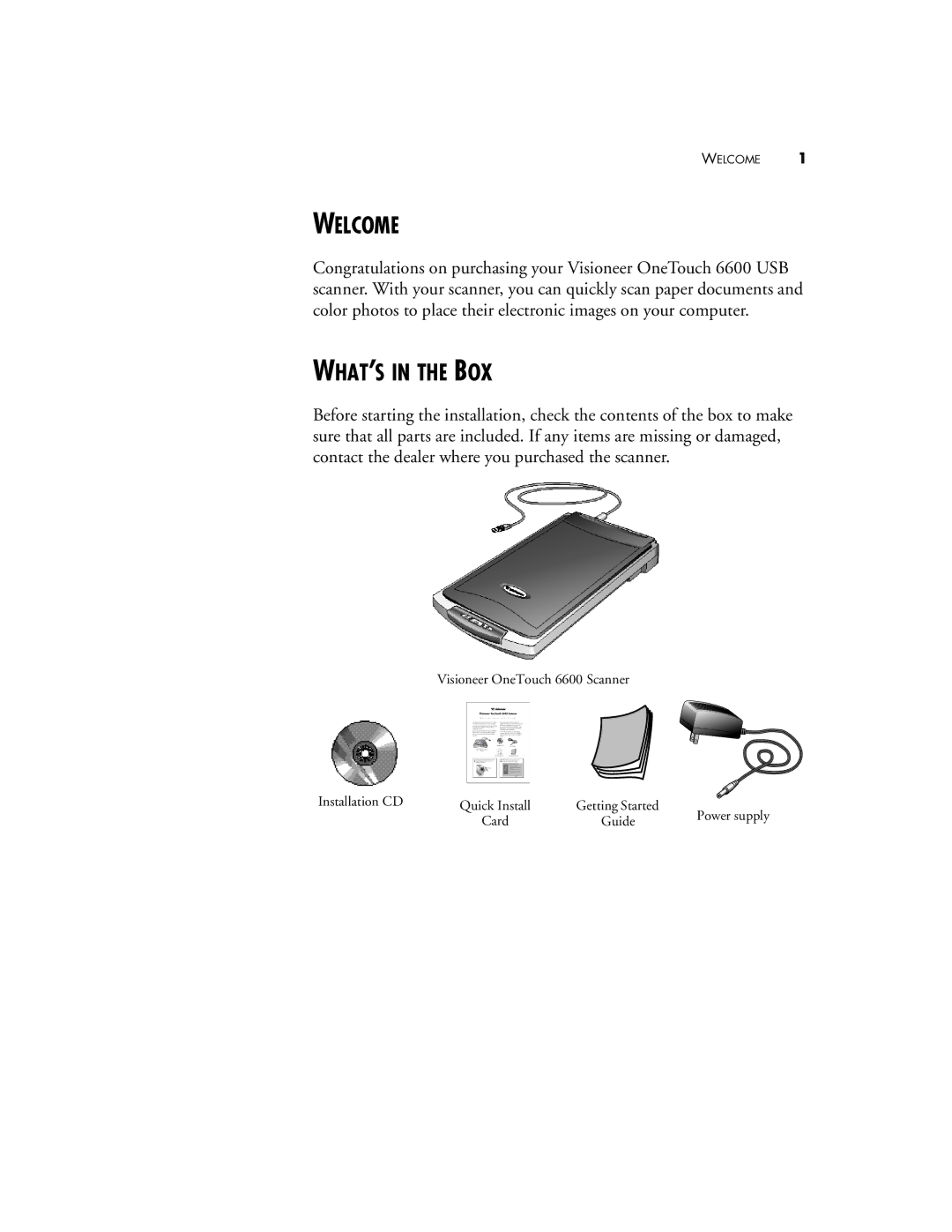
Before starting the installation, check the contents of the box to make sure that all parts are included. If any items are missing or damaged, contact the dealer where you purchased the scanner.
Visioneer OneTouch 6600 Scanner
Installation CD | Quick Install | Getting Started | Power supply |
| |||
| Card | Guide | |
|
|