Adjusting Exposure Manually
Adjust the exposure when a backlit subject becomes underexposed, or overexposed due to bright light.
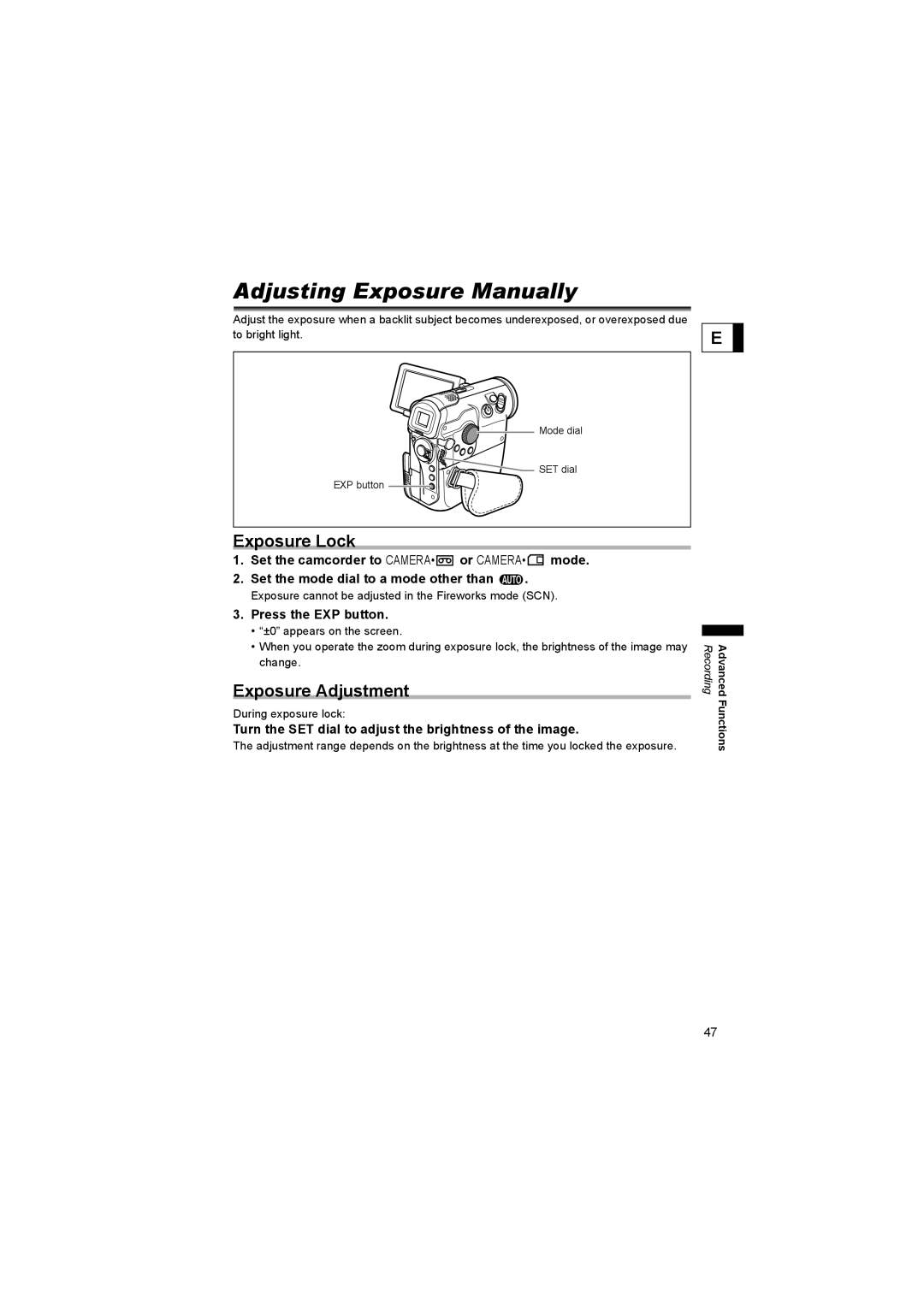
Mode dial

 SET dial
EXP button 
Exposure Lock
1.Set the camcorder to CAMERA• or CAMERA•
 mode.
mode.
2.Set the mode dial to a mode other than  .
.
Exposure cannot be adjusted in the Fireworks mode (SCN).
3.Press the EXP button.
•“±0” appears on the screen.
•When you operate the zoom during exposure lock, the brightness of the image may change.
Exposure Adjustment
During exposure lock:
Turn the SET dial to adjust the brightness of the image.
The adjustment range depends on the brightness at the time you locked the exposure.
E
Recording | Advanced |
| Functions |
47