4. LG NAS Web Menu Use (for LG NAS administrators)
Information
This shows network, volume, device status of the LG NAS and information about system log, connection log and
Status
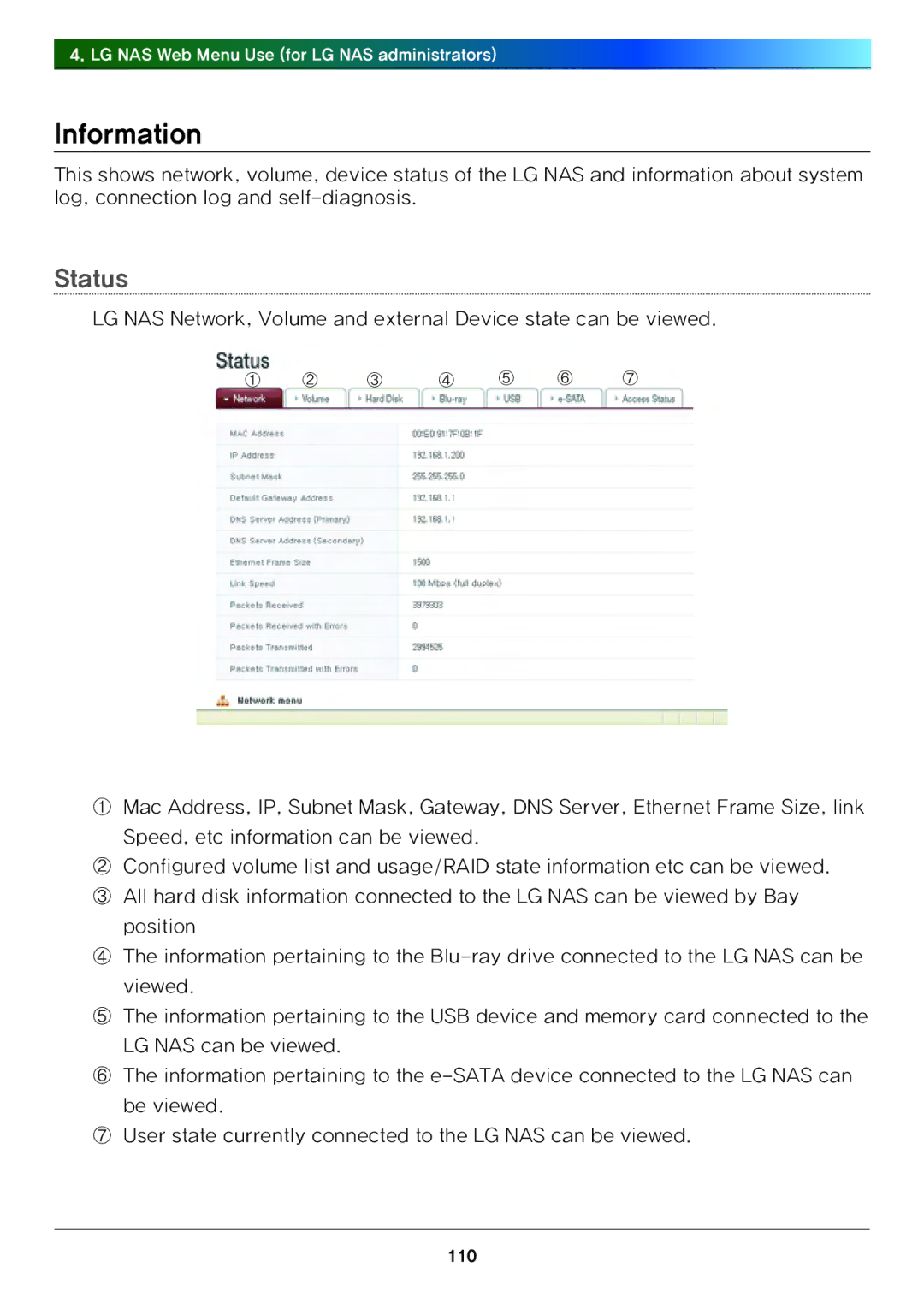
LG NAS Network, Volume and external Device state can be viewed.
① ② ③ ④ ⑤ ⑥ ⑦
①Mac Address, IP, Subnet Mask, Gateway, DNS Server, Ethernet Frame Size, link Speed, etc information can be viewed.
②Configured volume list and usage/RAID state information etc can be viewed.
③All hard disk information connected to the LG NAS can be viewed by Bay
position
④The information pertaining to the
viewed.
⑤The information pertaining to the USB device and memory card connected to the
LG NAS can be viewed.
⑥The information pertaining to the
be viewed.
⑦User state currently connected to the LG NAS can be viewed.
110