4. LG NAS Web Menu Use (for LG NAS administrators)

Disc Data Copy

Storage of disc data using the LG NAS is a data disc copy function.

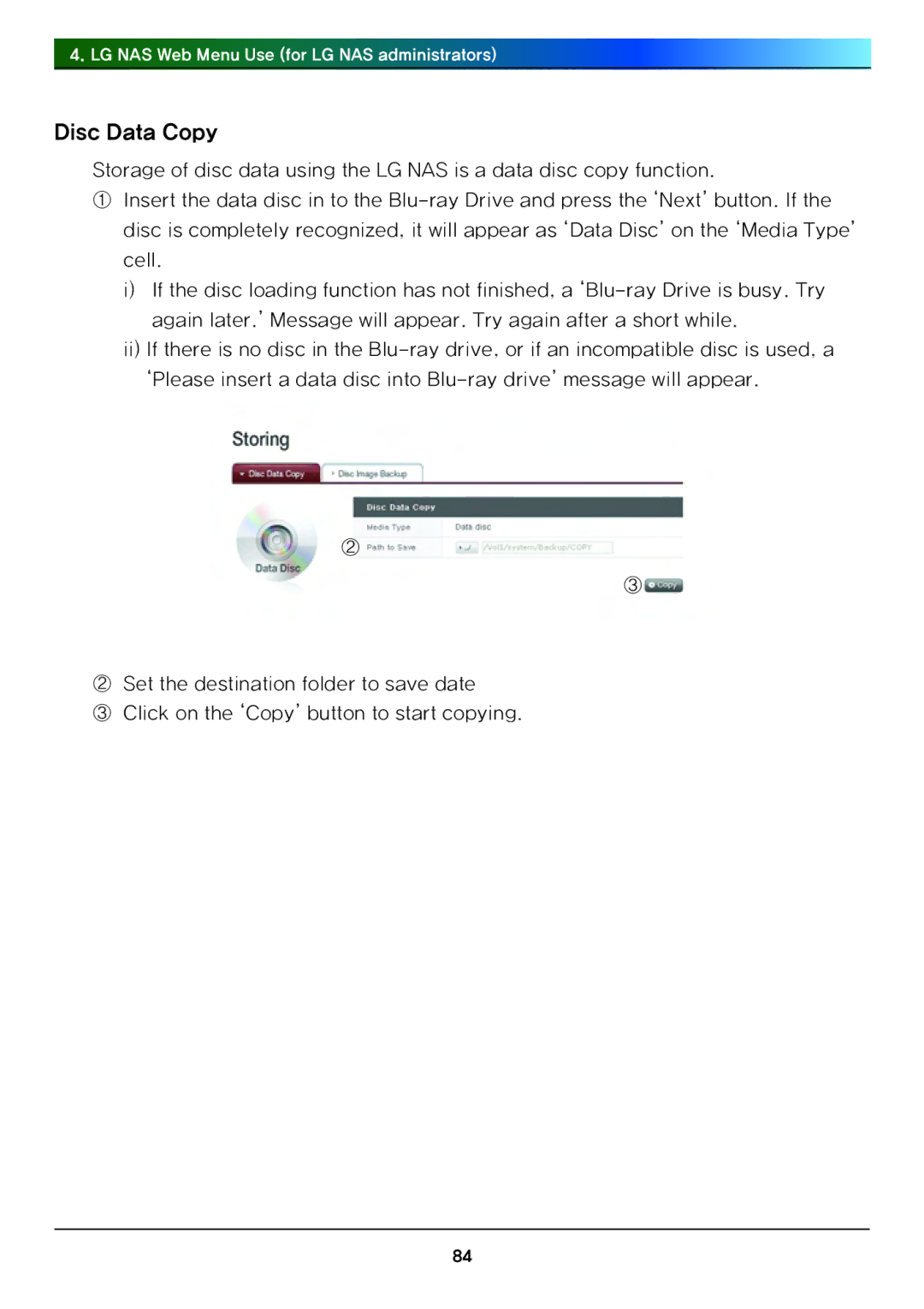
①Insert the data disc in to the Blu-ray Drive and press the ‘Next’ button. If the disc is completely recognized, it will appear as ‘Data Disc’ on the ‘Media Type’ cell.

i)If the disc loading function has not finished, a ‘Blu-ray Drive is busy. Try again later.’ Message will appear. Try again after a short while.

ii)If there is no disc in the Blu-ray drive, or if an incompatible disc is used, a ‘Please insert a data disc into Blu-ray drive’ message will appear.

②

③

②Set the destination folder to save date

③Click on the ‘Copy’ button to start copying.

84
Page 84
Image 84
LG Electronics N4B1 manual Disc Data Copy