4. LG NAS Web Menu Use (for LG NAS administrators)
Changing the administrator password and information
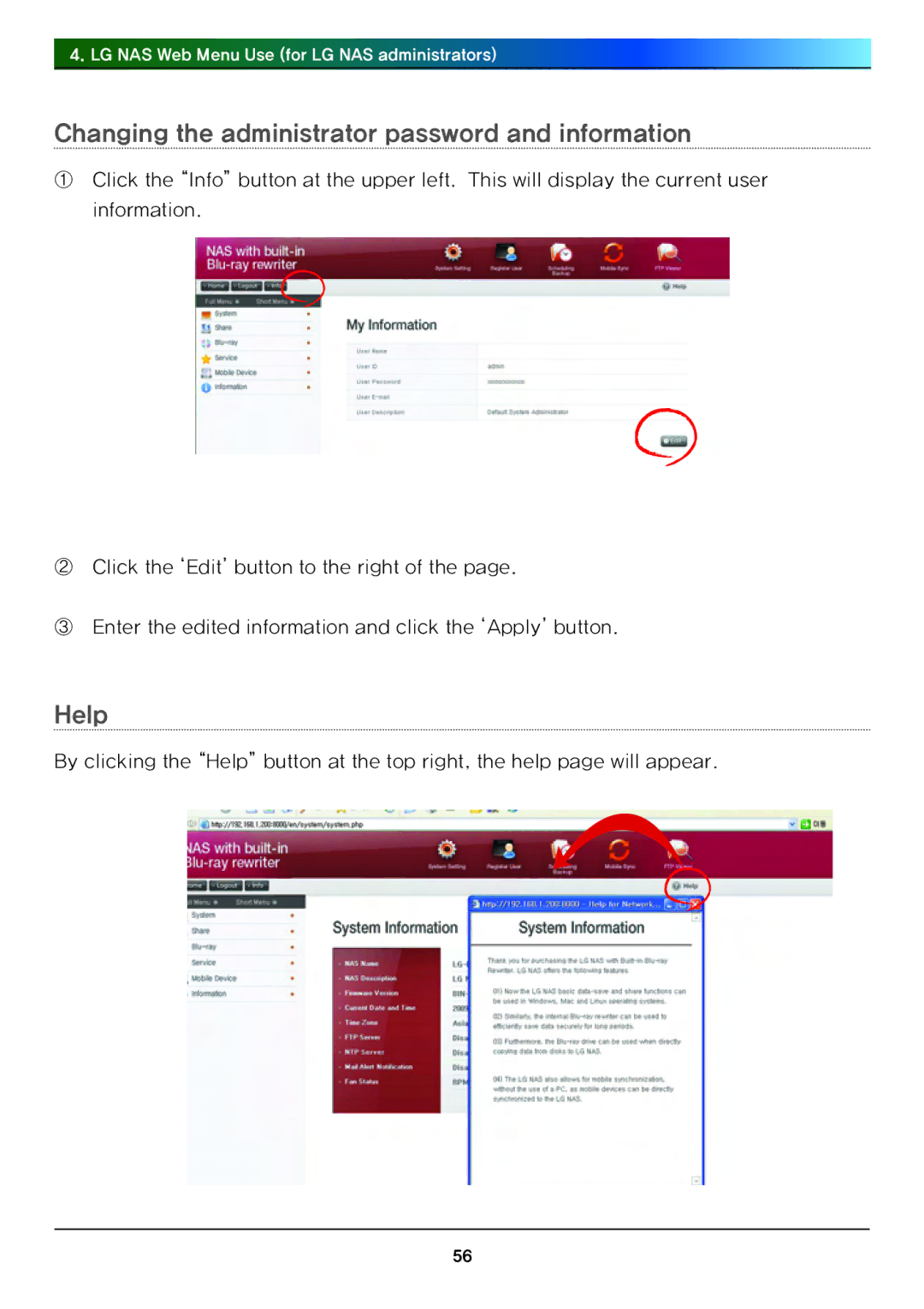
①Click the “Info” button at the upper left. This will display the current user information.
②Click the ‘Edit’ button to the right of the page.
③Enter the edited information and click the ‘Apply’ button.
Help
By clicking the “Help” button at the top right, the help page will appear.
56