4. LG NAS Web Menu Use (for LG NAS administrators)
Burn Disc
Burning LG NAS files to disc is possible.
③
①
②
④
⑤
<Button functions>
∙: Moves to upper folder.
∙: Refreshes the current folder
∙: Files or folders selected on the left window are sent to the right window to organize a list for recording.
∙: Deletes selected files or folders from the list organized for recording on the right window.
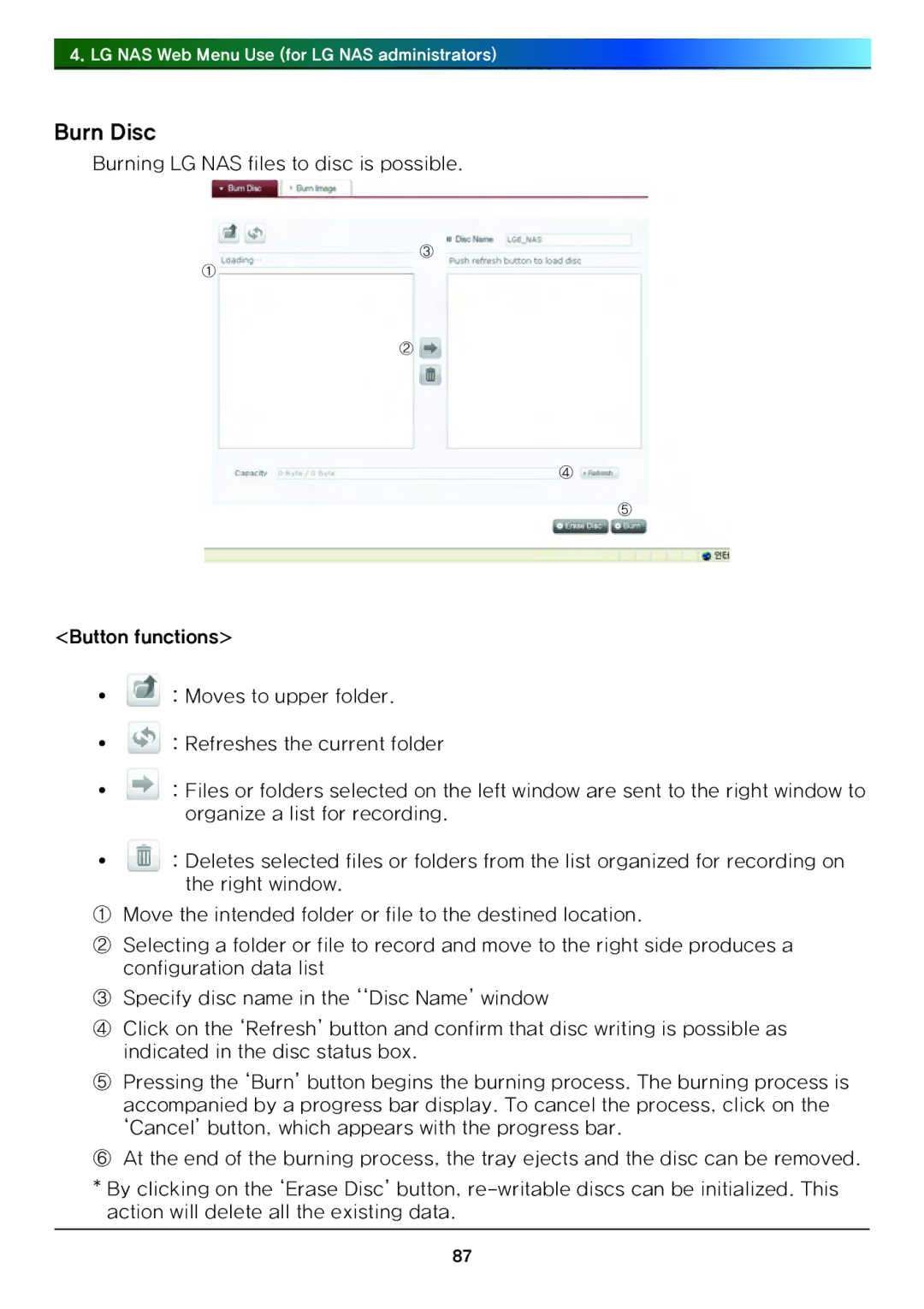
①Move the intended folder or file to the destined location.
②Selecting a folder or file to record and move to the right side produces a configuration data list
③Specify disc name in the ‘‘Disc Name’ window
④Click on the ‘Refresh’ button and confirm that disc writing is possible as indicated in the disc status box.
⑤Pressing the ‘Burn’ button begins the burning process. The burning process is accompanied by a progress bar display. To cancel the process, click on the ‘Cancel’ button, which appears with the progress bar.
⑥At the end of the burning process, the tray ejects and the disc can be removed.
*By clicking on the ‘Erase Disc’ button,
87