4. LG NAS Web Menu Use (for LG NAS administrators)
<Restoration>
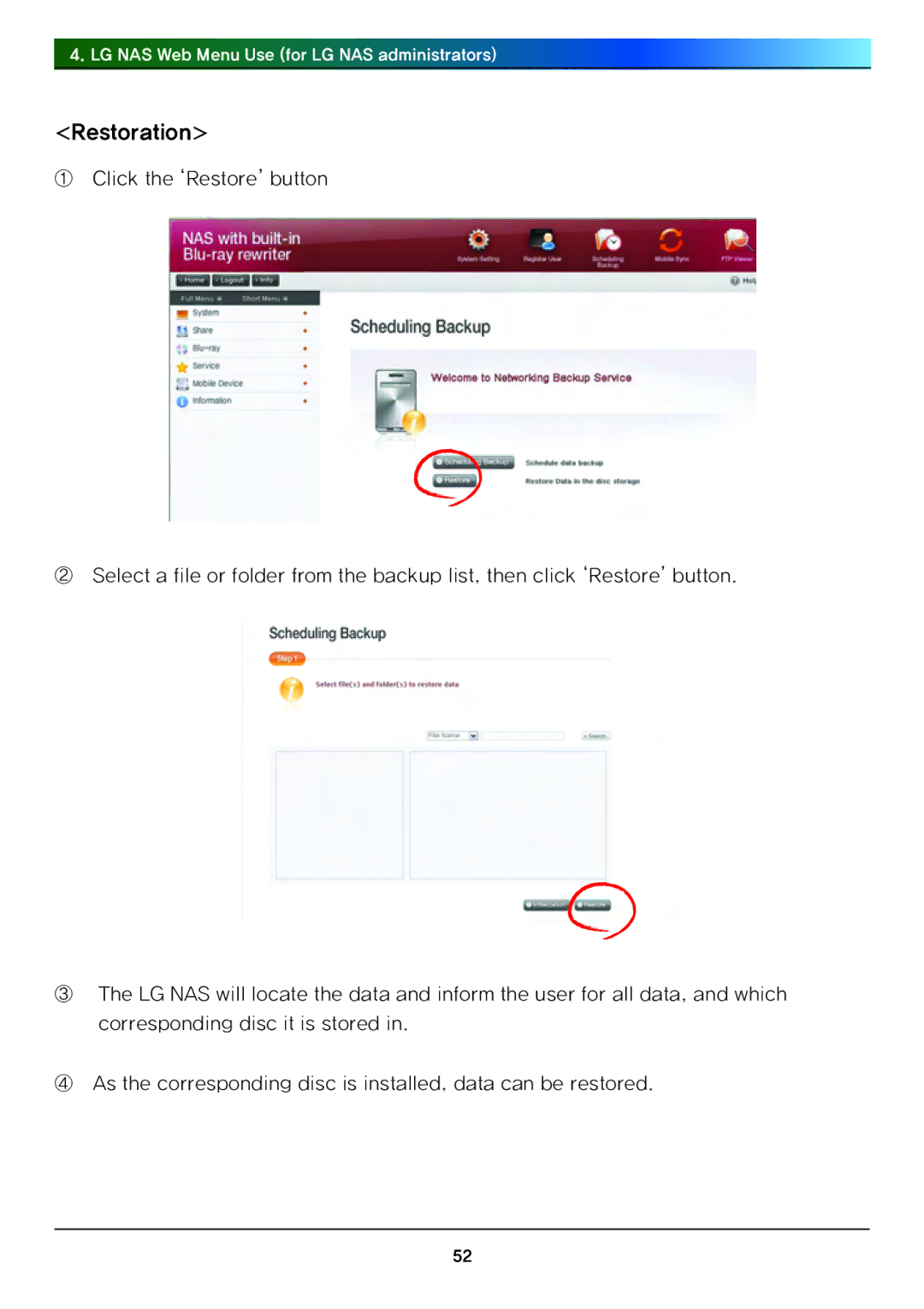
①Click the ‘Restore’ button
②Select a file or folder from the backup list, then click ‘Restore’ button.
③The LG NAS will locate the data and inform the user for all data, and which corresponding disc it is stored in.
④As the corresponding disc is installed, data can be restored.
52