2.LG NAS Installation
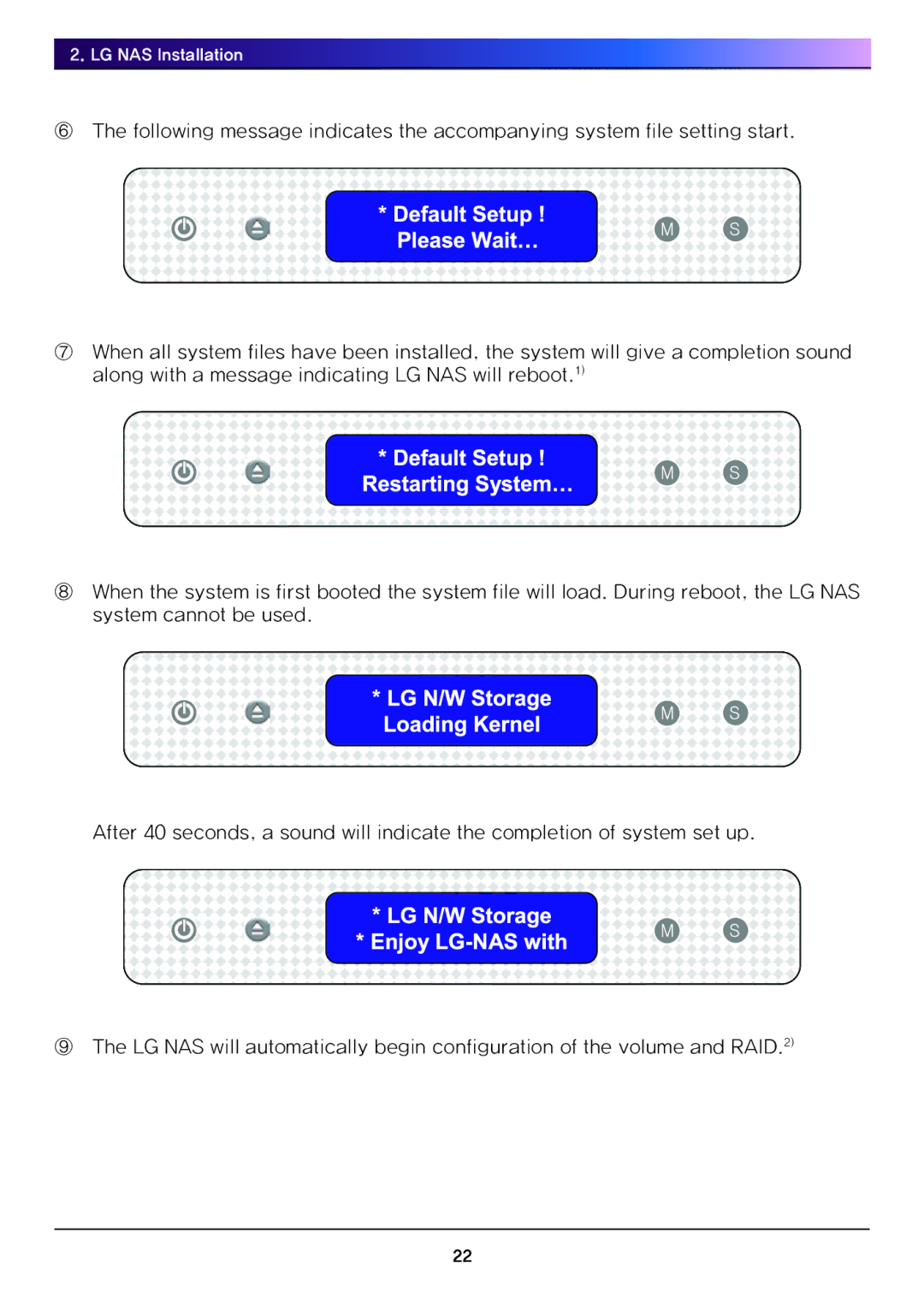
⑥The following message indicates the accompanying system file setting start.
⑦When all system files have been installed, the system will give a completion sound along with a message indicating LG NAS will reboot.1)
⑧When the system is first booted the system file will load. During reboot, the LG NAS system cannot be used.
After 40 seconds, a sound will indicate the completion of system set up.
⑨The LG NAS will automatically begin configuration of the volume and RAID.2)
22