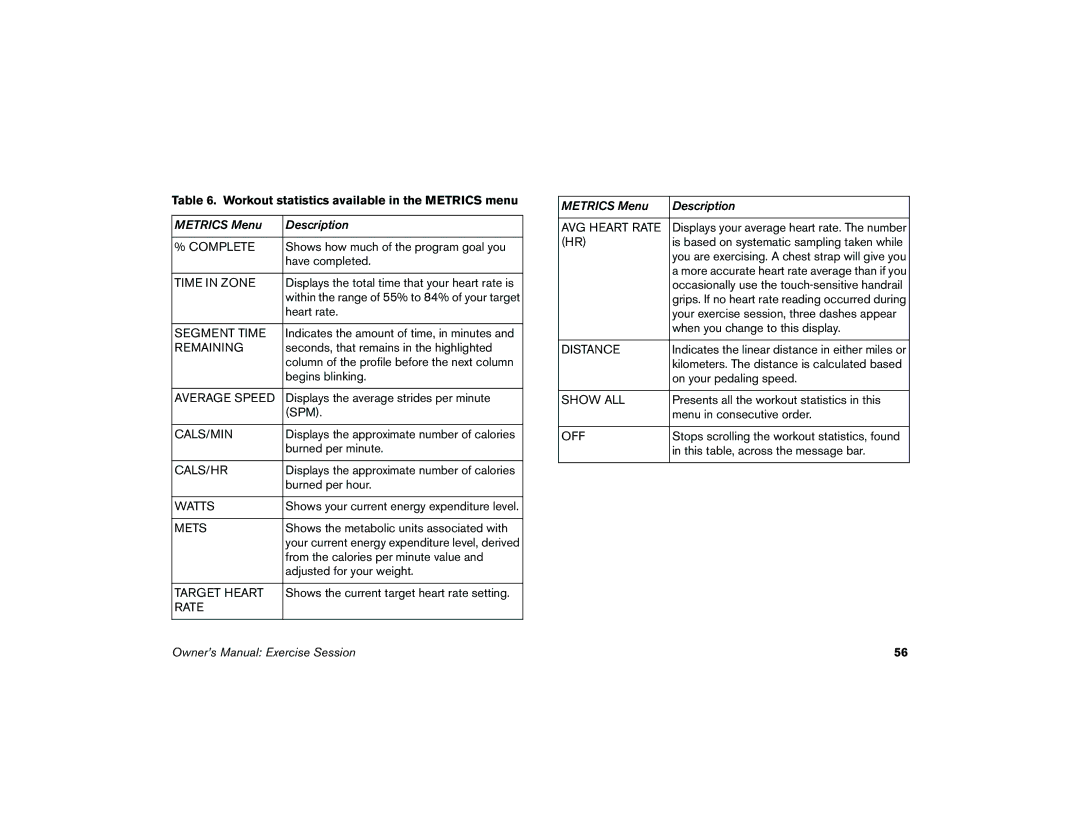
Table 6. Workout statistics available in the METRICS menu
METRICS Menu | Description |
|
|
% COMPLETE | Shows how much of the program goal you |
| have completed. |
|
|
TIME IN ZONE | Displays the total time that your heart rate is |
| within the range of 55% to 84% of your target |
| heart rate. |
|
|
SEGMENT TIME | Indicates the amount of time, in minutes and |
REMAINING | seconds, that remains in the highlighted |
| column of the profile before the next column |
| begins blinking. |
|
|
AVERAGE SPEED | Displays the average strides per minute |
| (SPM). |
|
|
CALS/MIN | Displays the approximate number of calories |
| burned per minute. |
|
|
CALS/HR | Displays the approximate number of calories |
| burned per hour. |
|
|
WATTS | Shows your current energy expenditure level. |
|
|
METS | Shows the metabolic units associated with |
| your current energy expenditure level, derived |
| from the calories per minute value and |
| adjusted for your weight. |
|
|
TARGET HEART | Shows the current target heart rate setting. |
RATE |
|
|
|
METRICS Menu | Description |
|
|
AVG HEART RATE | Displays your average heart rate. The number |
(HR) | is based on systematic sampling taken while |
| you are exercising. A chest strap will give you |
| a more accurate heart rate average than if you |
| occasionally use the |
| grips. If no heart rate reading occurred during |
| your exercise session, three dashes appear |
| when you change to this display. |
|
|
DISTANCE | Indicates the linear distance in either miles or |
| kilometers. The distance is calculated based |
| on your pedaling speed. |
|
|
SHOW ALL | Presents all the workout statistics in this |
| menu in consecutive order. |
|
|
OFF | Stops scrolling the workout statistics, found |
| in this table, across the message bar. |
|
|
Owner’s Manual: Exercise Session | 56 |