Navigate a Route in Reverse
Here's how you run a route backward, from the end waypoint to the beginning waypoint:
1.From the NAVIGATION PAGE, press MENUENT or from the MAP PAGE, press MENUMENU↓ to ROUTE PLANNINGENT.
2.Press ↓ to select route nameENT↓ to NAVIGATE→ to REVERSEENT←
to NAVIGATEENT.
3.Upon arrival at your destination, cancel navigation:
press MENUMENU↓ to CANCEL NAVIGATIONENT← to YESENT.
Figure 1. |
| Figure 2. |
|
|
|
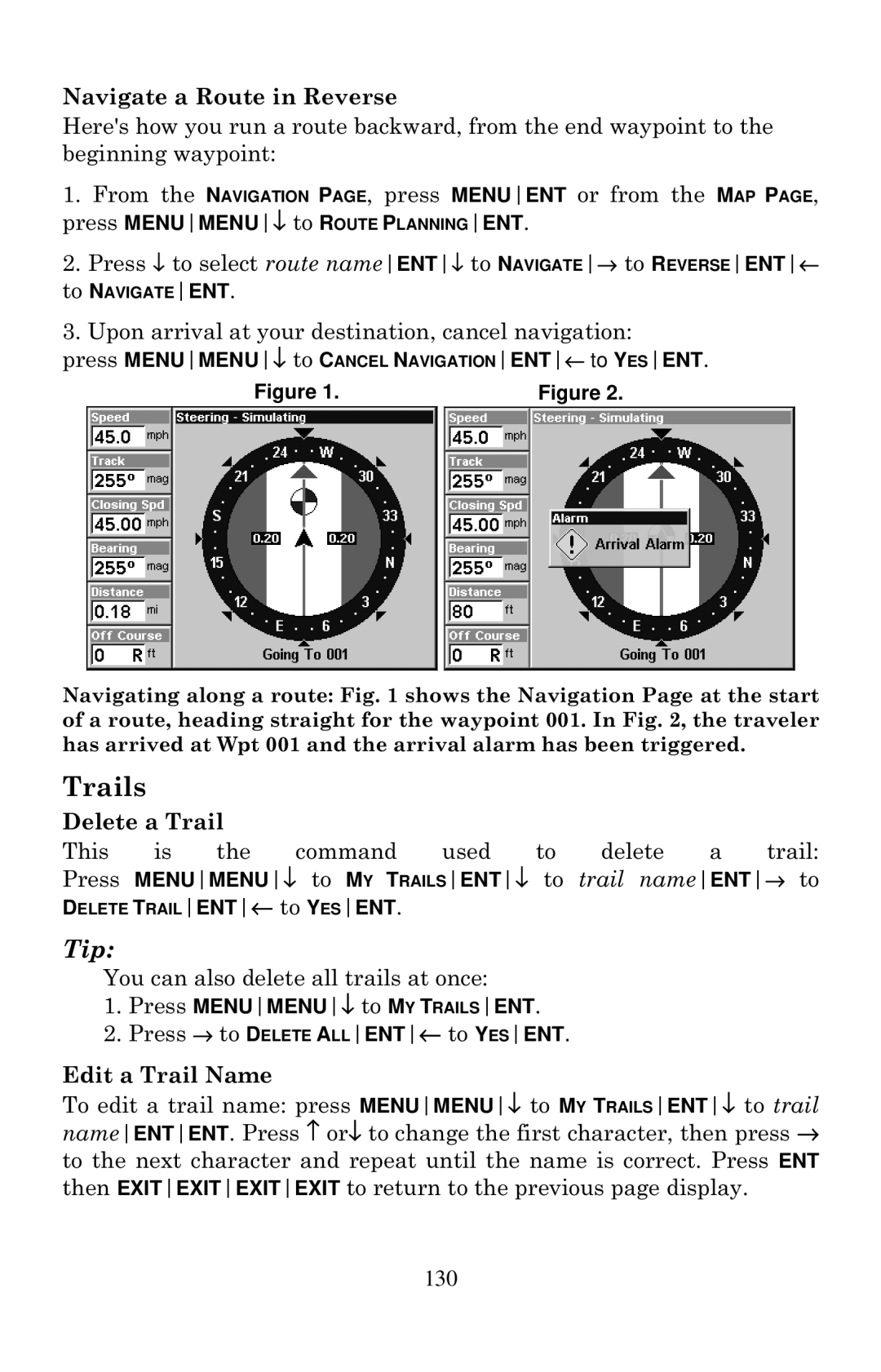
Navigating along a route: Fig. 1 shows the Navigation Page at the start of a route, heading straight for the waypoint 001. In Fig. 2, the traveler has arrived at Wpt 001 and the arrival alarm has been triggered.
Trails
Delete a Trail |
|
|
|
|
|
| ||
This | is | the | command | used | to | delete | a | trail: |
Press MENUMENU↓ to MY TRAILSENT↓ to trail nameENT→ to
DELETE TRAILENT← to YESENT.
Tip:
You can also delete all trails at once:
1.Press MENUMENU↓ to MY TRAILSENT.
2.Press → to DELETE ALLENT← to YESENT.
Edit a Trail Name
To edit a trail name: press MENUMENU↓ to MY TRAILSENT↓ to trail nameENTENT. Press ↑ or↓ to change the first character, then press → to the next character and repeat until the name is correct. Press ENT then EXITEXITEXITEXIT to return to the previous page display.