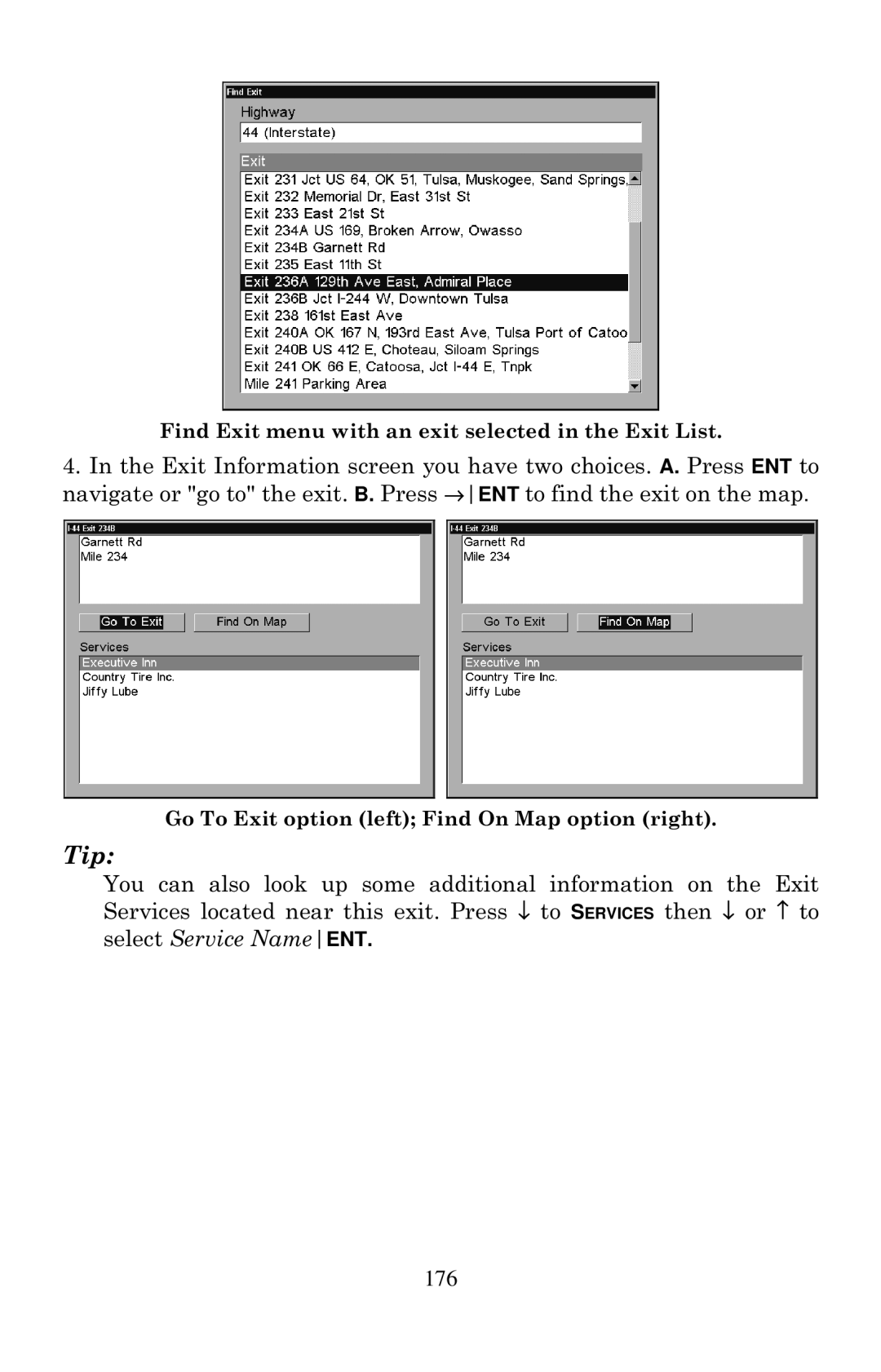
Find Exit menu with an exit selected in the Exit List.
4.In the Exit Information screen you have two choices. A. Press ENT to navigate or "go to" the exit. B. Press →ENT to find the exit on the map.
Go To Exit option (left); Find On Map option (right).
Tip:
You can also look up some additional information on the Exit Services located near this exit. Press ↓ to SERVICES then ↓ or ↑ to select Service NameENT.