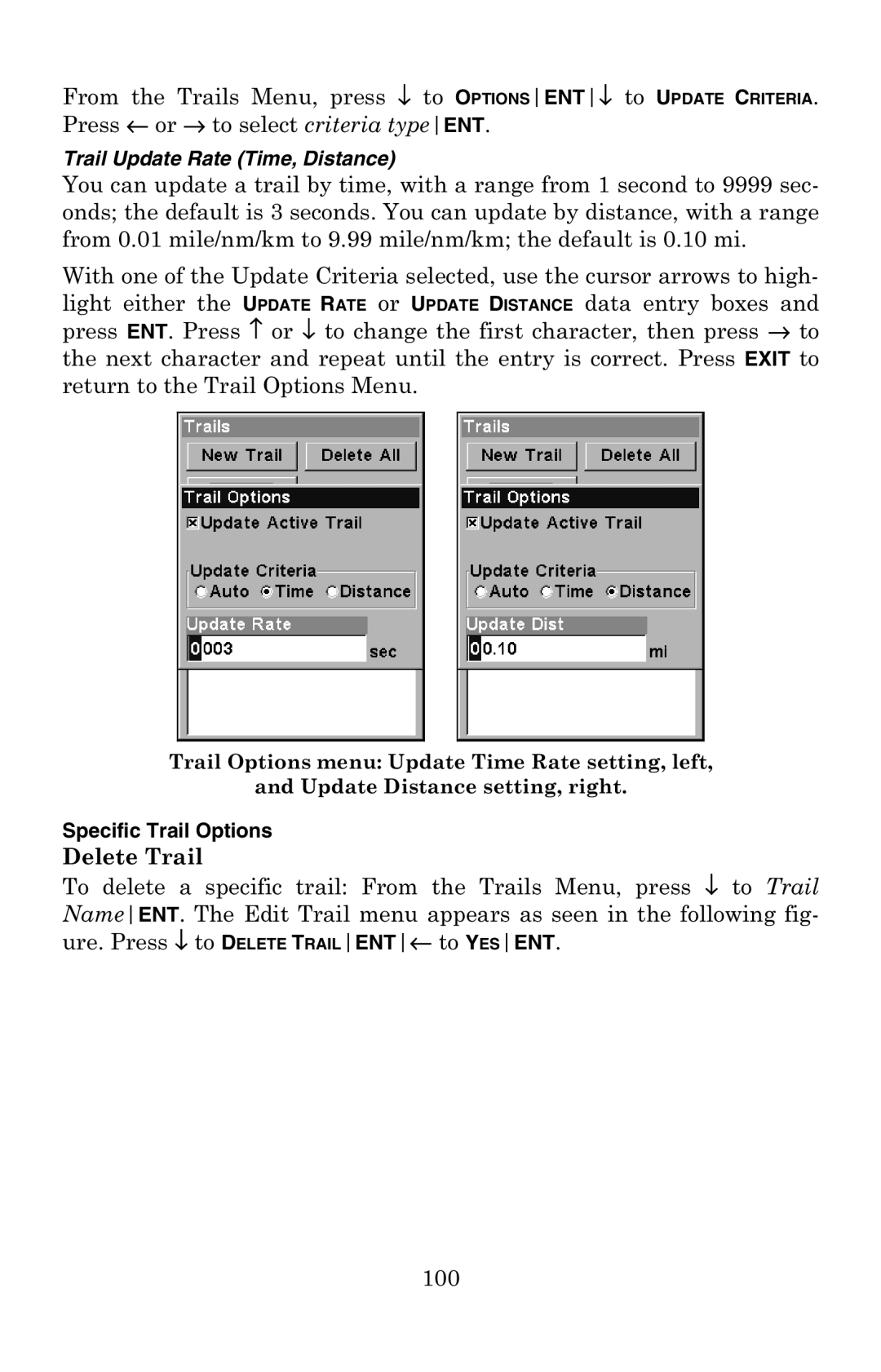
From the Trails Menu, press ↓ to OPTIONSENT↓ to UPDATE CRITERIA. Press ← or → to select criteria typeENT.
Trail Update Rate (Time, Distance)
You can update a trail by time, with a range from 1 second to 9999 sec- onds; the default is 3 seconds. You can update by distance, with a range from 0.01 mile/nm/km to 9.99 mile/nm/km; the default is 0.10 mi.
With one of the Update Criteria selected, use the cursor arrows to high- light either the UPDATE RATE or UPDATE DISTANCE data entry boxes and press ENT. Press ↑ or ↓ to change the first character, then press → to the next character and repeat until the entry is correct. Press EXIT to return to the Trail Options Menu.
Trail Options menu: Update Time Rate setting, left,
and Update Distance setting, right.
Specific Trail Options
Delete Trail
To delete a specific trail: From the Trails Menu, press ↓ to Trail NameENT. The Edit Trail menu appears as seen in the following fig- ure. Press ↓ to DELETE TRAILENT← to YESENT.
100