Connecting the AC adapter
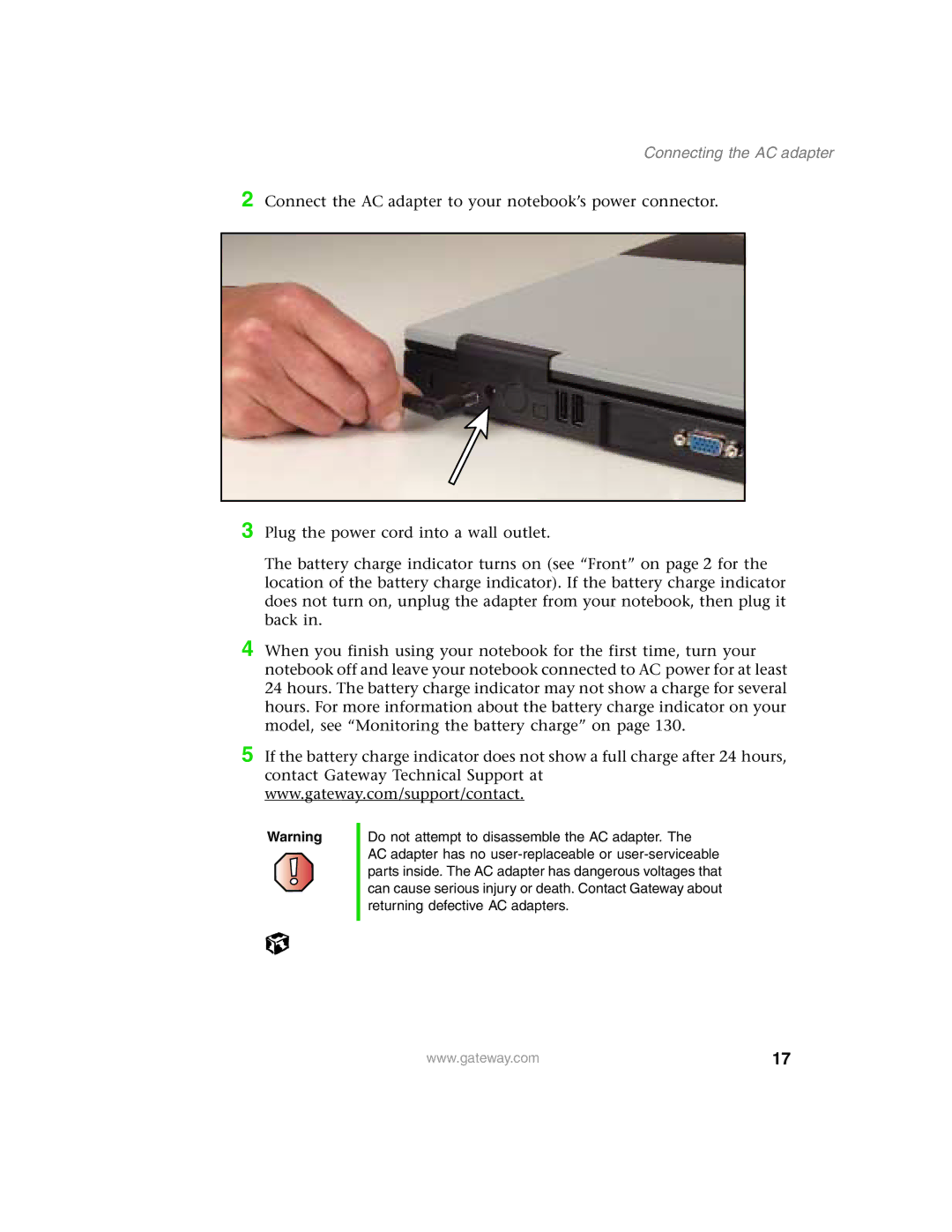
2 Connect the AC adapter to your notebook’s power connector.
3 Plug the power cord into a wall outlet.
The battery charge indicator turns on (see “Front” on page 2 for the location of the battery charge indicator). If the battery charge indicator does not turn on, unplug the adapter from your notebook, then plug it back in.
4 When you finish using your notebook for the first time, turn your notebook off and leave your notebook connected to AC power for at least 24 hours. The battery charge indicator may not show a charge for several hours. For more information about the battery charge indicator on your model, see “Monitoring the battery charge” on page 130.
5 If the battery charge indicator does not show a full charge after 24 hours, contact Gateway Technical Support at www.gateway.com/support/contact.
Warning
Do not attempt to disassemble the AC adapter. The
AC adapter has no
www.gateway.com | 17 |