Starting the recording mode
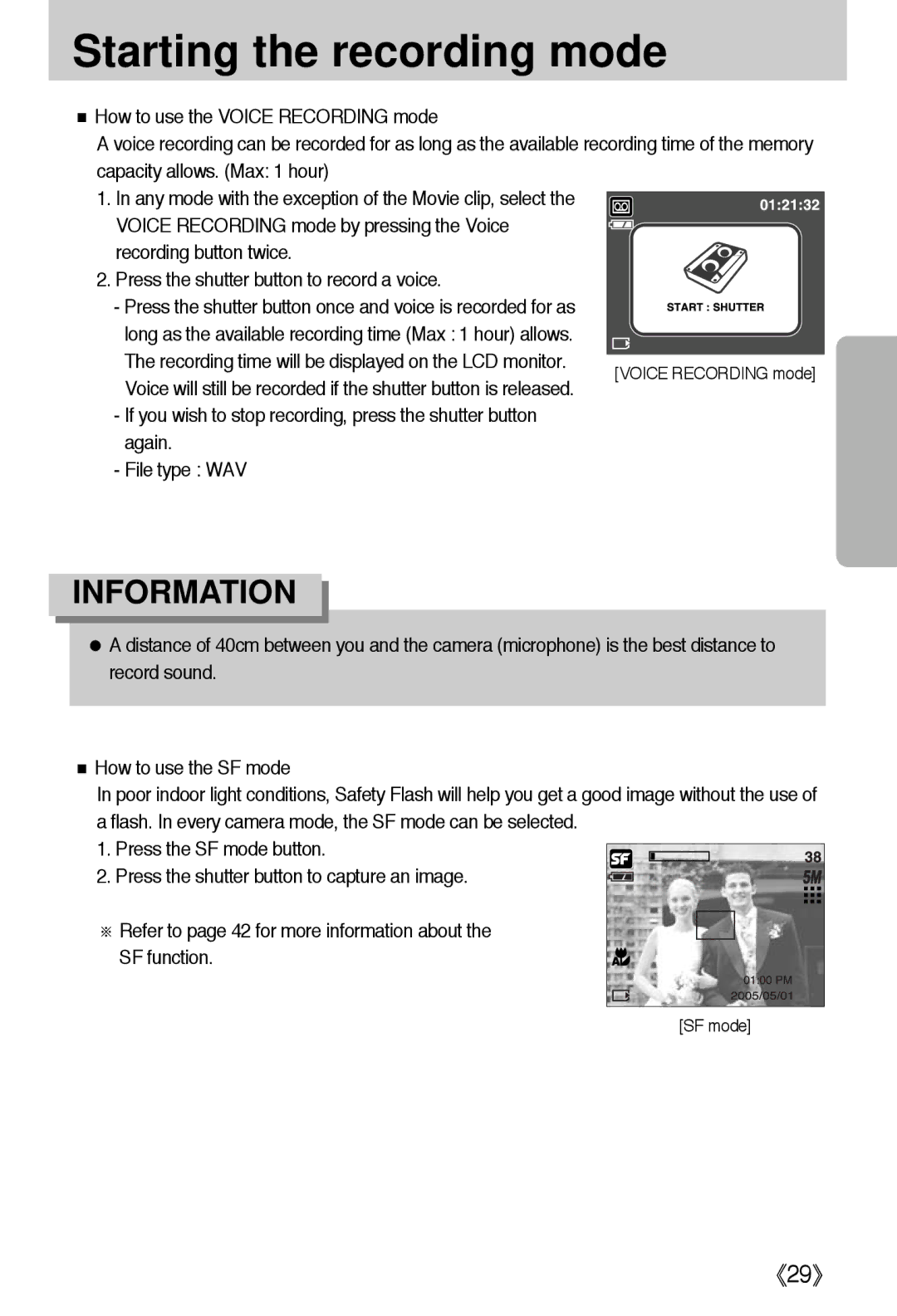
■How to use the VOICE RECORDING mode
A voice recording can be recorded for as long as the available recording time of the memory capacity allows. (Max: 1 hour)
1. In any mode with the exception of the Movie clip, select the VOICE RECORDING mode by pressing the Voice recording button twice.
2. Press the shutter button to record a voice.
- Press the shutter button once and voice is recorded for as long as the available recording time (Max : 1 hour) allows. The recording time will be displayed on the LCD monitor. Voice will still be recorded if the shutter button is released.
-If you wish to stop recording, press the shutter button again.
-File type : WAV
INFORMATION
●A distance of 40cm between you and the camera (microphone) is the best distance to record sound.
■How to use the SF mode
In poor indoor light conditions, Safety Flash will help you get a good image without the use of a flash. In every camera mode, the SF mode can be selected.
1. Press the SF mode button.
2. Press the shutter button to capture an image.
※ Refer to page 42 for more information about the SF function.
[SF mode]