Things to Watch Out for When Taking Pictures
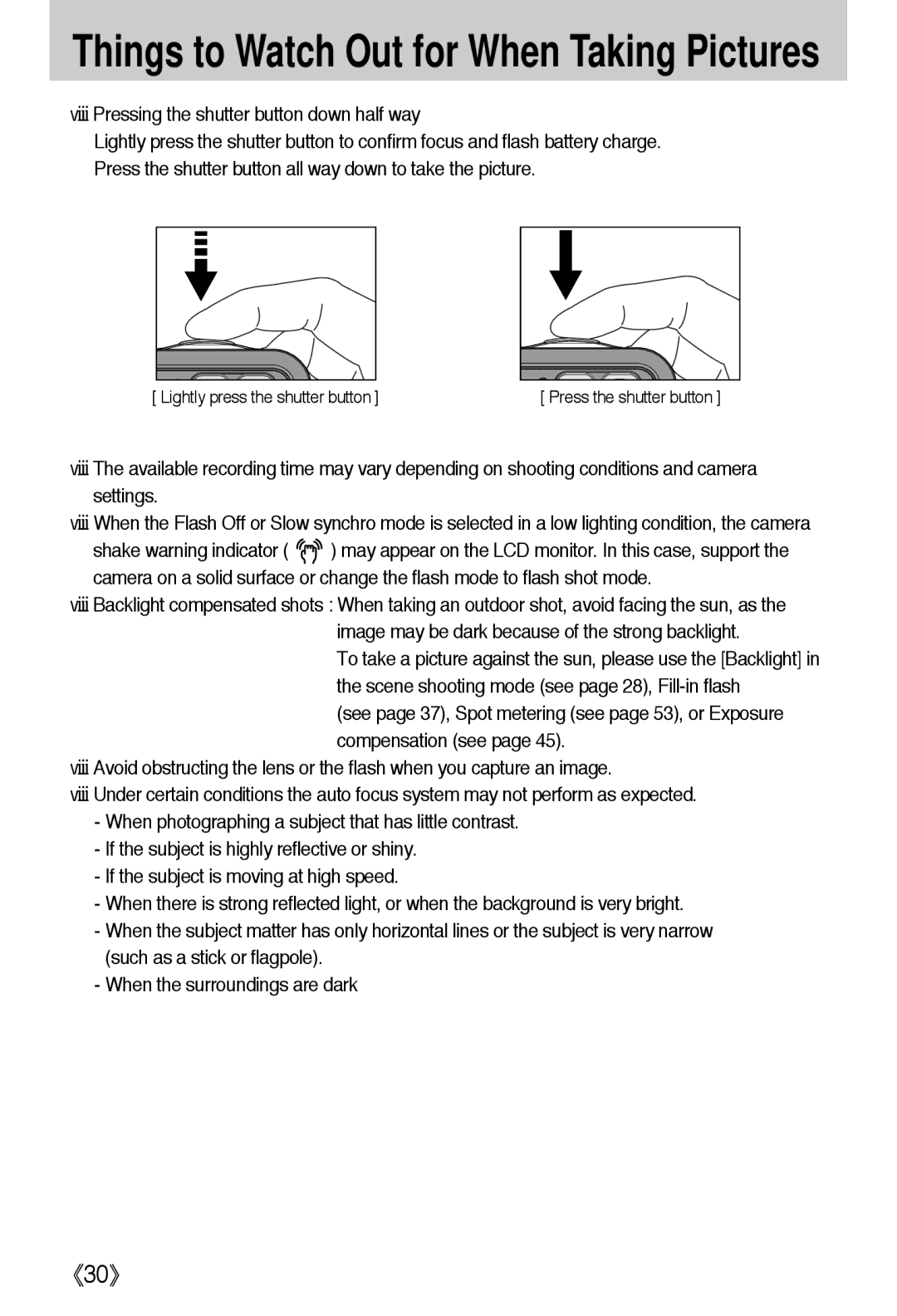
■Pressing the shutter button down half way
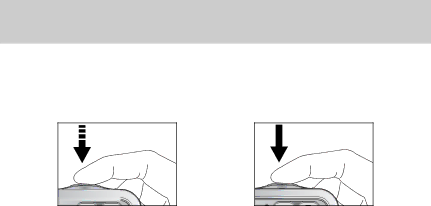
Lightly press the shutter button to confirm focus and flash battery charge. Press the shutter button all way down to take the picture.
[ Lightly press the shutter button ] | [ Press the shutter button ] |
■The available recording time may vary depending on shooting conditions and camera settings.
■When the Flash Off or Slow synchro mode is selected in a low lighting condition, the camera
shake warning indicator ( 
 ) may appear on the LCD monitor. In this case, support the camera on a solid surface or change the flash mode to flash shot mode.
■Backlight compensated shots : When taking an outdoor shot, avoid facing the sun, as the image may be dark because of the strong backlight.
To take a picture against the sun, please use the [Backlight] in the scene shooting mode (see page 28),
(see page 37), Spot metering (see page 53), or Exposure compensation (see page 45).
■Avoid obstructing the lens or the flash when you capture an image.
■Under certain conditions the auto focus system may not perform as expected.
-When photographing a subject that has little contrast.
-If the subject is highly reflective or shiny.
-If the subject is moving at high speed.
-When there is strong reflected light, or when the background is very bright.
-When the subject matter has only horizontal lines or the subject is very narrow (such as a stick or flagpole).
-When the surroundings are dark
《30》