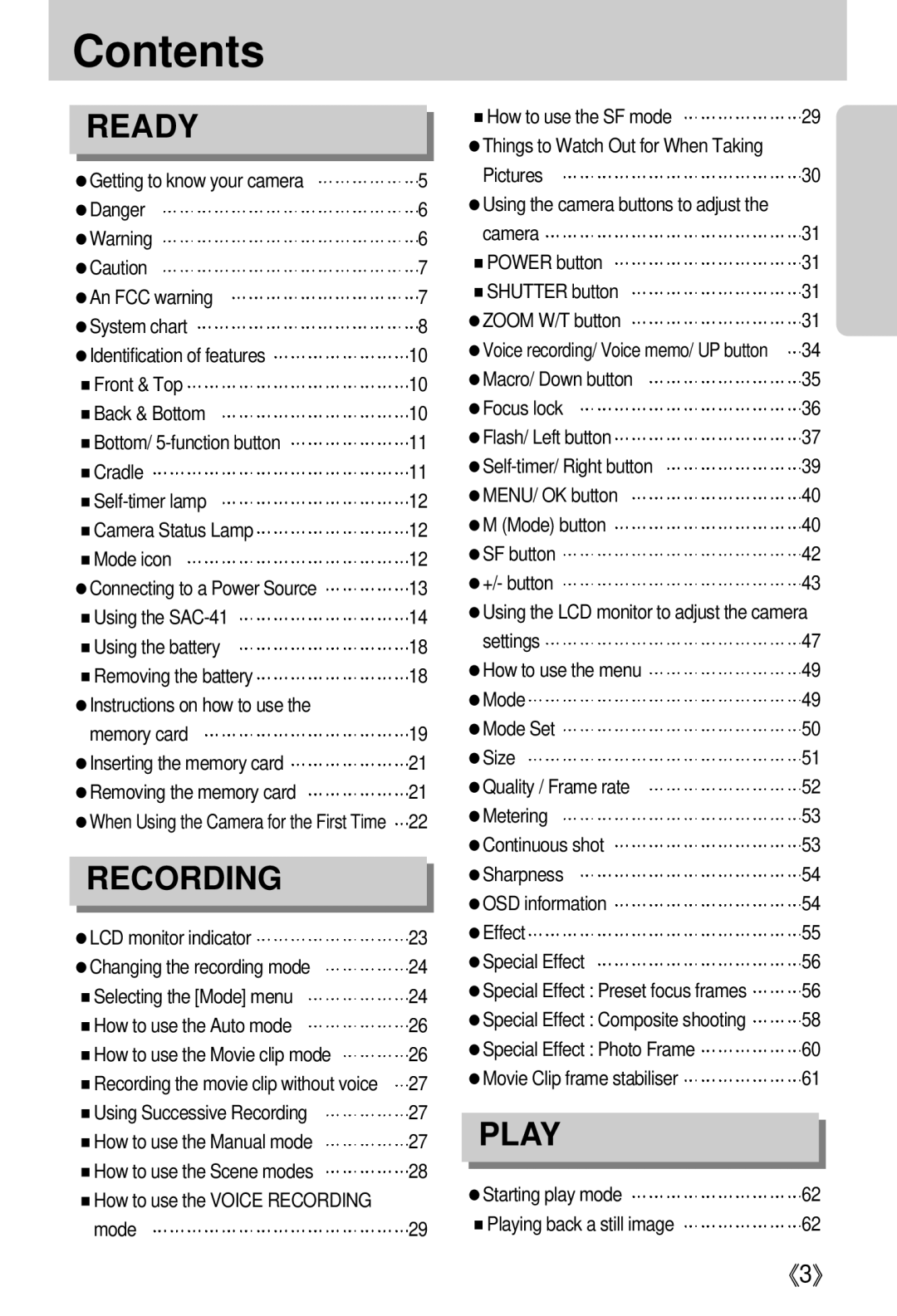
Contents
| READY |
|
|
| ■How to use the SF mode | 29 |
|
|
| ||||
|
|
|
| ●Things to Watch Out for When Taking |
| |
|
|
|
|
| Pictures | 30 |
●Getting to know your camera | 5 |
| ||||
●Danger | 6 |
| ●Using the camera buttons to adjust the |
| ||
●Warning | 6 |
| camera | 31 | ||
●Caution | 7 |
| ■POWER button | 31 | ||
●An FCC warning | 7 |
| ■SHUTTER button | 31 | ||
●System chart | 8 |
| ●ZOOM W/T button | 31 | ||
●Identification of features | 10 |
| ●Voice recording/ Voice memo/ UP button | 34 | ||
■Front & Top | 10 |
| ●Macro/ Down button | 35 | ||
■Back & Bottom | 10 |
| ●Focus lock | 36 | ||
■Bottom/ | 11 |
| ●Flash/ Left button | 37 | ||
■Cradle | 11 |
| 39 | |||
12 |
| ●MENU/ OK button | 40 | |||
■Camera Status Lamp | 12 |
| ●M (Mode) button | 40 | ||
■Mode icon | 12 |
| ●SF button | 42 | ||
●Connecting to a Power Source | 13 |
| ●+/- button | 43 | ||
■Using the | 14 |
| ●Using the LCD monitor to adjust the camera | |||
■Using the battery | 18 |
| settings | 47 | ||
■Removing the battery | 18 |
| ●How to use the menu | 49 | ||
●Instructions on how to use the |
|
|
| ●Mode | 49 | |
| memory card | 19 |
| ●Mode Set | 50 | |
●Inserting the memory card | 21 |
| ●Size | 51 | ||
●Removing the memory card | 21 |
| ●Quality / Frame rate | 52 | ||
●When Using the Camera for the First Time | 22 |
| ●Metering | 53 | ||
|
|
|
|
| ●Continuous shot | 53 |
| RECORDING |
|
|
| ●Sharpness | 54 |
|
|
|
|
| ●OSD information | 54 |
●LCD monitor indicator | 23 |
| ●Effect | 55 | ||
●Changing the recording mode | 24 |
| ●Special Effect | 56 | ||
■Selecting the [Mode] menu | 24 |
| ●Special Effect : Preset focus frames | 56 | ||
■How to use the Auto mode | 26 |
| ●Special Effect : Composite shooting | 58 | ||
■How to use the Movie clip mode | 26 |
| ●Special Effect : Photo Frame | 60 | ||
■Recording the movie clip without voice | 27 |
| ●Movie Clip frame stabiliser | 61 | ||
■Using Successive Recording | 27 |
|
|
| ||
■How to use the Manual mode | 27 |
| PLAY |
| ||
■How to use the Scene modes | 28 |
|
|
| ||
| ●Starting play mode | 62 | ||||
■How to use the VOICE RECORDING |
|
|
| |||
| mode | 29 |
| ■Playing back a still image | 62 | |
《3》