Using the camera buttons to adjust the camera
■In Play mode, you can use the buttons on the camera to conveniently set up the Play mode functions.
Play mode button
■If you have turned on the camera by pressing the POWER button, you can press the PLAY MODE button once to switch to Play mode and press it (Under 1 Sec.) again to switch to Recording mode.
■You can turn the power on with the play mode button. The camera is turned on in play mode. Press the play mode button (Under 1 Sec.) again to turn off the camera.
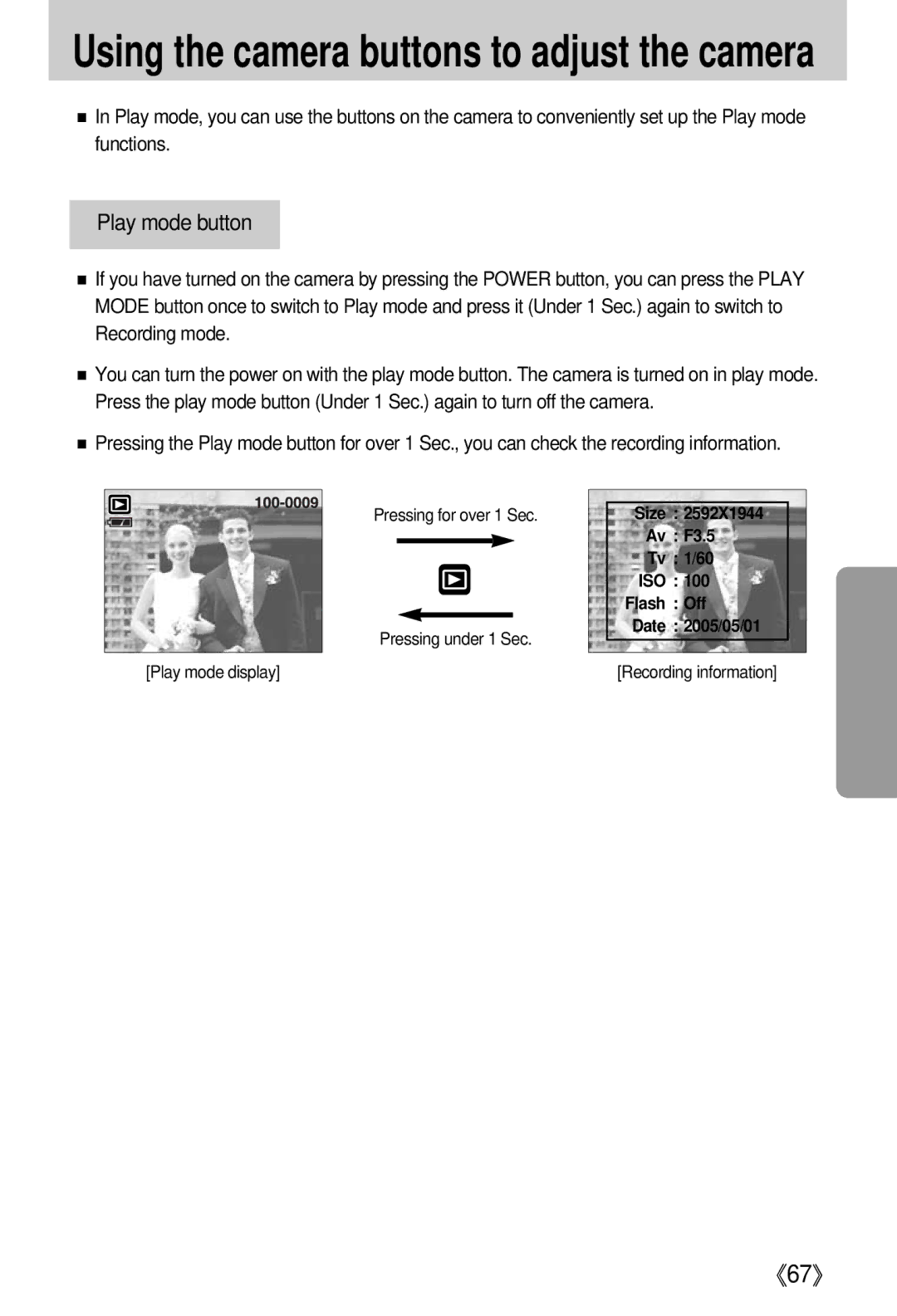
■Pressing the Play mode button for over 1 Sec., you can check the recording information.
Pressing for over 1 Sec.
Pressing under 1 Sec.
[Play mode display]
Size : 2592X1944
Av : F3.5
Tv : 1/60
ISO : 100
Flash : Off
Date : 2005/05/01
[Recording information]