Macro(  ) / Down button
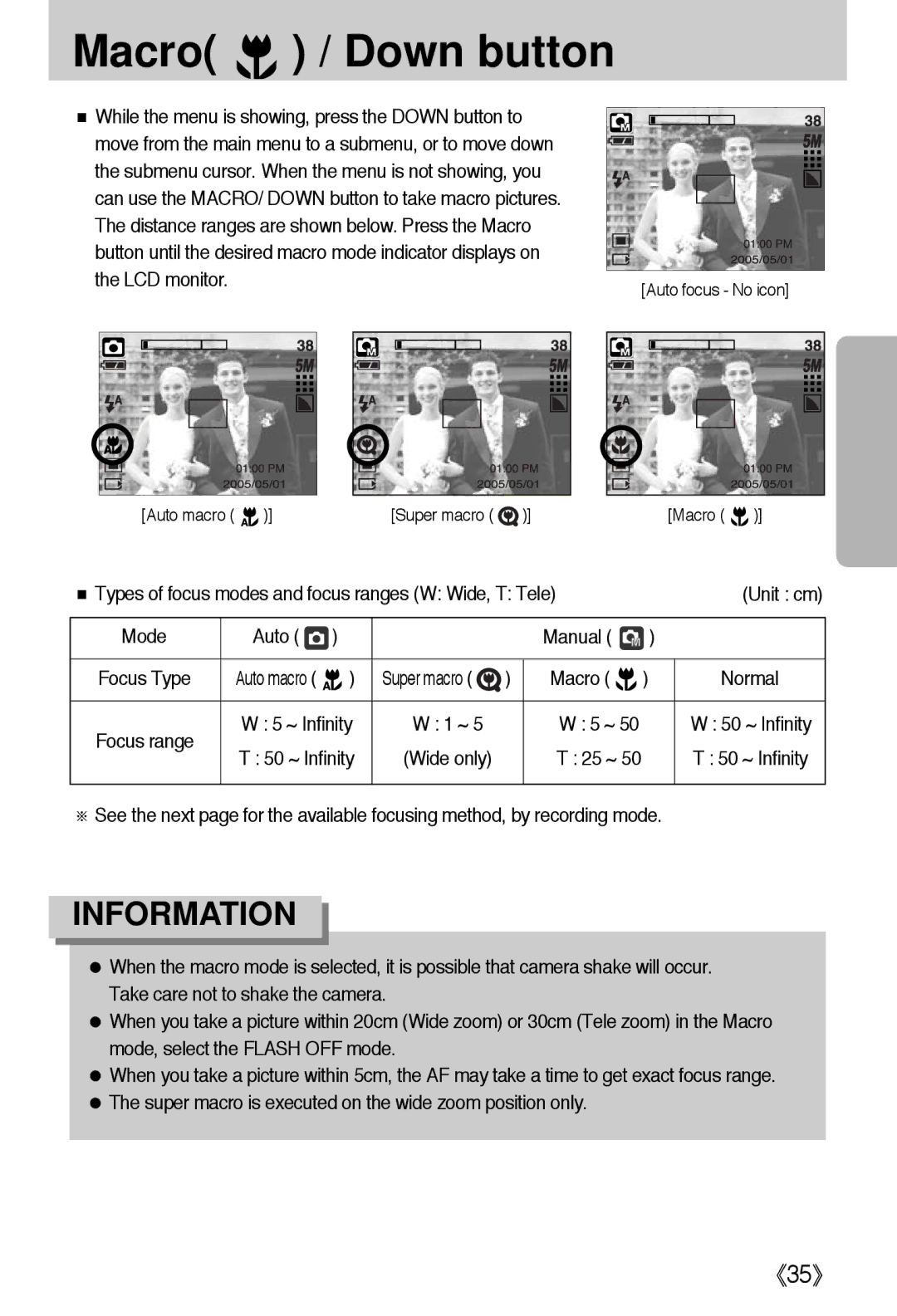
■ While the menu is showing, press the DOWN button to |
|
move from the main menu to a submenu, or to move down |
|
the submenu cursor. When the menu is not showing, you |
|
can use the MACRO/ DOWN button to take macro pictures. |
|
The distance ranges are shown below. Press the Macro |
|
button until the desired macro mode indicator displays on |
|
the LCD monitor. | [Auto focus - No icon] |
|
[Auto macro (  )][Super macro (
  )][Macro (
  )]
)]
■ Types of focus modes and focus ranges (W: Wide, T: Tele) |
| (Unit : cm) | ||||
|
|
|
|
|
|
|
Mode | Auto ( | ) |
| Manual ( | ) |
|
|
|
|
|
|
|
|
Focus Type | Auto macro ( | ) | Super macro ( ) | Macro ( ) |
| Normal |
|
|
|
|
|
| |
Focus range | W : 5 ~ Infinity | W : 1 ~ 5 | W : 5 ~ 50 |
| W : 50 ~ Infinity | |
T : 50 ~ Infinity | (Wide only) | T : 25 ~ 50 |
| T : 50 ~ Infinity | ||
|
| |||||
|
|
|
|
|
|
|
※See the next page for the available focusing method, by recording mode.
INFORMATION
●When the macro mode is selected, it is possible that camera shake will occur. Take care not to shake the camera.
●When you take a picture within 20cm (Wide zoom) or 30cm (Tele zoom) in the Macro mode, select the FLASH OFF mode.
●When you take a picture within 5cm, the AF may take a time to get exact focus range.
●The super macro is executed on the wide zoom position only.
《35》