YO |
| <P=001> |
|
|
(Continued) |
|
| ||
|
| 2 | 1 |
|
|
|
|
| |
|
|
| 2 |
|
|
| 4 | MD | |
DISPLAY | 3 |
| ||
|
| |||
|
|
| MD |
|
|
| DISPLAY | 3 |
|
|
| 1 |
| |
|
|
|
| |
| 3 | Stereo recording |
|
|
|
|
|
| |
|
| Monaural extended length recording | Lit | |
| 4 |
|
|
|
■Recording from a CD onto a MiniDisc (One-Touch Editing)
A CD can be recorded to a MiniDisc, starting from the first track, with a
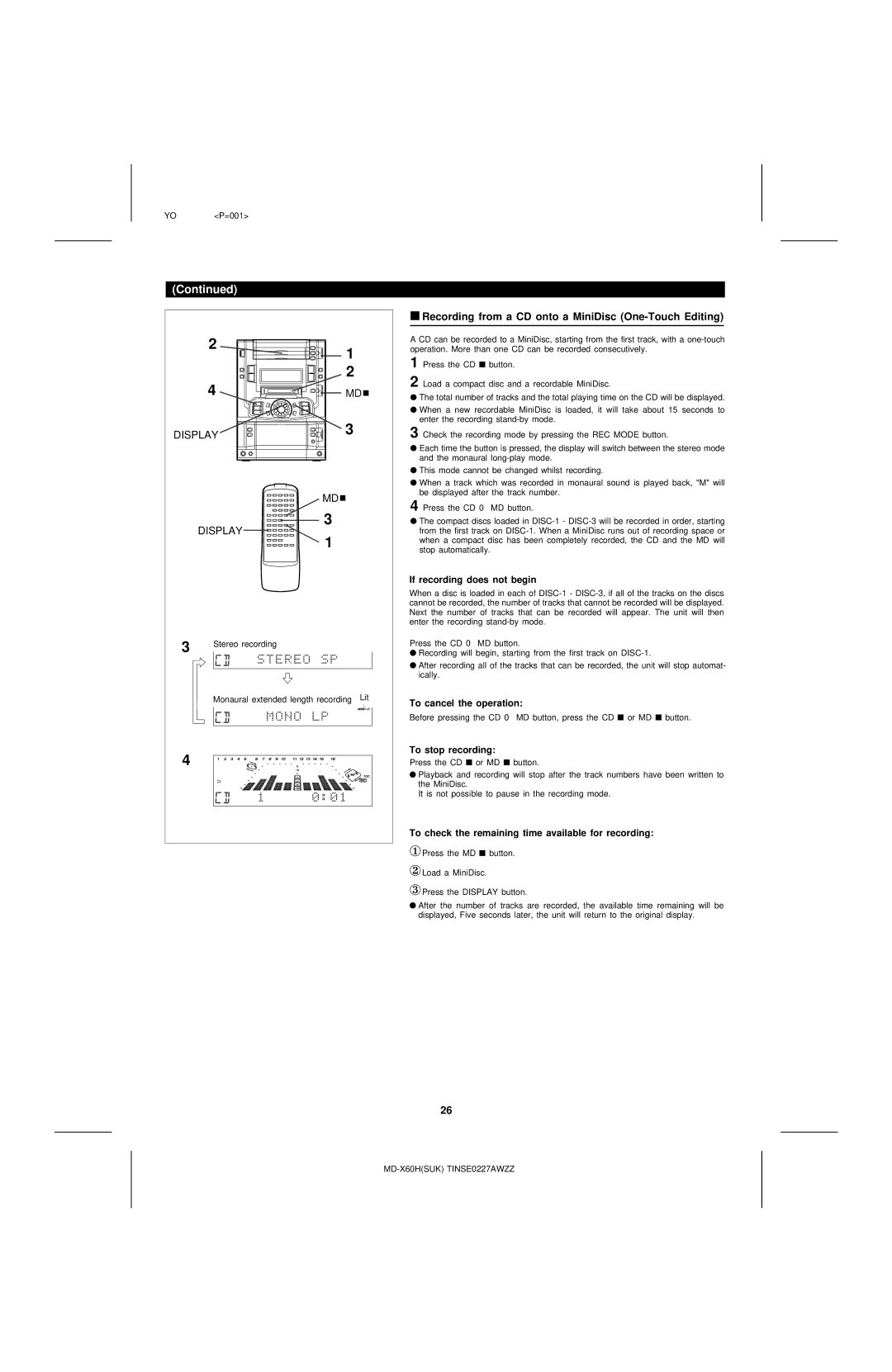
1 Press the CD ■ button.
2 Load a compact disc and a recordable MiniDisc.
●The total number of tracks and the total playing time on the CD will be displayed.
●When a new recordable MiniDisc is loaded, it will take about 15 seconds to enter the recording
3 Check the recording mode by pressing the REC MODE button.
●Each time the button is pressed, the display will switch between the stereo mode and the monaural
●This mode cannot be changed whilst recording.
●When a track which was recorded in monaural sound is played back, "M" will be displayed after the track number.
4 Press the CD 0 MD button.
●The compact discs loaded in
If recording does not begin
When a disc is loaded in each of
Press the CD 0 MD button.
●Recording will begin, starting from the first track on
●After recording all of the tracks that can be recorded, the unit will stop automat- ically.
To cancel the operation:
Before pressing the CD 0 MD button, press the CD ■ or MD ■ button.
To stop recording:
Press the CD ■ or MD ■ button.
●Playback and recording will stop after the track numbers have been written to the MiniDisc.
It is not possible to pause in the recording mode.
To check the remaining time available for recording:
①Press the MD ■ button.
②Load a MiniDisc.
③Press the DISPLAY button.
●After the number of tracks are recorded, the available time remaining will be displayed, Five seconds later, the unit will return to the original display.
26