Loading Media into Tray 2
1 |
2 |
3 |
4 |
To load media into Tray 2
CAUTION
Do not print cardstock, labels, envelopes, and unsupported sizes of media from Tray 2. These media types should be printed only from Tray 1.
Do not overfill the input tray. Overfilling trays can cause jams in the printer.
To avoid causing jams, never open the tray while it is in use.
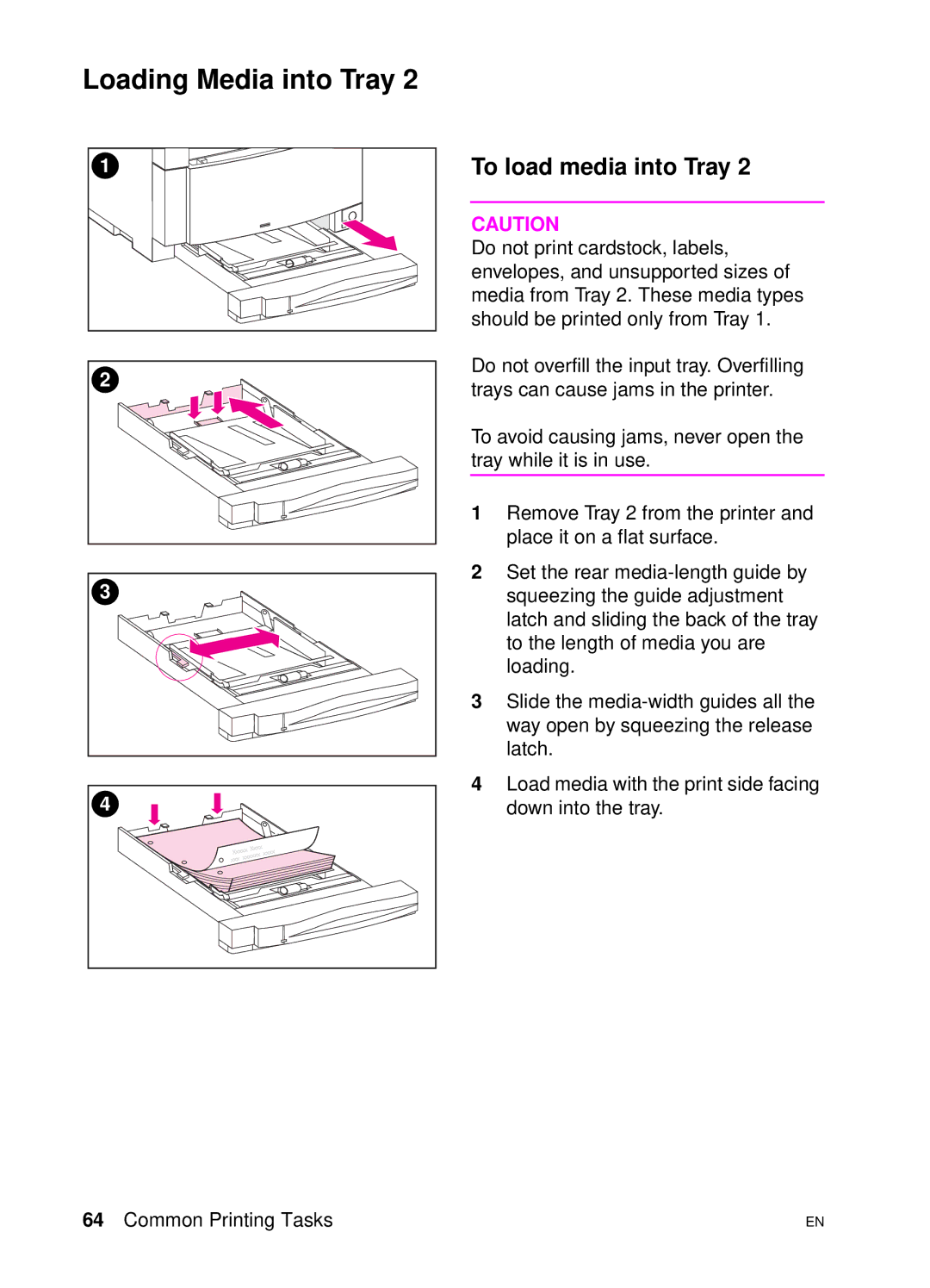
1Remove Tray 2 from the printer and place it on a flat surface.
2Set the rear
3Slide the
4Load media with the print side facing down into the tray.
64 Common Printing Tasks | EN |