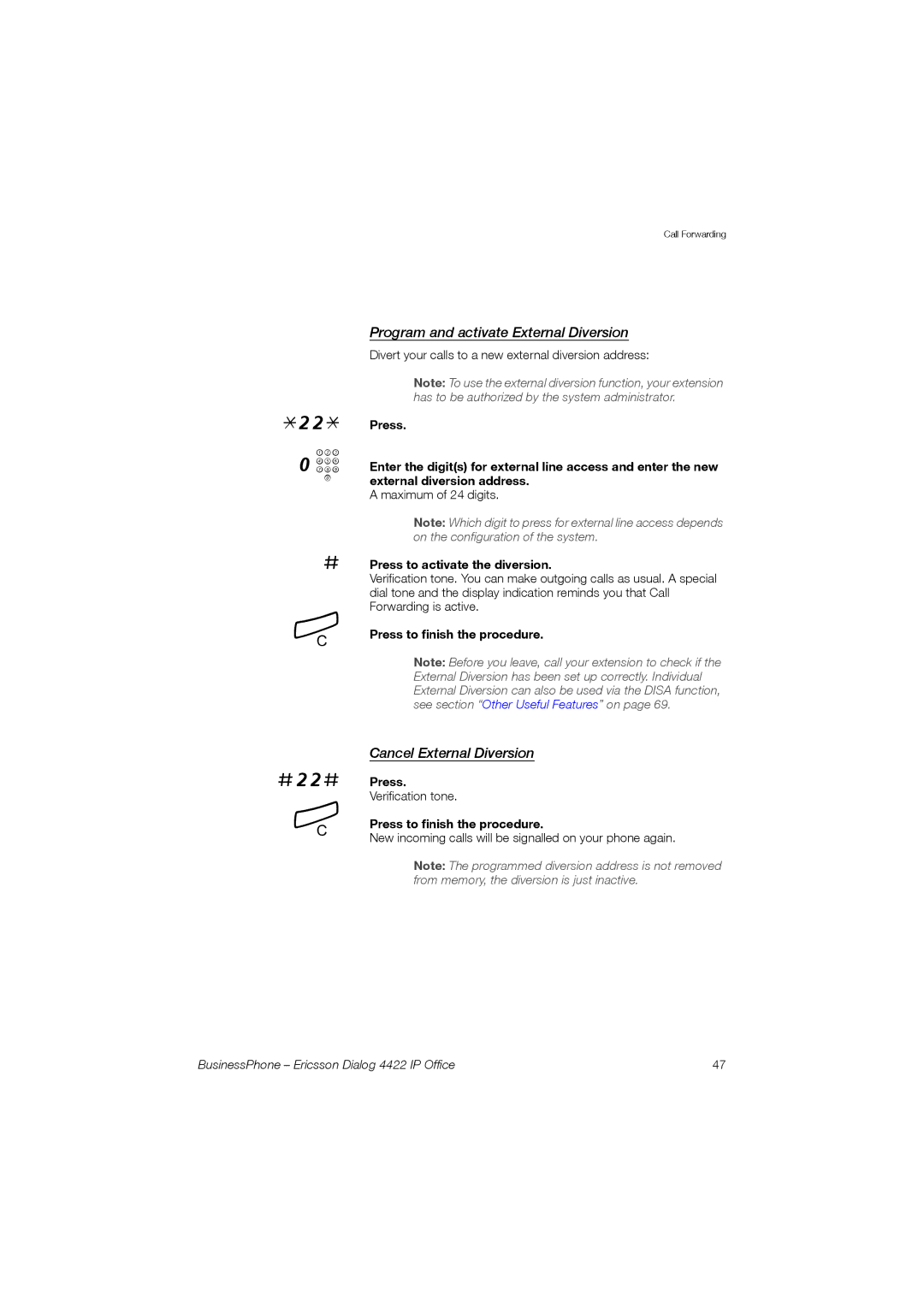
*22* 0 z
#
í
Call Forwarding
Program and activate External Diversion
Divert your calls to a new external diversion address:
Note: To use the external diversion function, your extension has to be authorized by the system administrator.
Press.
Enter the digit(s) for external line access and enter the new external diversion address.
A maximum of 24 digits.
Note: Which digit to press for external line access depends on the configuration of the system.
Press to activate the diversion.
Verification tone. You can make outgoing calls as usual. A special dial tone and the display indication reminds you that Call Forwarding is active.
Press to finish the procedure.
Note: Before you leave, call your extension to check if the External Diversion has been set up correctly. Individual External Diversion can also be used via the DISA function, see section “Other Useful Features” on page 69.
#22#
í
Cancel External Diversion
Press.
Verification tone.
Press to finish the procedure.
New incoming calls will be signalled on your phone again.
Note: The programmed diversion address is not removed from memory, the diversion is just inactive.
BusinessPhone – Ericsson Dialog 4422 IP Office | 47 |