Date Book
Date Book lets you quickly and easily schedule appointments or any kind of activity associated with a time and date.
In Date Book, you can do the following:
■Enter a description of your appointment and assign it to a specific time and date.
■Display a chart of your appointments for an entire week. The Week View makes it easy to spot available times and any potential scheduling overlaps or conflicts.
■Display a monthly calendar to quickly spot days where you have morning, lunch, or afternoon appointments.
■Set an alarm to sound prior to the scheduled activity.
■Create reminders for events that are based on a particular date, rather than time of day. Birthdays and anniversaries are easy to track with your handheld computer.
■Attach notes to individual events for a description or clarification of the entry in your Date Book.
To open Date Book:
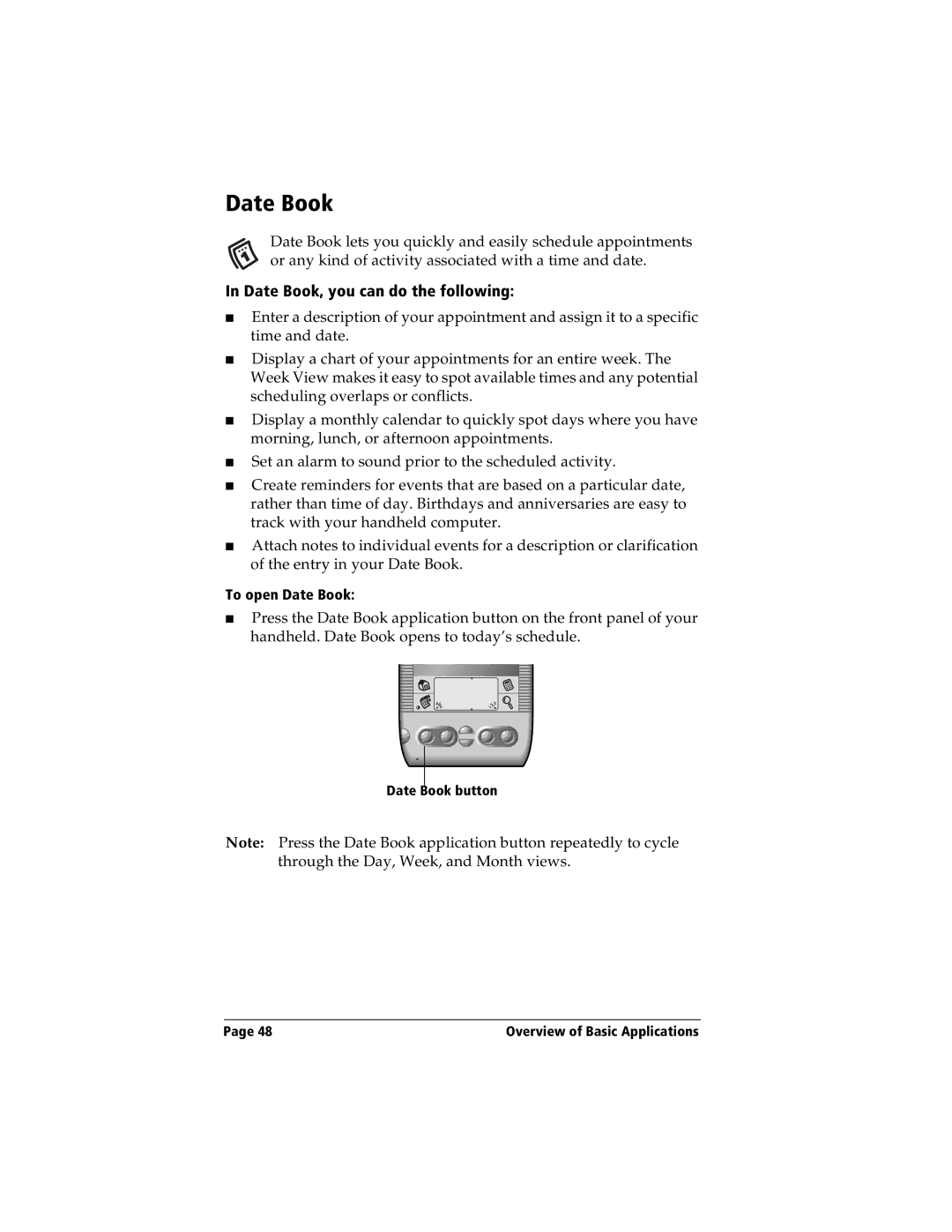
■Press the Date Book application button on the front panel of your handheld. Date Book opens to today’s schedule.
Date Book button
Note: Press the Date Book application button repeatedly to cycle through the Day, Week, and Month views.
Page 48 | Overview of Basic Applications |