Buttons
Power Button 
Turn Sero On
Press & hold the Power button until the Hisense logo displays.
Turn Sero Off
In waken mode, press & hold the Power button until a message displays, tap OK, then your Sero 7 will shut down.
Put Sero in Sleep Mode
Press the Power button to put the Sero 7 in sleep mode.
If you don’t touch the screen for a several minutes, the Sero 7 will put in sleep mode automatically. Tip: You can go to Settings > Device > Display > Sleep to set the screen timeout.
Wake Sero From Sleep Mode
Press the Power button to wake the Sero 7 from sleep mode.
Forced Shutdown
If your Sero 7 becomes unresponsive during use, you can press & hold the Power button for 8 seconds to shut it down. Then press the Power button to restart it.
Volume Up/Down Buttons 
Mute Mode Off
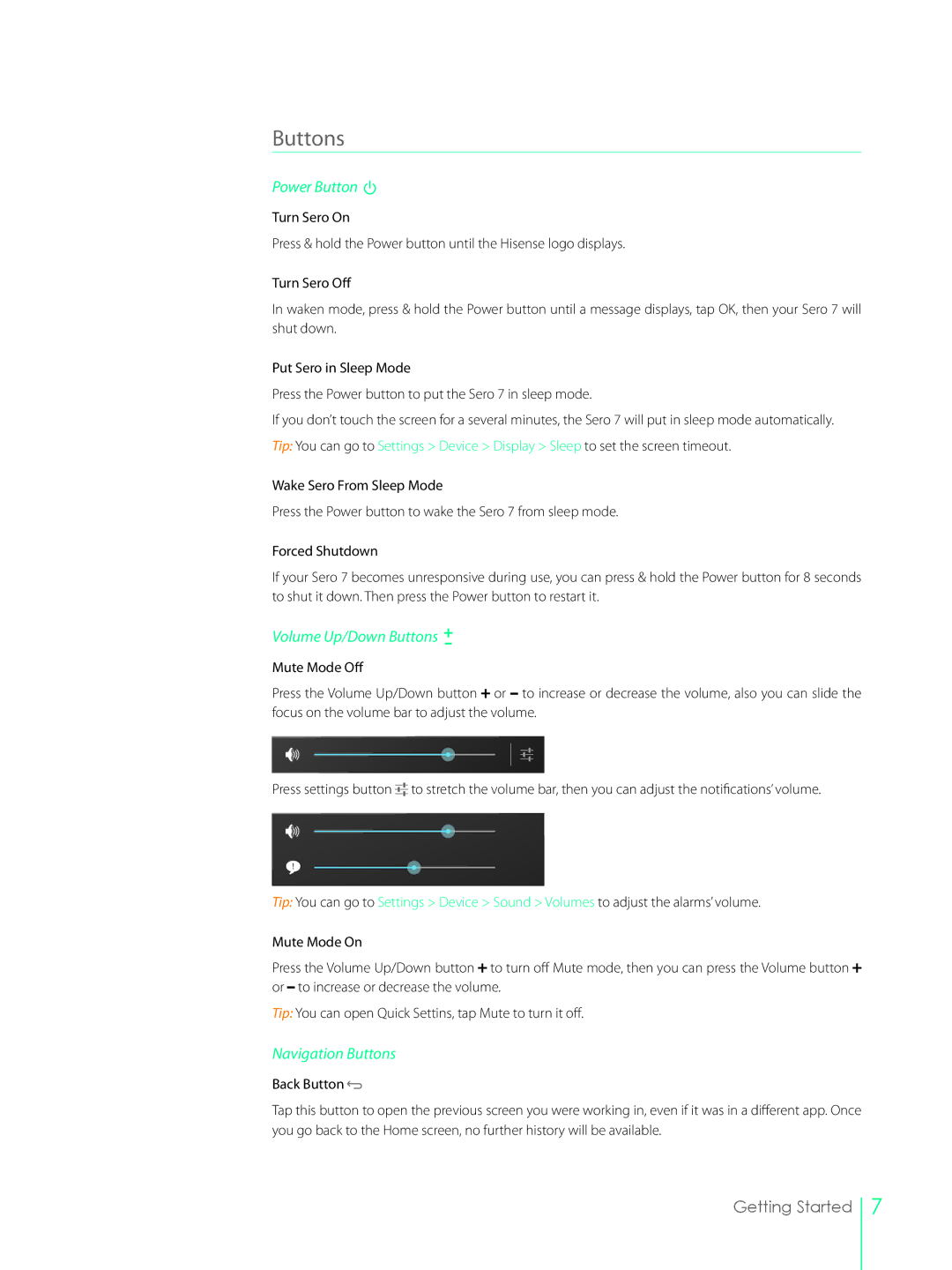
Press the Volume Up/Down button  or to increase or decrease the volume, also you can slide the focus on the volume bar to adjust the volume.
Press settings button 

 to stretch the volume bar, then you can adjust the notifications’ volume.
Tip: You can go to Settings > Device > Sound > Volumes to adjust the alarms’ volume.
Mute Mode On
Press the Volume Up/Down button  to turn off Mute mode, then you can press the Volume button
 or to increase or decrease the volume.
Tip: You can open Quick Settins, tap Mute to turn it off.
Navigation Buttons
Back Button 
Tap this button to open the previous screen you were working in, even if it was in a different app. Once you go back to the Home screen, no further history will be available.
Getting Started
7