Visual Manager User Interface
Event Log Configuration
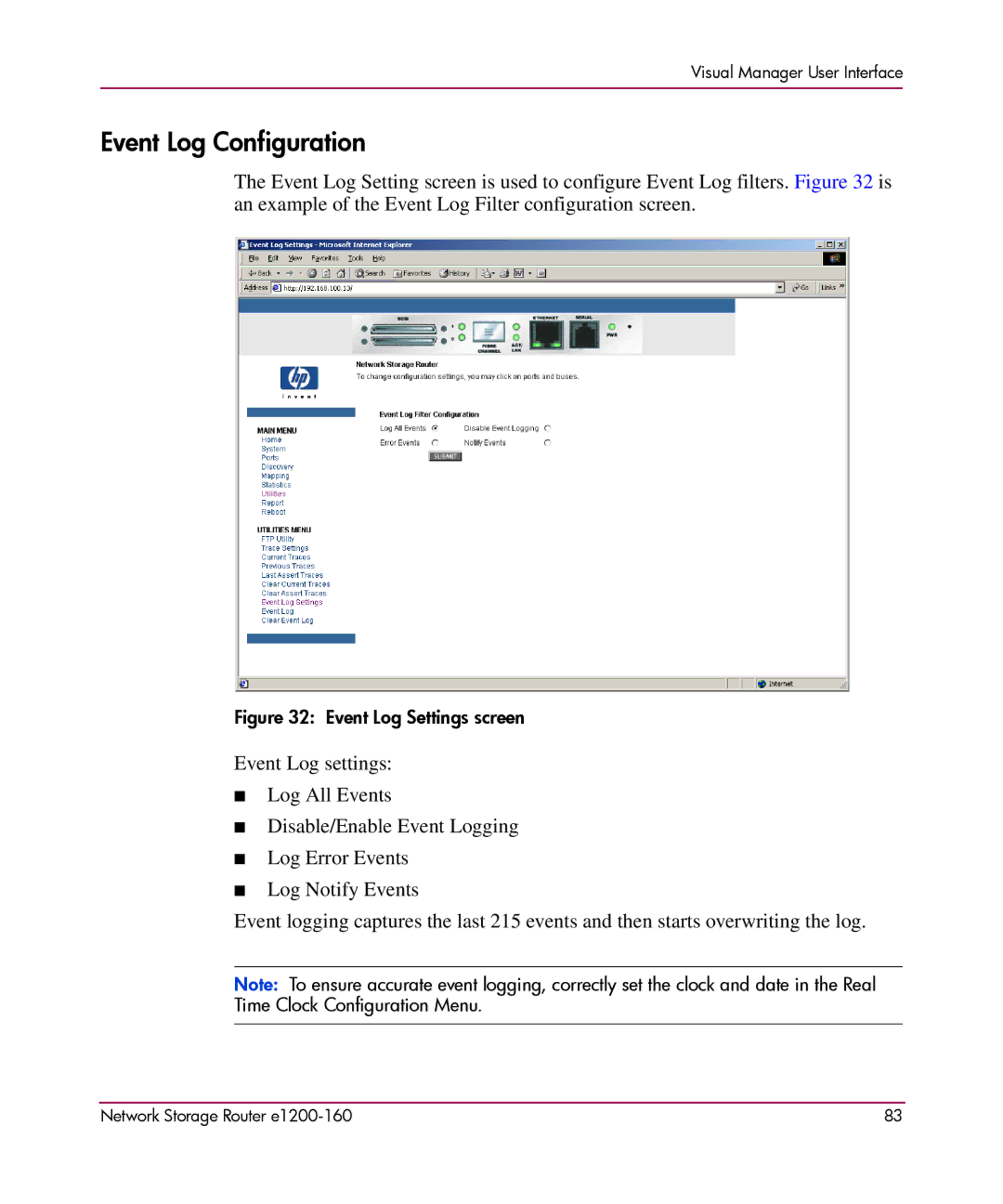
The Event Log Setting screen is used to configure Event Log filters. Figure 32 is an example of the Event Log Filter configuration screen.
Figure 32: Event Log Settings screen
Event Log settings:
■Log All Events
■Disable/Enable Event Logging
■Log Error Events
■Log Notify Events
Event logging captures the last 215 events and then starts overwriting the log.
Note: To ensure accurate event logging, correctly set the clock and date in the Real Time Clock Configuration Menu.
Network Storage Router | 83 |