Serial/Telnet User Interface
Serial/Telnet UI Main Menu
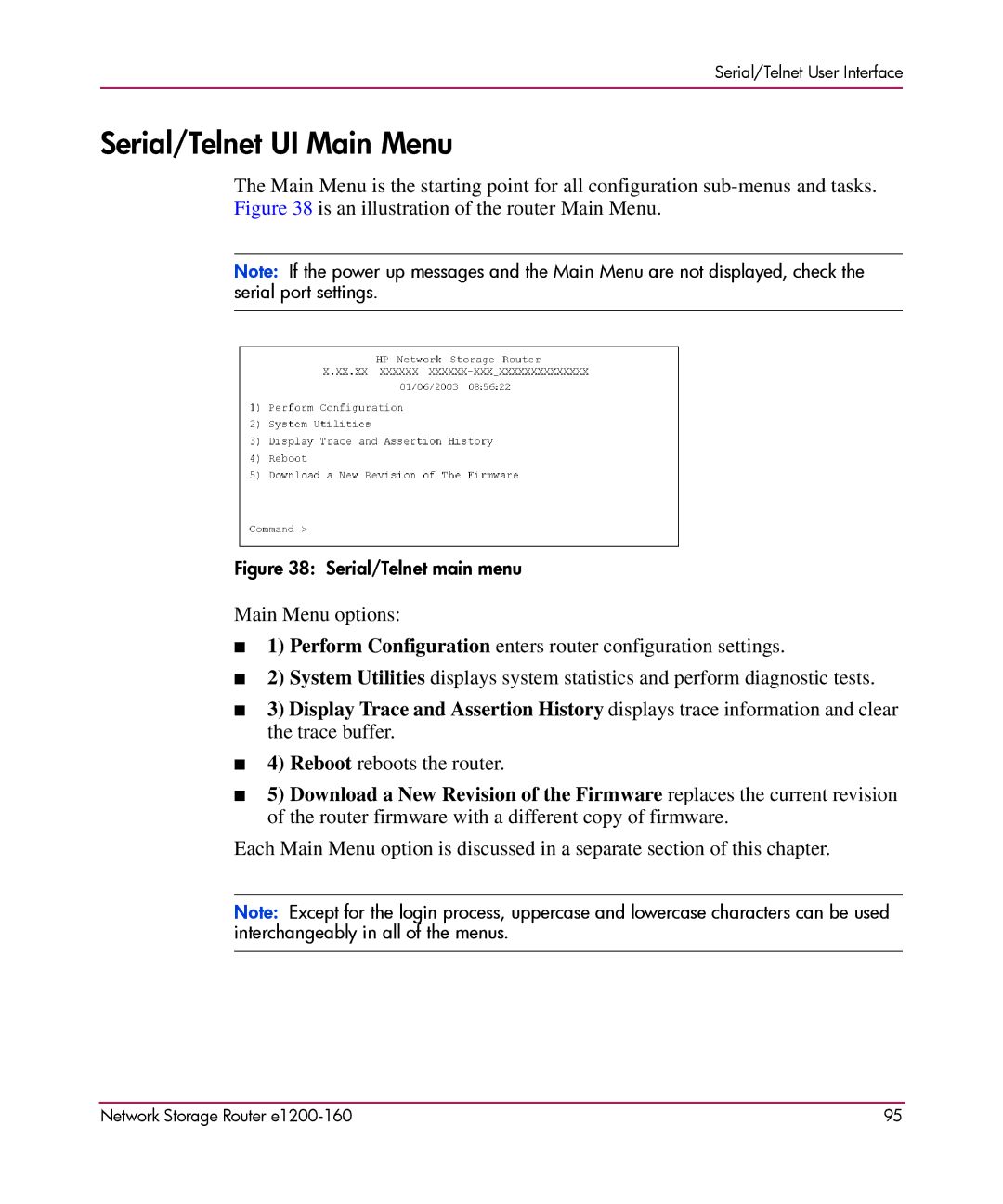
The Main Menu is the starting point for all configuration
Note: If the power up messages and the Main Menu are not displayed, check the serial port settings.
Figure 38: Serial/Telnet main menu
Main Menu options:
■1) Perform Configuration enters router configuration settings.
■2) System Utilities displays system statistics and perform diagnostic tests.
■3) Display Trace and Assertion History displays trace information and clear the trace buffer.
■4) Reboot reboots the router.
■5) Download a New Revision of the Firmware replaces the current revision of the router firmware with a different copy of firmware.
Each Main Menu option is discussed in a separate section of this chapter.
Note: Except for the login process, uppercase and lowercase characters can be used interchangeably in all of the menus.
Network Storage Router | 95 |