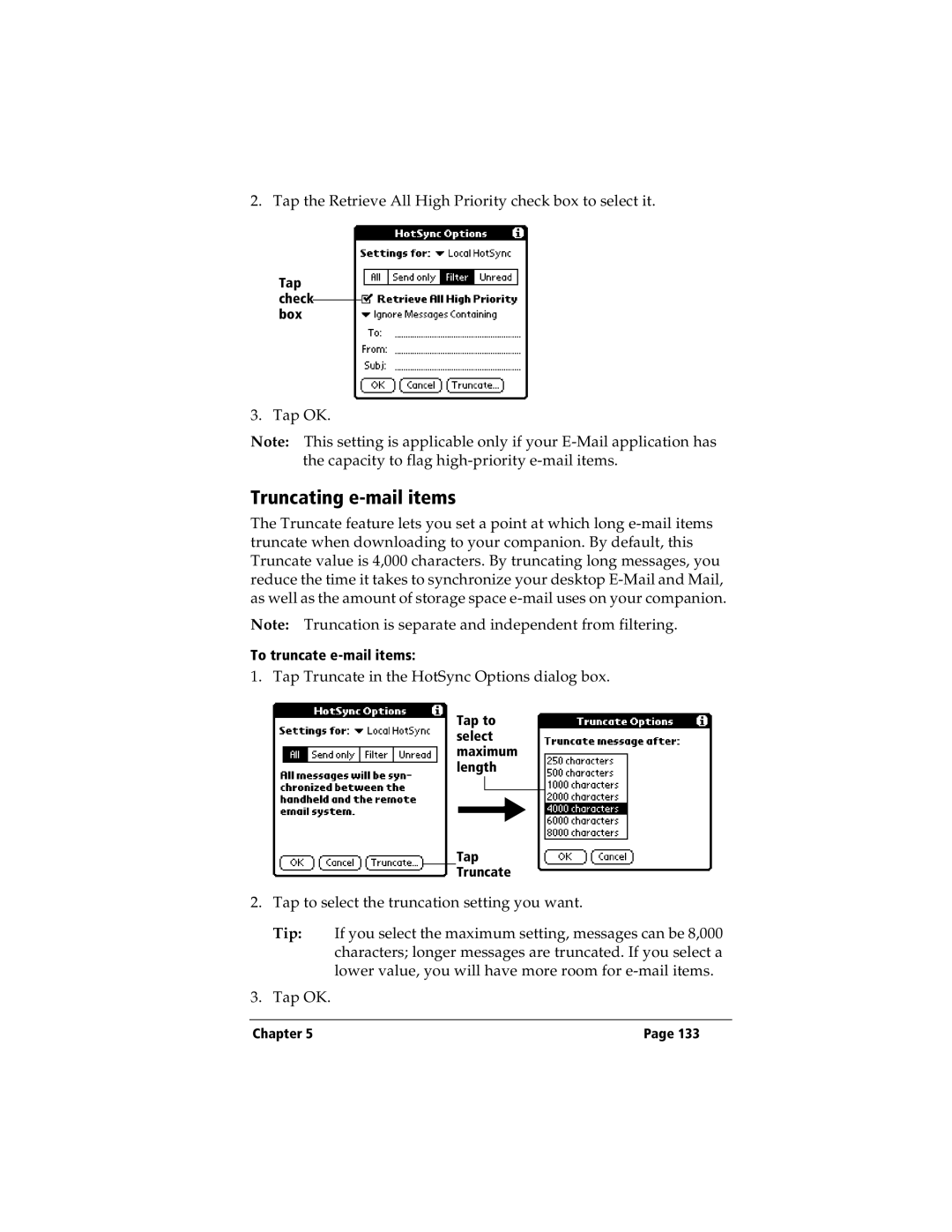
2. Tap the Retrieve All High Priority check box to select it.
Tap check box
3. Tap OK.
Note: This setting is applicable only if your
Truncating e-mail items
The Truncate feature lets you set a point at which long
Note: Truncation is separate and independent from filtering.
To truncate
1. Tap Truncate in the HotSync Options dialog box.
Tap to select maximum length
Tap
Truncate
2.Tap to select the truncation setting you want.
Tip: If you select the maximum setting, messages can be 8,000 characters; longer messages are truncated. If you select a lower value, you will have more room for
3.Tap OK.
Chapter 5 | Page 133 |