IP address
Everyone who logs on to the Internet needs to have a unique identifier (an IP address), whether permanent or temporary. Some networks dynamically assign a temporary IP address when clients log in. The IP Address field lets you identify whether your network provides automatic (dynamic) temporary IP addressing.
Note: If your IP address is permanently assigned, you need to get that information from your System Administrator. If you are not sure, select Automatic.
To identify dynamic IP addressing:
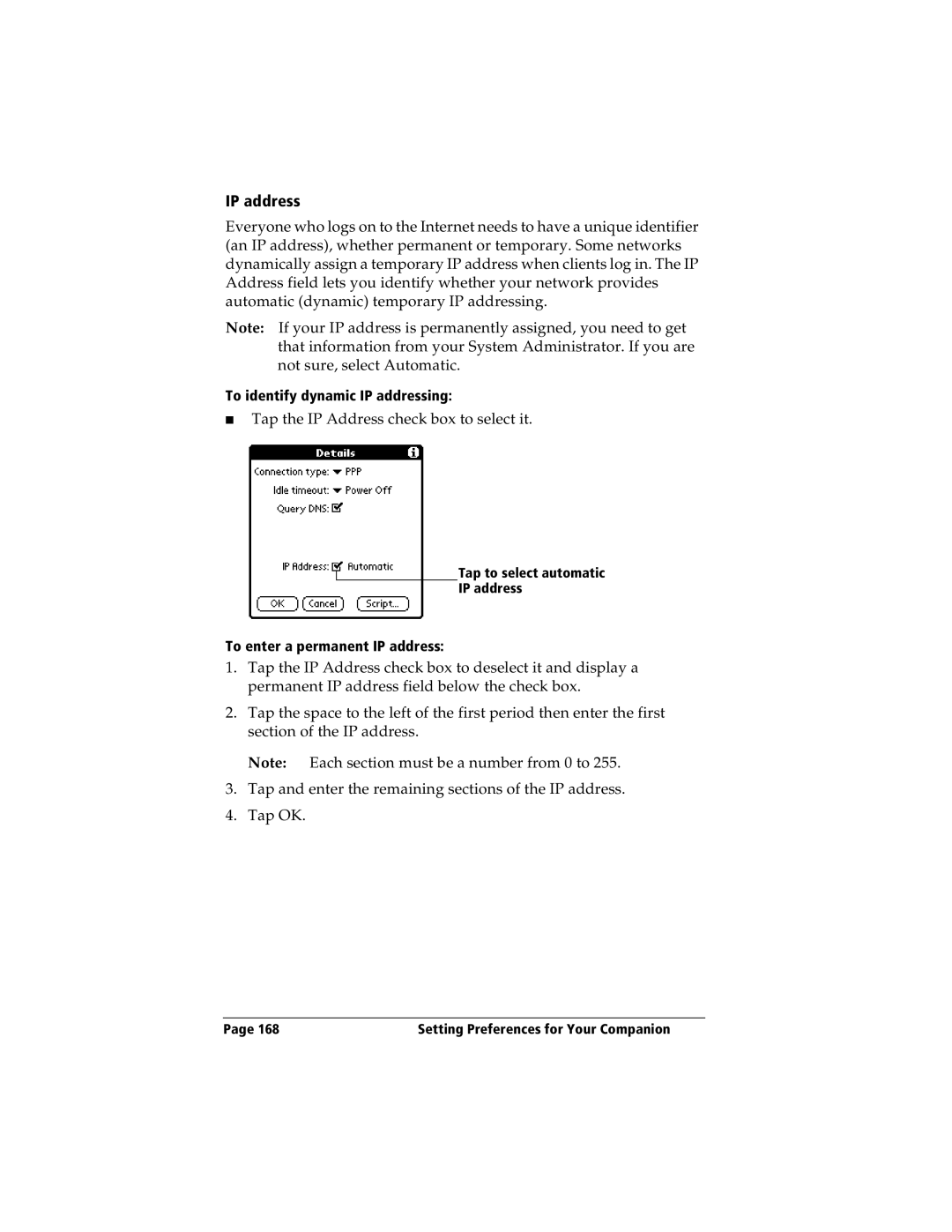
■Tap the IP Address check box to select it.
Tap to select automatic
IP address
To enter a permanent IP address:
1.Tap the IP Address check box to deselect it and display a permanent IP address field below the check box.
2.Tap the space to the left of the first period then enter the first section of the IP address.
Note: Each section must be a number from 0 to 255.
3.Tap and enter the remaining sections of the IP address.
4.Tap OK.
Page 168 | Setting Preferences for Your Companion |