Using TEL Mode
Answering with an extension phone
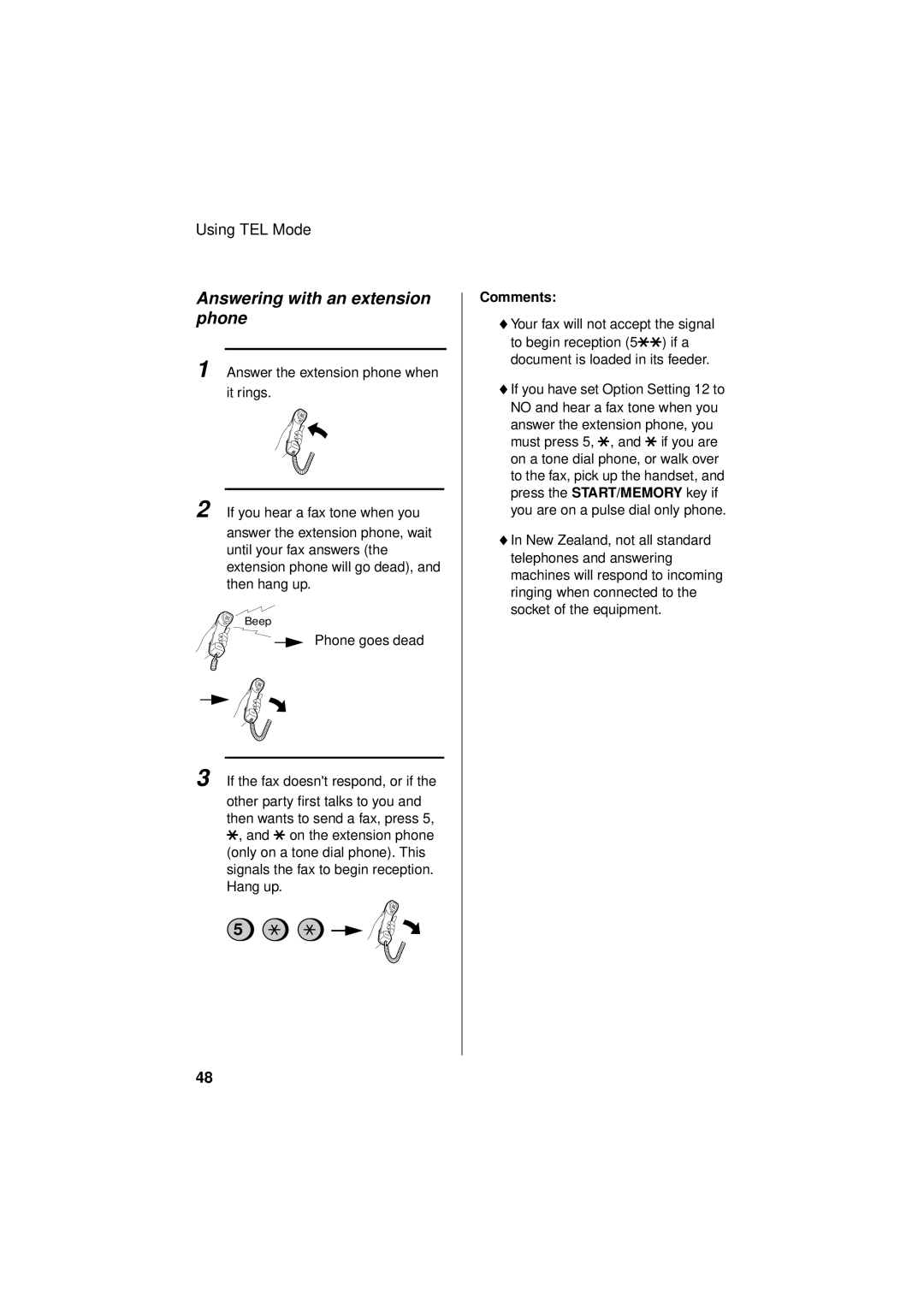
1 Answer the extension phone when
it rings.
2 If you hear a fax tone when you
answer the extension phone, wait until your fax answers (the extension phone will go dead), and then hang up.
Beep
Phone goes dead
3 If the fax doesn't respond, or if the
other party first talks to you and then wants to send a fax, press 5, *, and * on the extension phone (only on a tone dial phone). This signals the fax to begin reception. Hang up.
5
Comments:
♦Your fax will not accept the signal to begin reception (5**) if a document is loaded in its feeder.
♦If you have set Option Setting 12 to NO and hear a fax tone when you answer the extension phone, you must press 5, *, and * if you are on a tone dial phone, or walk over to the fax, pick up the handset, and press the START/MEMORY key if you are on a pulse dial only phone.
♦In New Zealand, not all standard telephones and answering machines will respond to incoming ringing when connected to the socket of the equipment.
48