Phaser Color Printer
Page
Page
Phaser 380 Warranty
Users safety summary
Terms in manual Caution
Page
Contents
Viii Phaser 380 Color Printer
Printing Basics
Page
Printing Beyond the Basics
Caring for Your Printer
Troubleshooting
Xii Phaser 380 Color Printer
Xiii
Index
Supplies, Accessories, and Expanding Your Printer
Regulatory Information and Specifications
Introduction
Overview
Introduction
Requires the printerÕs Extended Features option
World Wide Web
Information roadmap
Diskettes
Getting Set Up
At a glance
Setting up the printer
What you get with your printer
9662-01
Optional accessories
9662-02
Touring the printer
Registering the printer
Removing the packing material
Installing the optional Lower Paper Tray Assembly
9662-04
10Phaser 380 Color Printer
Installing the maintenance tray
12Phaser 380 Color Printer
Loading ink sticks
Standard media tray
Optional Lower Paper Tray Assembly
Choosing media tray configurations
Loading media trays
Loading paper in the upper and lower trays
Insert the media tray into the printer
Loading transparencies in the media tray
Getting Set Up
Connecting the printer
Printer ports
PhaserShare card port optional
PhaserShare network and serial connections
Installing PhaserShare network cards
Parallel connection
Scsi peripheral devices
Selecting a Scsi hard disk
Turning on the printer
Unlocking the transit restraint
Turning off the Startup
As the printer warms up
Front panel controls
Accessing the front panel menu
Selecting a language for the front panel
Help Pages overview
Printing Help Pages from the front panel
Installer overview
PC/Windows software
Installing printer software for Window
PhaserPrint Plug-in for Photoshop
Printer Utilities
Network Utilities
Manufacturers/Printers dialog box, click Have Disk
Installing printer software for Windows NT
PhaserPrint Plug-in for Photoshop
For Name of printer or print queue on that
Return to the Add Printer Wizard
Tektronix Phaser 380 Extended Extended Features option
38Phaser 380 Color Printer
PhaserPrint Plug-in for Photoshop
For Name of printer or print queue on that server
For Name or address of server providing lpd, type
Available AppleTalk Printing Devices dialog
Installation Completed dialog box, click Finish
Installing printer software for Windows
Samplers
44Phaser 380 Color Printer
Tektronix Driver for Windows 3.1 in the Custom
Click Continue in the PostScript Printer Driver Setup
If you selected the AdobePS 3 Driver for Windows 3.1
Deciding which driver to install
Phaser 380 GX Driver
Macintosh software
Apple LaserWriter 8.3.4 recommended
Using the Macintosh Installer
Setting up the Phaser 380 printer driver
Setting up the Apple LaserWriter 8.3.4 driver
Getting Set Up
Setting up the Phaser 380 GX driver
Getting Set Up
Downloadable printer utility files
PhaserPrint software for Unix
Workstation software
Printing Basics
Printing from a PC
Using Windows printer drivers
Using the printer’s front panel
Print features quick reference Windows printer drivers
Using the AdobePS 4 and Microsoft drivers with Windows
Graphics tab
Click the Device Options tab to see printer-speciÞc options
Using the Tektronix driver for Windows
Interface Select Then do the following
LPTx
COMx
Printing Basics
Printing Basics
If you are using PC/NFS
Using the Adobe PostScript driver for Windows
Set the Timeout settings
Printing Basics
Using the Windows NT 3.51 PostScript driver
Using the Windows NT 4.0 PostScript driver
Making default settings
Selecting printer options within an application Print
Printing from DOS
Using Macintosh printer drivers
Printing from a Macintosh
Color correction
Media tray selection
Quick Collate
Check Print
Using the Phaser 380 printer driver
Using the Apple LaserWriter 8.3.4 driver
Using the Phaser 380 GX driver
Printing with a desktop printer
Printing from a workstation
Overview
Unix workstations
Workstation Operating System
VMS workstations
SGI RGB
Printing from specific applications
General hints and tips
Applications tips
QuarkXPress
Other applications
Adobe Photoshop
Pantone
Selecting print features
Feature Front Panel Descriptions Print-quality modes
Media size
Print quality modes
Print speed
Color correction mode Description
Color corrections
All about media
Media size Dimensions
Media sizes
9662-73
Manual feed sizes
Media weight
Input method Grade Weight
Margins and image area
Media size Image area
Mm 0.2
Mm 0.2 Mm 0.35
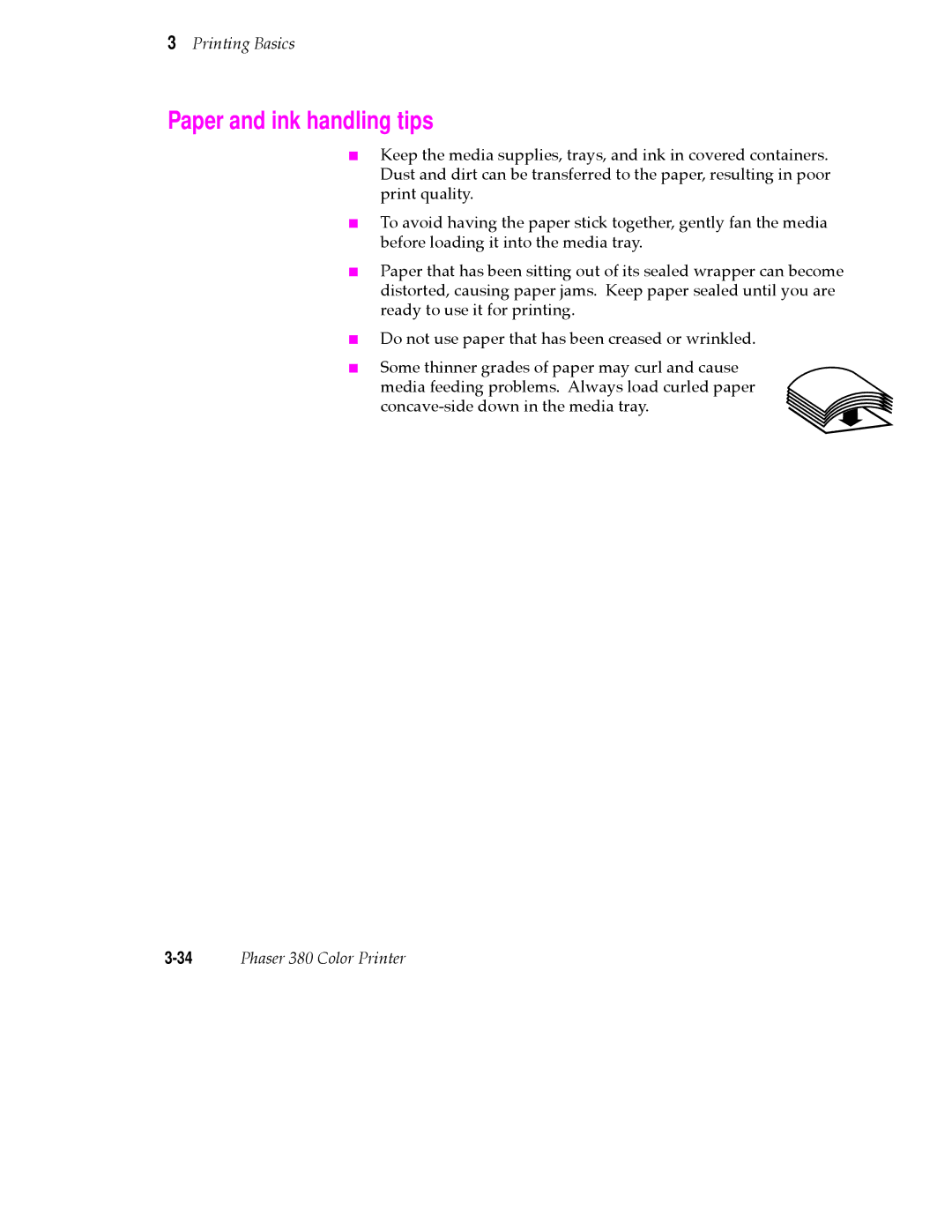
Paper and ink handling tips
Media trays
Standard tray
9662-64
Establishing a default media tray optional
Lower paper tray
Printing on letterhead
Printing transparencies
Transparency quality tips
Manual-feed printing
Portrait Landscape
Sec
Duplex printing
Printer languages PostScript, HP-GL, PCL5
Fonts
Resident typefaces PostScript
Printer’s Extended Features option
Printing Basics 48Phaser 380 Color Printer
Printing Beyond the Basics
Working with color
General guidelines
TekColor corrections making the best selection
FujiProof Toyo
Deciding which color correction to use
Printing objective or problem Color correction to use
Color correction descriptions
Turning off all color corrections
Printing the brightest colors and a truer blue
Simulating display screen colors
Closely match printing press colors
Using the printer’s current color defaults
Printing in gray scale
If your Phaser 380 printer is shared on a network
If you are using an unsupported driver
Special considerations
Application color corrections
Printing and using the color sampler charts
Cmyk sampler chart
RGB sampler chart
HSB sampler chart
Methods of printing Pantone Colors
Printer-specific Pantone Colors
Pantone Colors from swatch books
Using the Quick Collate option
Phaser 380 Printer Quick Collate option
➋ 4 sets of pages 100 through
Quick Collate and the Check Print option
➊ 4 sets of pages 1 through
Tektronix driver for Windows
Printer Driver Defaults dialog box available
Previewing with Check Print
16Phaser 380 Color Printer
Using Image Smoothing
Printing the Color Control Strip
Caring for Your Printer
Adding ink
Approximate time to complete 1 minute
Ink handling tips
Printer ink sticks
Emptying the waste liner a
Approximate time to complete 3 minutes
When you open the front cover, the following message appears
Printhead and invalidates the printer warranty
Replacing the maintenance tray B
Approximate time to complete 22 minutes
Install New Tray B
9662-29
Replacing the media tray separator pad
Approximate time to complete 2 minutes
Remove any media loaded in the tray and turn the tray over
Remove and discard the old separator pad
Cleaning the printer
Cleaning pages
Cleaning supplies
Reordering cleaning kit supplies
Using isopropyl alcohol
Identifying cleaning procedures
Problem type Solution
Cleaning for light stripes printhead
Approximate time to complete 3-10 minutes
9662-36
Caring for Your Printer
Cleaning for upper tray jams media pick roller
Approximate time to complete 5 minutes
AlcoholIsopropyl90%
Cleaning
9662-48
Cleaning the upper pick roller manually
9662-29
9662-76
Replace the upper media tray in the printer
Cleaning for jams and ink smears media-feed rollers
Press the Clean button and the following message appears
Following message appears
9662-77
Press Clean, the following message appears
Caring for Your Printer
Cleaning for lower tray jams paper pick roller
AlcoholIsopropyl90%
Remove the paper tray from the printer
9662-61
Cleaning the lower paper-pick roller manually
Cleaning for lower tray jams paper-feed rollers
Turn Lower Tray Rollers Clean Cancel
Approximate time to complete 3-20 minutes
CleanInk Smears Quick Extended
Cleaning for ink smears paper-exit path
Approximate time to complete 10 minutes
CleanExit Rollers Clean Test
9662-79
9662-42
9662-43
Close the exit cover and the front cover
Cleaning the maintenance tray blade optional
50Phaser 380 Color Printer
9662-71A
9662-72A
Moving your printer
Waiting 45 minutes before moving
Removing the maintenance tray B
Locking the transit restraint
Changing line voltage
If you need help
Receiving email update notices
Type of service contd How to access contd Details contd
Using the automated fax systems
Country Numbers
Front panel messages
Message Explanation/Action
Front panel messages contd
JamRemove Upper
Waiting For Manual
Problems and solutions
Symptom Solution
Image quality problems
Image quality problems contd
SymptomSolution
Image prints in black-and-white instead of color
Network problems
Network Control Panel
Mode COM19600,N,8,1,P for serial port COM1
Transmission Retry to
Turn off Background Printing through the Chooser
Hint/Symptom Solution
Operational hints
Operational hints contd
All about media jams
Locating jammed media
Removing jammed media
9662-51
Macintosh users
If your file doesn’t print
General things to check for
Windows 95 users
Windows users general
Windows 3.1 users
Windows
If you are using PC/NFS
If you can’t print from Windows to an LPT port
Click Add Port
Check the printer’s language mode
PostScript printing errors
Macintosh users
Using a PostScript error handler
Fixing timeout problems in Windows
Windows timeout From Windows
Windows timeout From DOS and Windows
Printer’s timeout
30Phaser 380 Color Printer
Printed colors are not what you expected
General
Printing Pantone Colors
Blue colors look too purple
Using the Tektronix halftone screens
From the Utilities menu, choose Download PostScript File
PC and workstation users
Selecting page sizes in Windows applications
36Phaser 380 Color Printer
Fonts printing incorrectly from Windows
Sharing the printer on a network
Driver, utility files, and front panel interactions
If the LaserWriter Utility does not work
Troubleshooting 40Phaser 380 Color Printer
Front panel indicators
Front panel overview
Front panel buttons
Two-line display
Enabling and disabling the front panel menu
Front panel menu map
Press
Configuration Startup
Printer Help Pages
Menu Map
Demonstration RGB and Cmyk Color Samplers
Printer standby modes
Selecting the cleaning page source
Using the Front Panel 10Phaser 380 Color Printer
Tektronix supplies the mark of quality
Customizing your printer
Ordering printer supplies
Order number Description
Order number Description Connectors and cable length
Interface cables and adapters
Extended Features upgrade
Media tray
Lower Paper Tray Assembly recommended
Printer Station recommended
Memory upgrade
Font upgrade
600 x 300 dpi upgrade
Total memory Upgrade from 16 Mbytes Upgrade from 48 Mbytes
PhaserShare network cards recommended
Benefits of networking the printer
Phaser Copystation
Scsi hard disk
PhaserPrint for Unix software
PhaserSym
Page
Regulatory Information SpecificationsChapter
Declaration of conformity
FCC Class B warning for 115 VAC equipment
Material Safety Data Sheets
Msds for ColorStix ink sticks
California Prop Not listed
Original preparation date August 23, 1994 R.C
Msds for silicone oil
Epcra Reportable Ingredients None California Prop Not listed
Original preparation date October 21, 1994 R.C
Fast Color Standard Enhanced Mode
Specifications
Safety and emissions
Power consumption
Page
Index
Index-1
Index-2Phaser 380 Color Printer
Index-3
Index-4Phaser 380 Color Printer
Index-5
Index-6Phaser 380 Color Printer
PC/NFS
Index-7
Index-8Phaser 380 Color Printer
Index-9
Index-10Phaser 380 Color Printer