6Troubleshooting
Problems and solutions
Refer to the following tables if you encounter problems with the printer.
Media feeding or jamming problems
Symptom | Solution | ||
Media feed or pick | Use standard weight paper or Tektronix transparency | ||
problems at the upper | media. Do not load the tray beyond the fill line. Paper tray | ||
tray. | capacity is 250 sheets paper or 100 sheets transparency. | ||
|
|
| Refer to “All about media” on page |
|
|
|
|
|
|
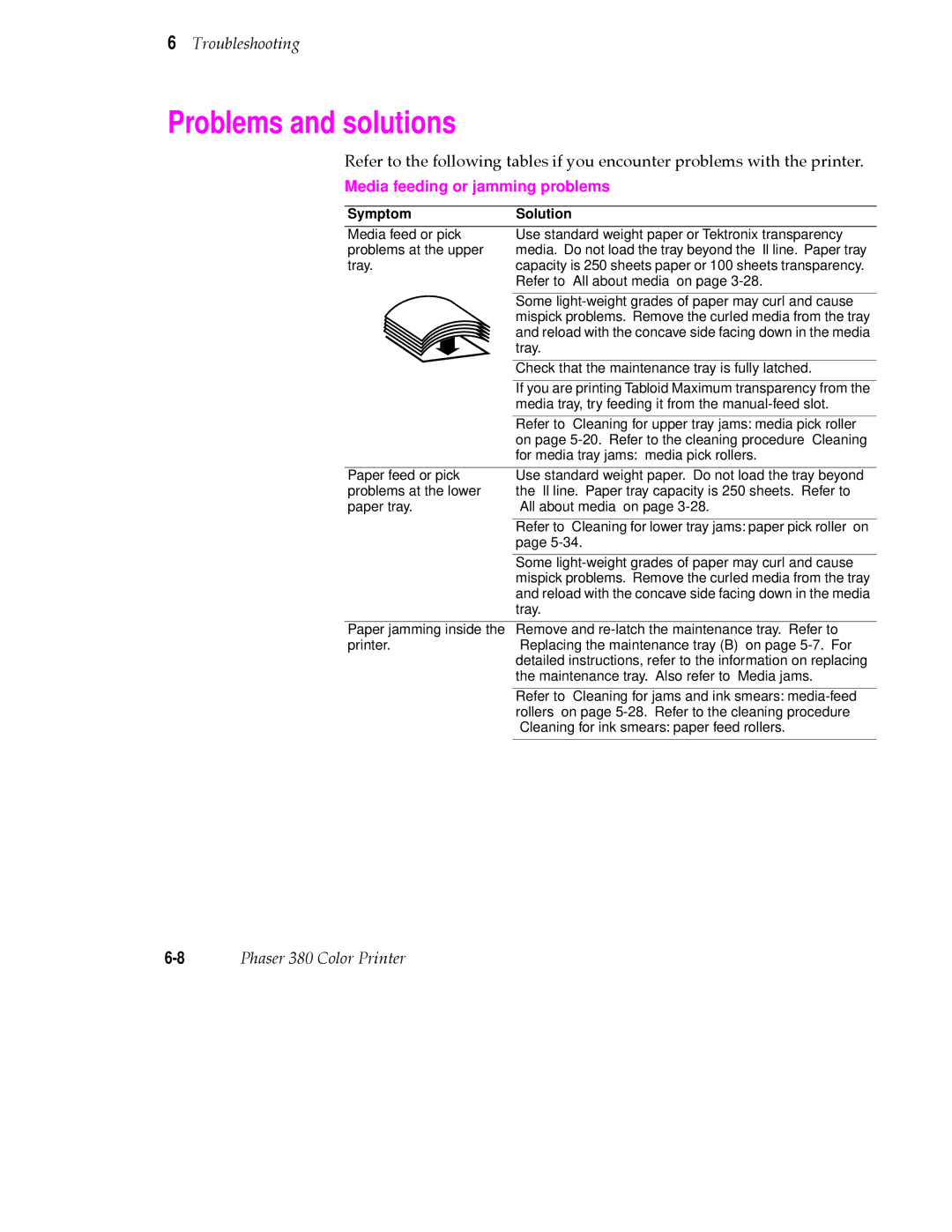
| Some |
|
|
| mispick problems. Remove the curled media from the tray |
|
|
| and reload with the concave side facing down in the media |
|
|
| tray. |
|
|
|
|
|
|
| Check that the maintenance tray is fully latched. |
|
|
| |
|
|
|
|
|
|
| If you are printing Tabloid Maximum transparency from the |
|
|
| media tray, try feeding it from the |
|
|
|
|
|
|
| Refer to “Cleaning for upper tray jams: media pick roller” |
|
|
| on page |
|
|
| for media tray jams: media pick rollers.” |
|
|
|
|
Paper feed or pick | Use standard weight paper. Do not load the tray beyond | ||
problems at the lower | the fill line. Paper tray capacity is 250 sheets. Refer to | ||
paper tray. | “All about media” on page | ||
|
|
|
|
|
|
| Refer to “Cleaning for lower tray jams: paper pick roller” on |
|
|
| page |
|
|
|
|
|
|
| Some |
|
|
| mispick problems. Remove the curled media from the tray |
|
|
| and reload with the concave side facing down in the media |
|
|
| tray. |
Paper jamming inside the Remove and
printer.“Replacing the maintenance tray (B)” on page
Refer to “Cleaning for jams and ink smears:
Phaser 380 Color Printer |