Caring for Your Printer 5
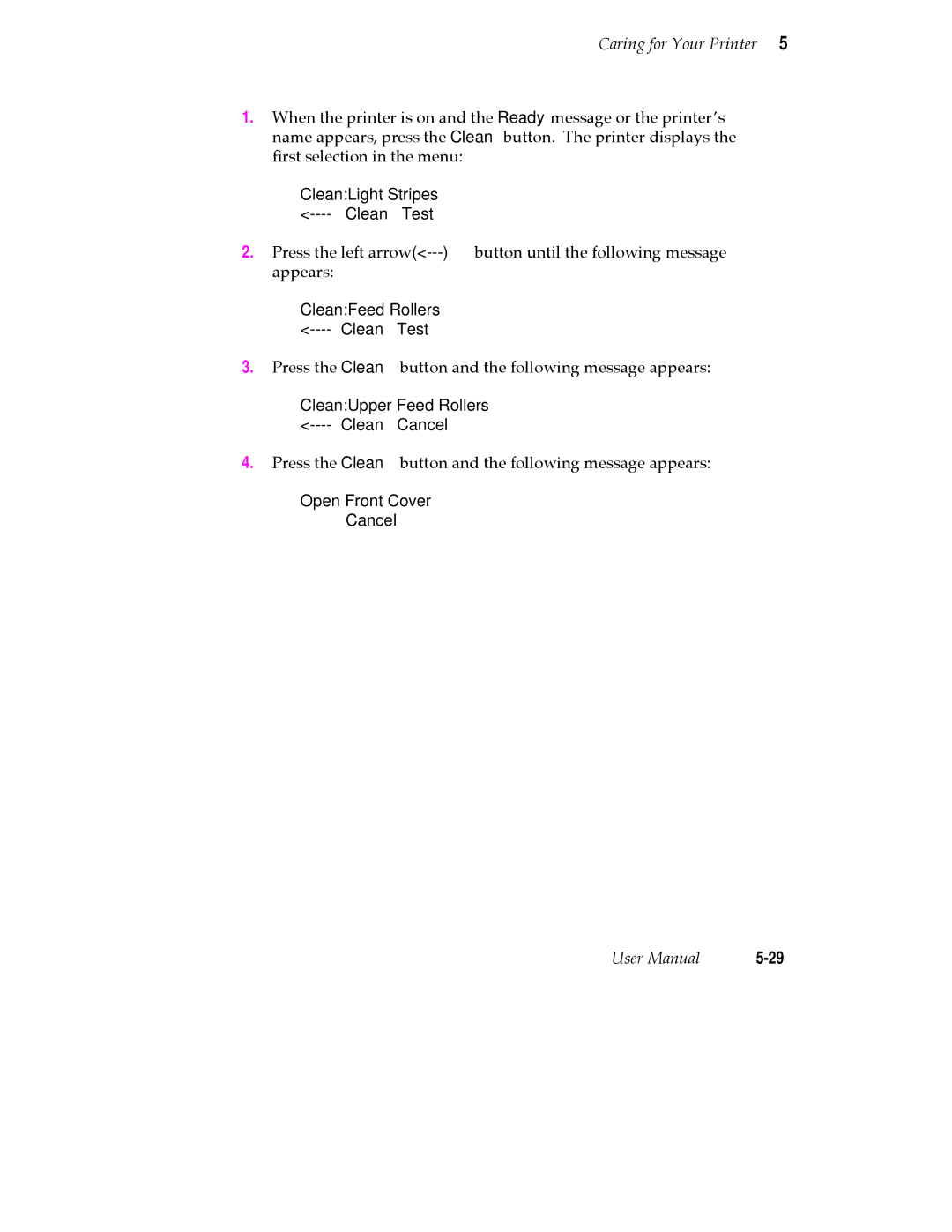
1.When the printer is on and the Ready message or the printerÕs name appears, press the Clean button. The printer displays the Þrst selection in the menu:
Clean:Light Stripes
2.Press the left
Clean:Feed Rollers
3.Press the Clean button and the following message appears:
Clean:Upper Feed Rollers
4.Press the Clean button and the following message appears:
Open Front Cover
Cancel
User Manual |