Using the Front Panel 7
Two-line display
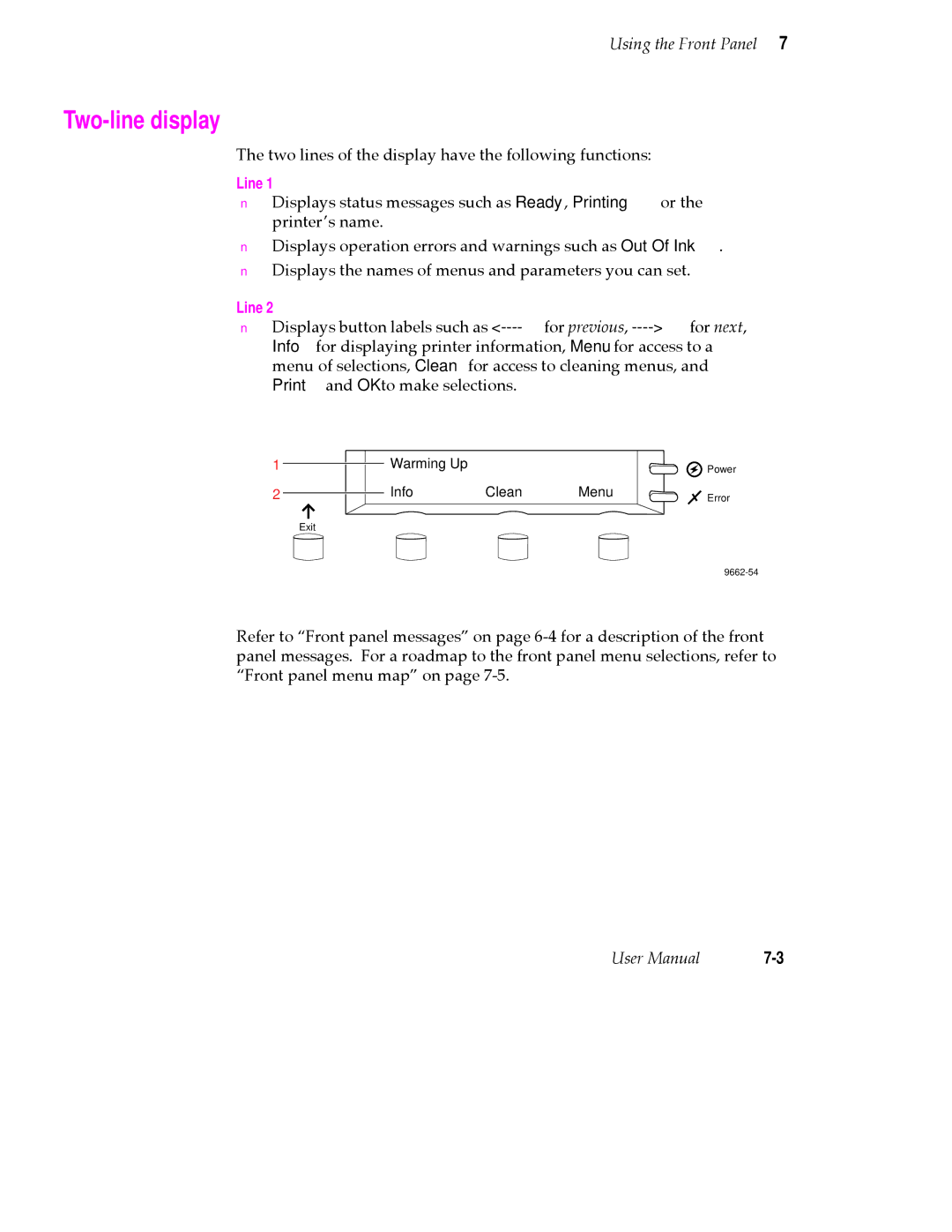
The two lines of the display have the following functions:
Line 1
■Displays status messages such as Ready, Printing or the printerÕs name.
■Displays operation errors and warnings such as Out Of Ink.
■Displays the names of menus and parameters you can set.
Line 2
■Displays button labels such as
1
2
Exit
Warming Up
Info Clean Menu
 Power
Error
Refer to ÒFront panel messagesÓ on page
User Manual |