Mediatronix pBlazIDE
R
The assembler also produces a log file plus files that show the assignments for various labels and constants found in the source code. The log file shows the instruction address, the opcode for each instruction, and the source code instruction and comments for the associated instruction address. The assigned values for register names, labels, and constants appear immediately following the associated symbolic name.
Finally, the KCPSM3 assembler generates a formatted version of the source program (“pretty print” output). The formatted output file formats all labels and comments, converts all commands and hexadecimal constants to upper case, and consistently spaces operands.
Mediatronix pBlazIDE
The Mediatronix pBlazIDE software, shown in Figure
•Syntax color highlighting
•Instruction set simulator (ISS)
♦Breakpoints
♦Register display
♦Memory display
•Source code formatter (“pretty print”)
•
•HTML output, including color highlighting
Download the pBlazIDE software directly from the Mediatronix website:
http://www.mediatronix.com/pBlazeIDE.htm
Configuring pBlazIDE for the PicoBlaze Microcontroller
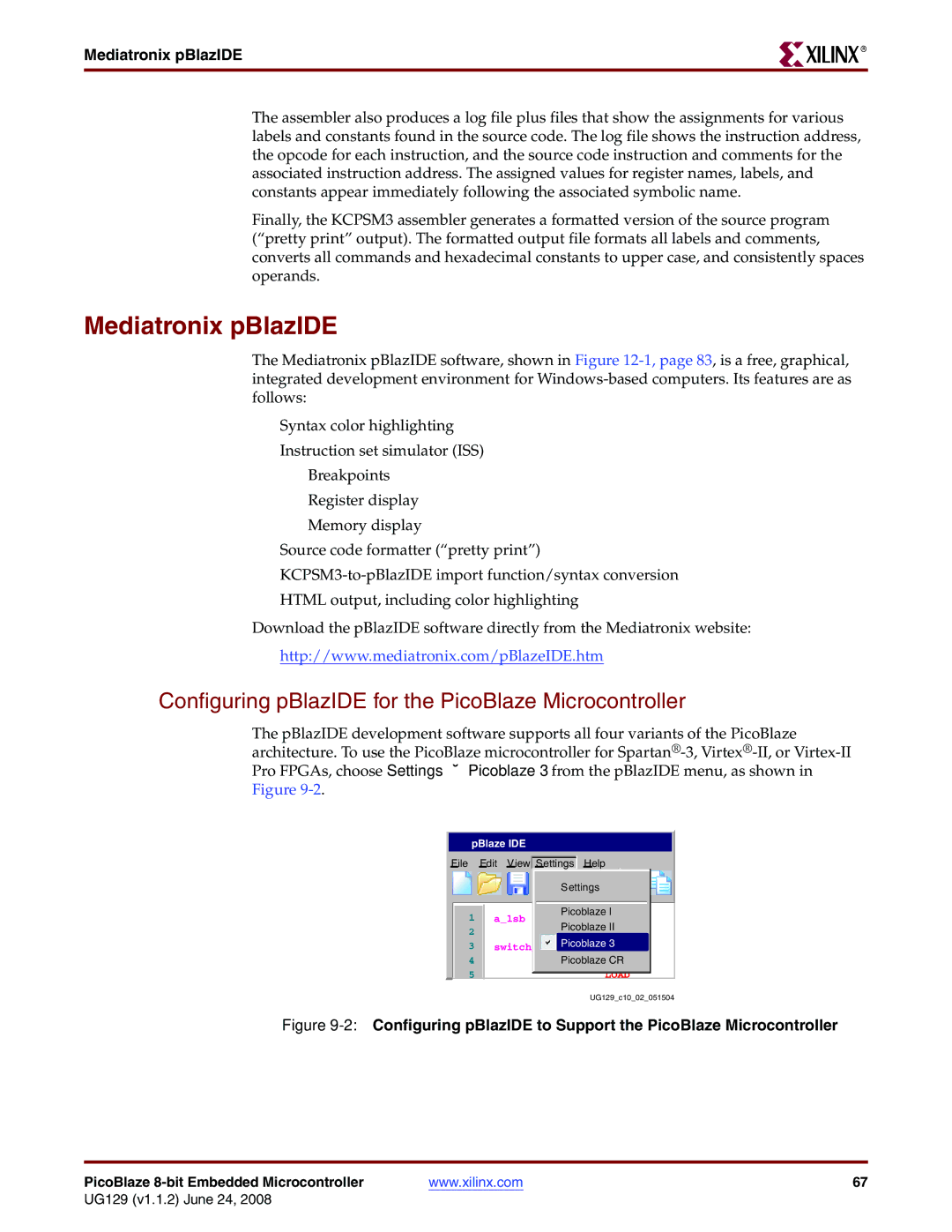
The pBlazIDE development software supports all four variants of the PicoBlaze architecture. To use the PicoBlaze microcontroller for
 pBlaze IDE
File | Edit View | Settings |
| Help | |||||
|
|
|
|
|
|
|
|
|
|
|
|
|
|
|
| Settings | |||
|
|
|
|
|
|
| |||
|
|
|
|
|
| Picoblaze I | |||
1 |
|
| |||||||
a_lsb |
| EQU | |||||||
2Picoblaze II
3switch lsb Picoblaze 3
4Picoblaze CR
5
UG129_c10_02_051504
Figure 9-2: Configuring pBlazIDE to Support the PicoBlaze Microcontroller
PicoBlaze | www.xilinx.com | 67 |
UG129 (v1.1.2) June 24, 2008