User Guide
BusinessPhone Communication Platform
Cover Page Graphic
EN/LZTBS 170 322 R1A Ericsson Enterprise AB
Table of Contents
Welcome
Warranty
Copyright
Declaration of Conformity
Description
Display
Menu Function keys
2nd
Message / Info
Volume control
Headset
Clear
Microphone Optional key panel
Dialog 3213 Executive
Dual-Function programmable keys A-N
Dual-Function programmable key C / Headset key
Microphone Optional key panel A-Q
Phone keys Dialog 4223 / Dialog
Key Dialog
ÕÔ ÖÔ ÖÔ ÕÔ
Lamp indications
Display info
Status information
Missed calls
Tones
Signals
Internal ringing signal
External ringing signal
Automatic Callback signal
Incoming Calls
Internal calls
External calls
Answer calls
Pick-up
To another extension Call pick-up
Allow calls on Line
Answer a second call
Silent Ringing
Save and redial incoming calls
Save Redial
Save number
Outgoing Calls
Make calls
U d or í
Last External Number Redial
Save external number
Press to redial the last dialled external number
Replace the handset or press to finish the procedure
Lift the handset when you are called back
Or í u
Automatic Callback
Or í
Automatic Redial
Activate
Press to activate pre-programmed
Press the relevant programmable key to cancel
Pause
Automatic Redial request pre-programmed
Press to pause pre-programmed
Busy extension
Camp-on
Camp-on
Intrusion
Diverted extension
Abbreviated Numbers
Option 1 Via a programmable key
Press Enter extension number
Common Abbreviated Numbers
Option 2 Via the keypad
Individual Abbreviated Numbers via a programmable key
Prog ShortA Ô-no
Program Individual Abbreviated Number
Individual Abbreviated Numbers via the keypad
Store
Press and enter the Abbreviated Number
#51#
Ôkey
Dial-by-Name
Change
Enter
Press see display and dial the number
System Phonebook
Use the System Phonebook
Directory
Make a Call
Search routine was successful
During Calls
Group Listening
From handset to handsfree
From handsfree to handset
Mute
Inquiry
Refer Back
Transfer
Transfer
Transfer to a busy extension
 d
Call Waiting
Conference
Callback
Individual Hold
Common Hold
Call List
Retrieve calls
List
Show date, time and call attempts for the selected call
Erase calls from the Call List
Return Press to return to the previous display see display
Erase Press to erase the selected call see display
41#
Call Metering
Cost Indication
Cost-off
46# 45#
Cost of the last call
Read out your own cost counter
Read out cost counter for others
Activate Caller Trunk Return Reset Print
Press to read out an extension counter see display
Press to read out a trunk line counter see display
Display Press to show the counter on the display see display
Printout
Austria
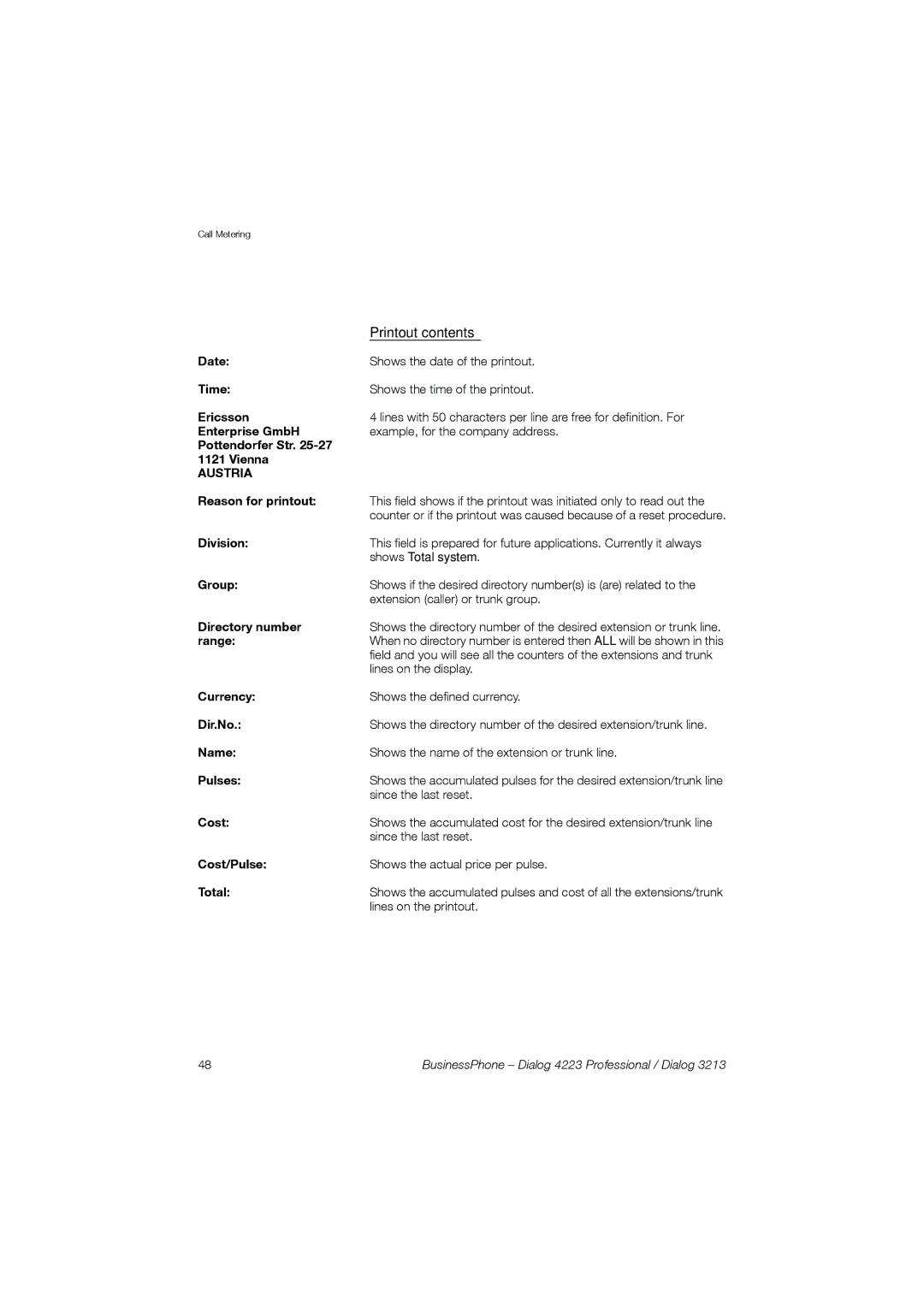
Printout contents
Check Display Next cost/pulse Reset Return
Press to display the fault records see display
Integrated System Check
Press to initiate a System Check see display
Diversion when there is no answer
Diversion when caller receives busy tone
Call Forwarding
Cancel diversion
Press Press to cancel diversion
Fixed Diversion
Activate Fixed Diversion
Program Fixed Diversion address
Diversion
Prog Press see display
Dial new diversion address
Cancel Internal Diversion
Individual Diversion
Program and activate Internal Diversion
Press Press and dial the new directory number
Cancel External Diversion
#22#
Program and activate a new External Diversion address
Press to activate the Individual Diversion
22*#
Re-activate External Diversion
Dial to activate the programmed External Diversion
Cancel Follow-me
Follow-me
Activate Follow-me
Press Dial your number
Absence Information
Pre-defined texts
Voice information
Enter information
Leave absence
Pre-text Next-info
Pre-defined texts
Activate Pre-text Next-info
Activate
Voice information
Free text
Erase
Change
Leave information for another extension
Receive info for diverted calls
Text info programmed
Voice info programmed
Div-infoPress and hold to read Text info see display
Password protection
Enter your new Password and press
Enter your Password again and press
# z#
Press Press to finish the procedure
Individual Mailbox system
Deactivate
Personal Greeting
Greeting Diversion
Erase Diversion
Erase a greeting
Retrieve messages internally
Notification with Mailbox access
Outcall External Notification
Administr
Program Notification number and time
Outcall
Number
Administr outcall on Off
Immediate Save
Activate/deactivate the Notification
Check and store received messages
Receive New Call-back Next erase store
Select message category see display
Press to store the message see display
Receive new Voice Forward
Forward a Voice message
Common Mailbox system
Press Enter the Common Mailbox number
Press the Common Mailbox key pre-programmed
Send Message
Send z Call-back
Direct message
Press Press see display and enter the extension number
During an unanswered call
Voice
Text
Call-backPress to send a Call Me message see display
Check sent messages
Check
Own Others
Own messages
Returned messages
Sent-back
58#
Dictaphone function
Pause Play-back Record Activate
Record message
Conversation Recording
Press the Recording key pre-programmed
#*72* zz Change Password
Press to select a new Password
Press Enter your new Password
Security
Bypass blocked extension
72* zz
Bypass own extension
Bypass another extension
Press Enter your Password Press to re-open
72#
Block extension
Unblock extension
Group Features
Key system
Answer an external call
Make an external call
Supervision/Telephone Attendance
Group Call-pick-up
Traffic situation
Pick-up calls for the group
Loudspeaker Paging
Common Bell
Answer Paging
Press again and hold the key pre-programmed
Group Hunting
Log
To log into one hunt group *28
Press Enter the hunt group code
Answer calls
Log out
Answer Group Hunting calls in the normal way
To log out from all hunt Groups #28**# Press
Isdn Facilities
Number Identification
Answer an incoming call from an ISDN-line
Make an external call on an ISDN-line
Desired extension 4736 will be answered by extension
39#
Malicious Call Identification
Press to register the connected number pre-programmed
Number Secrecy
Other Useful Features
Tandem configuration
To activate the Tandem configuration
28#
To deactivate the Tandem configuration
#28#
Reminder
Transferring a call between members of a Tandem unit
Cancel Reminder
#32#
Background Music
Doorphone
Night Switching
Opening of the doorlock
Press Dial the door-opener’s directory number
Press to activate or deactivate pre-programmed
Direct Inward System Access Disa
Account Number
Verified or own Account Number
Press pre-programmed Enter Account Number and press
Cancel Immediate Answer
Dtmf Tones
Immediate Answer
Networking
IP Calls
Least Cost Routing
Use Least Cost Routing
Calling Least Cost Routing
Public number
444 ì 66 ì
Press a digit
Press repeatedly
Settings
Program a function
Change Forward Enter Store
Press see display Enter associated number
Enter Prog
Change Forward
Select ringing character
Select ringing character 0
Function codes and required data
Pause Automatic Redial
Austria, Belgium
Handset and loudspeaker volume
Press to change the volume
Press and hold simultaneously until a ring signal is heard
Ringing signal
Ringing volume
Ringing type
Melody programming
Ringing character
Character Press see display
Programming mode
Programming mode options
Press to insert notes
Press to change
Press the flashing Line key Press to exit program mode
Press to insert a short pause
Press to erase the note to the left of the cursor
Display contrast
Accessories
Expansion key panel
Dialog 4223 Professional
Dialog 3213 Executive
Option unit
Extra handset
Tape recorder
Dialog
Headset Dialog 4223 Professional
Activate/Deactivate the headset
Make calls
Headset to handset
Headset with Group Listening
Headset to handsfree
Handsfree to headset
Press Press the Headset key
Headset Dialog
Press the Headset key optional
Press Press the Headset key optional
Useful Hints
Connections between external lines
Glossary
Night Switching
Password
Extension
Function code
Third party
Tie line
Transfer
Trunk line
Installation
Dialog 4223 Professional Install cables
Change cables
Install stands and adapt telephone
Install key panels
Stand positioning 1-4 key panels Install card
Install pullout leaf
Remove the protective film from the guiding rails
Insert the pullout leaf
Wall mounting handset hook
Install card
Cleaning the telephone
Placing the telephone
Dialog 3213 Executive Install cables
Install stand and adjust telephone
Install key panel
132
Index
BusinessPhone Dialog 4223 Professional / Dialog 133
134
BusinessPhone Dialog 4223 Professional / Dialog 135
136
BusinessPhone Dialog 4223 Professional / Dialog 137