Websites
•HP:
http://www.hp.com
•HP Storage: http://www.hp.com/go/storage
•HP Software Downloads: http://www.hp.com/support/downloads
•HP Software Depot: http://www.software.hp.com
•HP Single Point of Connectivity Knowledge (SPOCK): http://www.hp.com/storage/spock
•HP SAN manuals: http://www.hp.com/go/sdgmanuals
•HP Support Center: http://h20566.www2.hp.com/portal/site/hpsc/public/
Typographical conventions
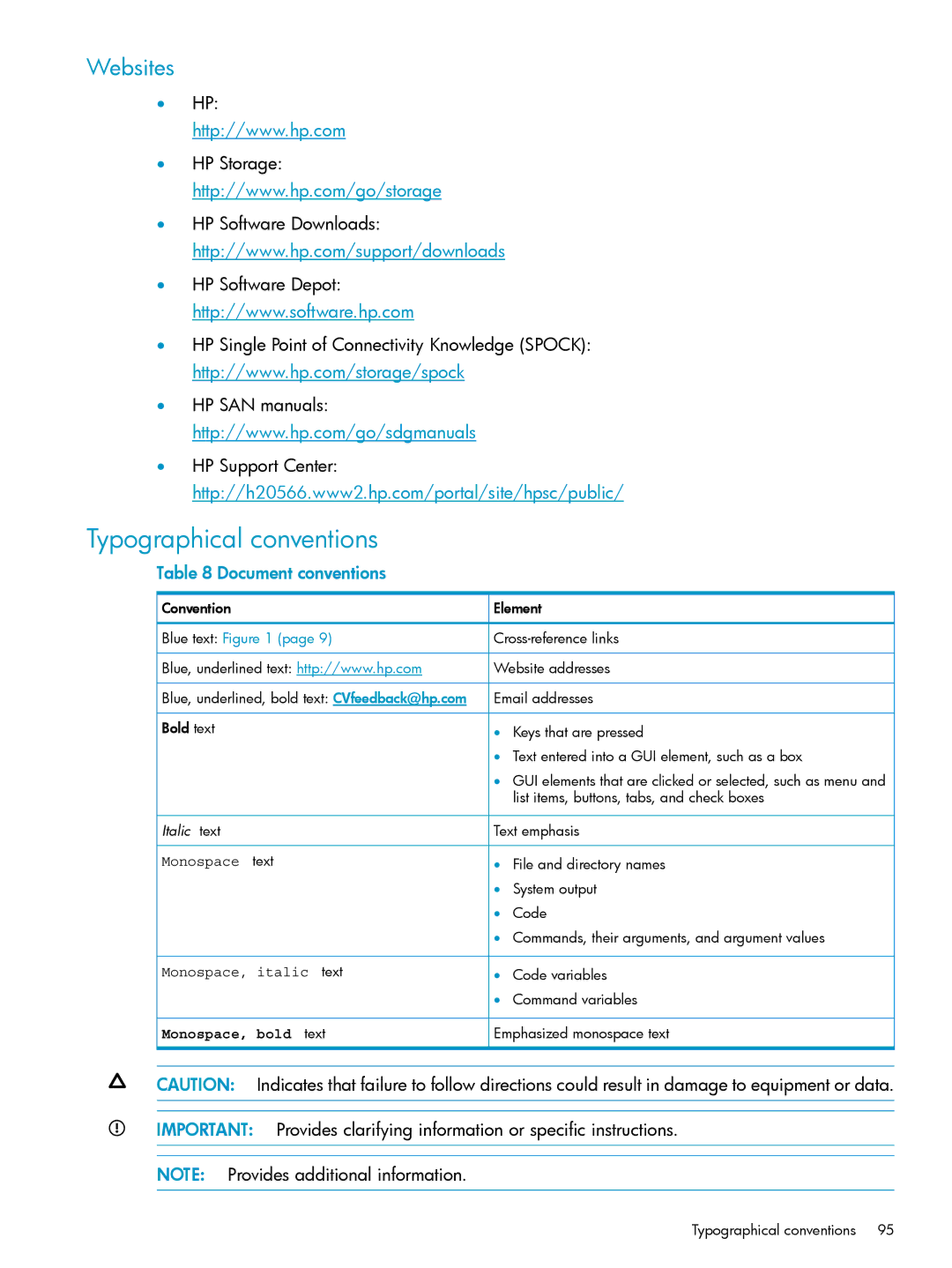
Table 8 Document conventions
 Convention
 Blue text: Figure 1 (page 9)
 Blue, underlined text: http://www.hp.com
 Blue, underlined, bold text: CVfeedback@hp.com Bold text
 Italic text
Monospace text
Monospace, italic text
 Monospace, bold text
 Element

 Website addresses
 Email addresses
•Keys that are pressed
•Text entered into a GUI element, such as a box
•GUI elements that are clicked or selected, such as menu and list items, buttons, tabs, and check boxes
 Text emphasis
•File and directory names
•System output
•Code
•Commands, their arguments, and argument values
•Code variables
•Command variables
 Emphasized monospace text
CAUTION: Indicates that failure to follow directions could result in damage to equipment or data.
IMPORTANT: Provides clarifying information or specific instructions.
NOTE: Provides additional information.
Typographical conventions | 95 |