|
|
|
|
| Call Timer |
|
|
|
|
|
|
|
|
| Stopping and Restarting the Call Timer for Your Call | In these instructions: | |
|
|
| [Super Display Soft Key] | ||
|
|
|
|
| [Keyset Soft Key] |
|
|
| |||
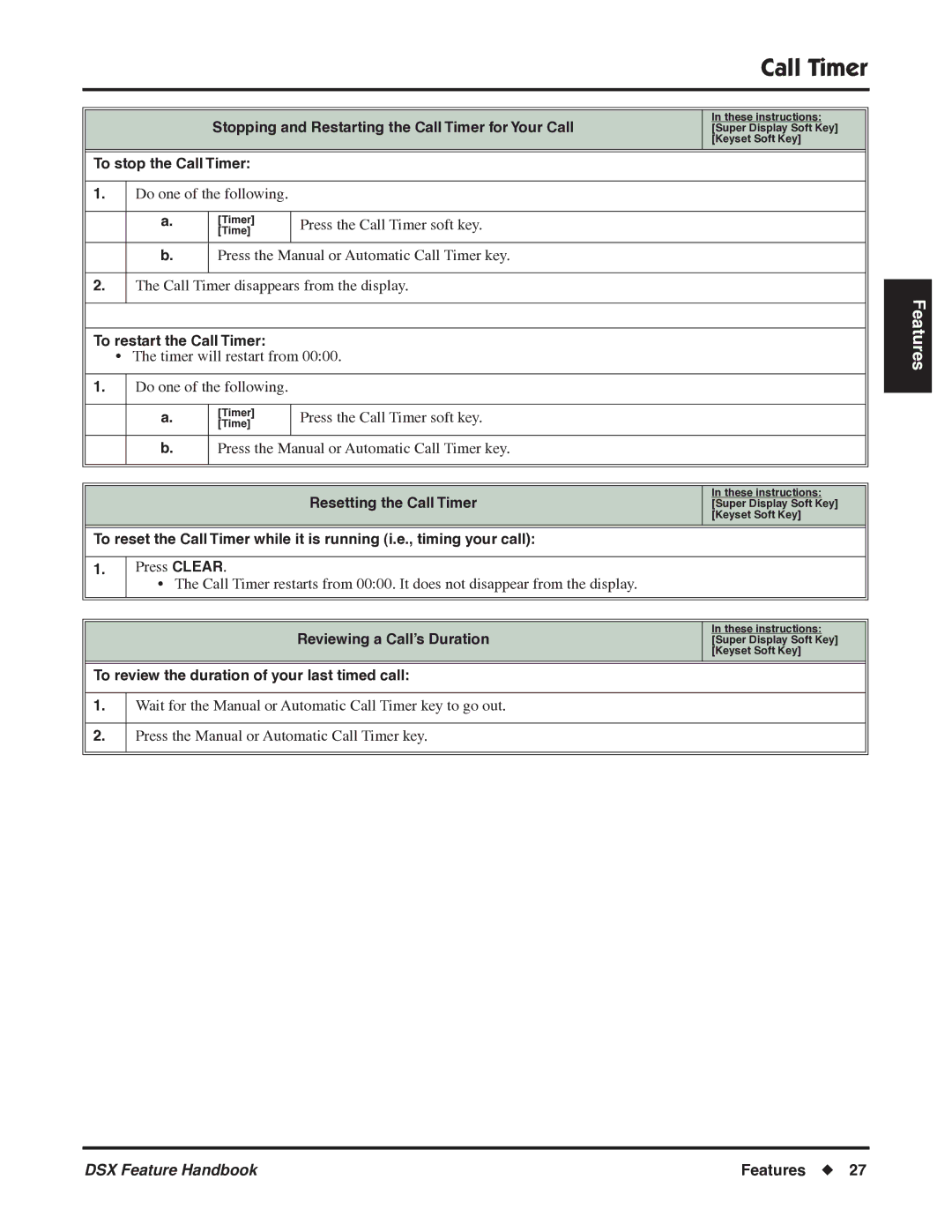
To stop the Call Timer: |
|
| |||
|
|
|
|
|
|
1. |
| Do one of the following. |
|
| |
|
|
|
|
|
|
|
| a. | [Timer] | Press the Call Timer soft key. |
|
|
| [Time] |
| ||
|
|
|
|
| |
|
|
|
|
|
|
|
| b. | Press the Manual or Automatic Call Timer key. |
| |
|
|
|
|
|
|
2. |
| The Call Timer disappears from the display. |
| ||
|
|
|
|
| |
|
|
| |||
To restart the Call Timer: |
|
| |||
| • The timer will restart from 00:00. |
| |||
|
|
|
|
|
|
1. |
| Do one of the following. |
|
| |
|
|
|
|
|
|
|
| a. | [Timer] | Press the Call Timer soft key. |
|
|
| [Time] |
| ||
|
|
|
|
| |
|
|
|
|
|
|
|
| b. | Press the Manual or Automatic Call Timer key. |
| |
|
|
|
|
|
|
|
|
|
|
|
|
|
|
|
|
|
|
|
|
|
| Resetting the Call Timer | In these instructions: |
|
|
|
| [Super Display Soft Key] | |
|
|
|
|
| [Keyset Soft Key] |
|
| ||||
To reset the Call Timer while it is running (i.e., timing your call): |
| ||||
|
|
|
|
| |
1. |
| Press CLEAR. |
|
| |
|
| • The Call Timer restarts from 00:00. It does not disappear from the display. |
| ||
|
|
|
|
|
|
|
|
|
|
|
|
|
|
|
|
|
|
|
|
|
| Reviewing a Call’s Duration | In these instructions: |
|
|
|
| [Super Display Soft Key] | |
|
|
|
|
| [Keyset Soft Key] |
|
| ||||
To review the duration of your last timed call: |
| ||||
|
|
|
| ||
1. |
| Wait for the Manual or Automatic Call Timer key to go out. |
| ||
|
|
|
| ||
2. |
| Press the Manual or Automatic Call Timer key. |
| ||
|
|
|
|
|
|
|
|
|
|
|
|
Features
DSX Feature Handbook | Features ◆ 27 |