9-100 User’s Reference Guide
Add NAT Map List
Map List Name: | my_map |
Add Map...
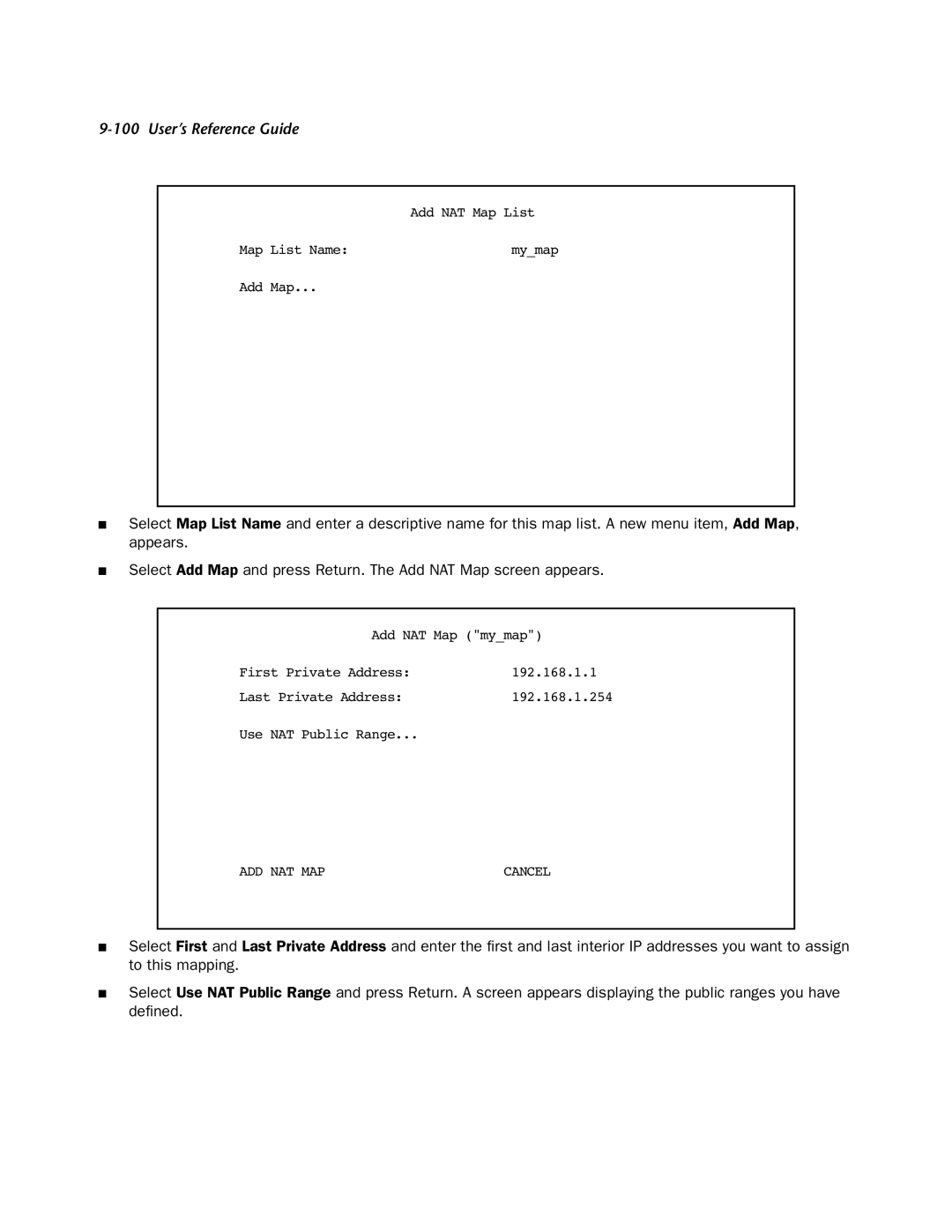
■Select Map List Name and enter a descriptive name for this map list. A new menu item, Add Map, appears.
■Select Add Map and press Return. The Add NAT Map screen appears.
Add NAT Map ("my_map")
First Private Address: | 192.168.1.1 |
Last Private Address: | 192.168.1.254 |
Use NAT Public Range...
ADD NAT MAP | CANCEL |
■Select First and Last Private Address and enter the first and last interior IP addresses you want to assign to this mapping.
■Select Use NAT Public Range and press Return. A screen appears displaying the public ranges you have defined.